How to edit additional name in LinkedIn settings
Here is how to edit additional name in linkedin settings
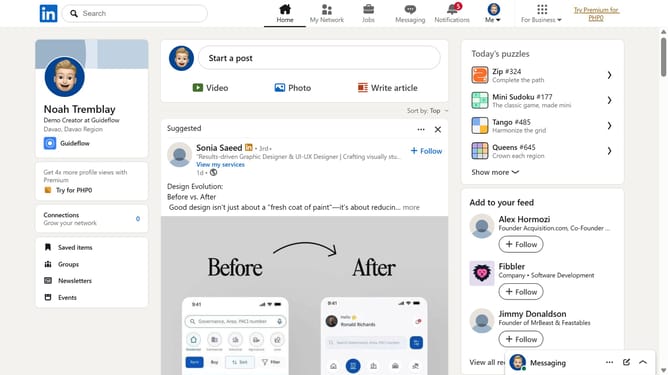
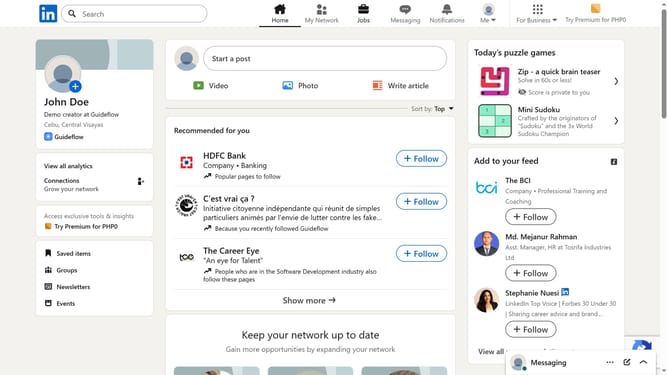
- First click on the "Me" dropdown menu in the top navigation bar
- Then click on "Settings & Privacy" option in the dropdown menu
- Next click on "Name, location, and industry" option under Profile information section
- Then click on the "Additional name" text field in the Edit intro dialog and update the additional name
- Finally click on the "Save" button to save the changes
Why should you edit additional name in LinkedIn settings
LinkedIn is the world's premier platform for professionals to connect, grow, and share opportunities.
Enhancing your LinkedIn profile with an additional name, such as a nickname or maiden name, amplifies your visibility and ensures that you can be found easily by past colleagues or new acquaintances.
This feature is crucial for maintaining a consistent professional identity, particularly in diverse networking circles.
It also facilitates a seamless connection across different stages of your career, enhancing both personal brand recognition and networking potential.
Last update