How to disconnect Fireflies from ChatGPT
Here is how to disconnect fireflies from chatgpt
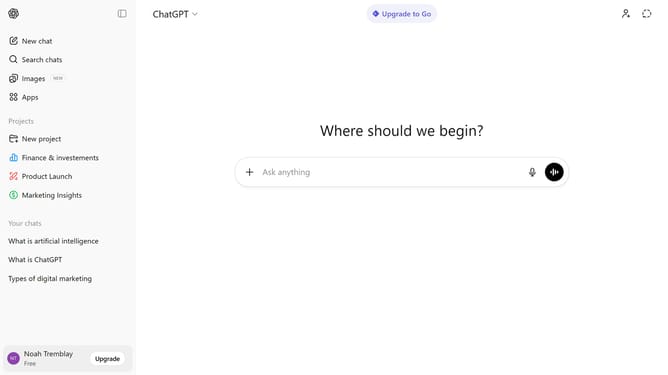
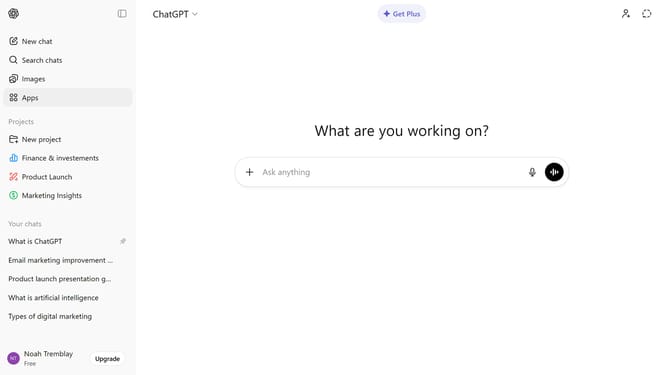
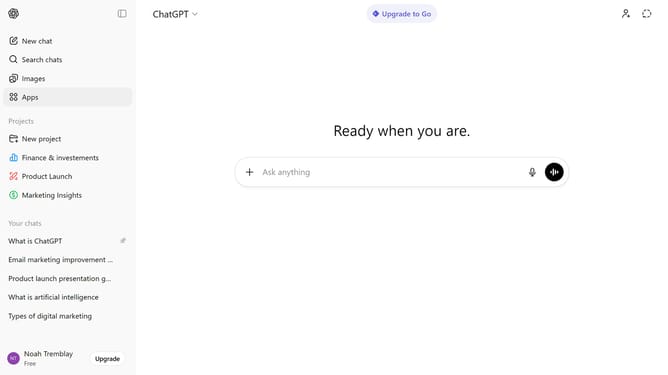
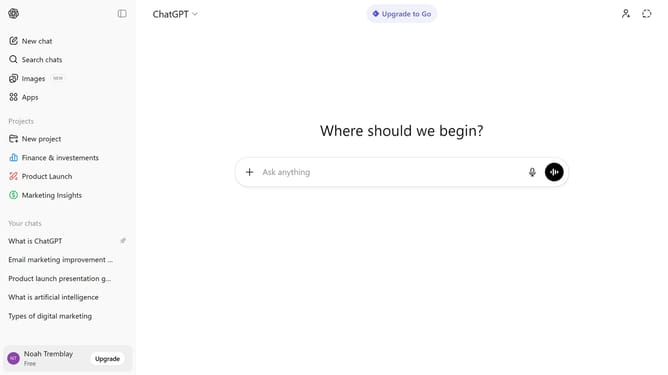
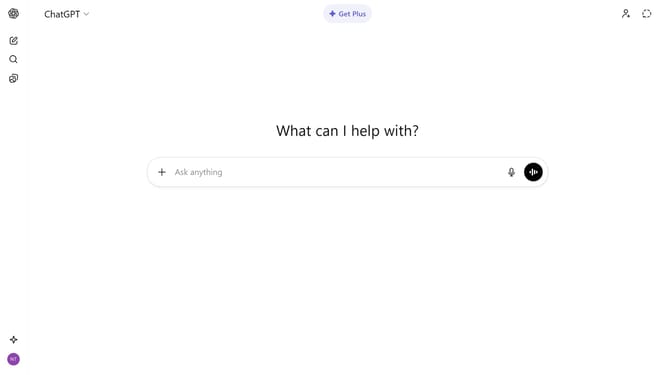
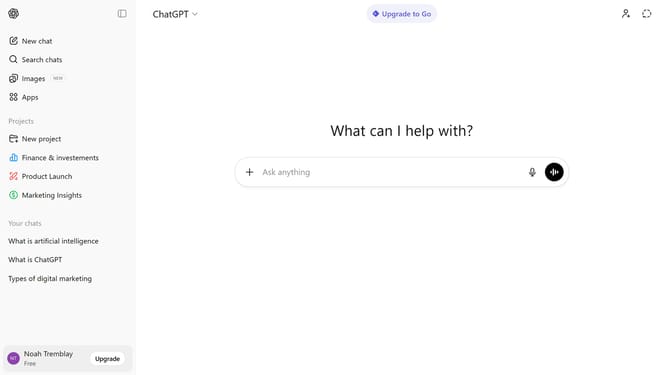
- First click on "Apps" in the sidebar menu
- Next click on the settings icon in the top right corner
- Then click on "Fireflies" in the enabled apps list
- Finally click on the "Disconnect" button in the app details panel
Why should you disconnect Fireflies from ChatGPT
ChatGPT is a versatile AI tool designed to enhance conversations and provide dynamic responses to user queries.
Disconnecting Fireflies from ChatGPT is all about regaining control and simplifying your digital interface.
By unplugging these features, you're choosing to streamline interactions and minimize distractions within your digital workspace.
This adjustment can lead to improved focus, empowering users to concentrate on essential tasks more efficiently.
Last update