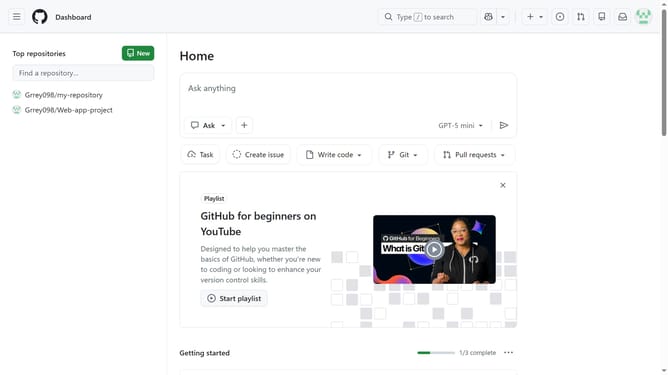
How to disable screen reader hint for hovercards in GitHub
Here is how to disable screen reader hint for hovercards in github
- First click on your profile picture in the top-right corner of the header
- Next click on "Accessibility" option in the dropdown menu
- Scroll down and locate the "Assistive technology hints" section on the Accessibility settings page
- Then select the "Disable screen reader hint" option
- Finally click on "Save assistive technology hint preferences" button
Why should you disable screen reader hint for hovercards in GitHub
GitHub, the world's leading platform for collaboration and version control, empowers developers to build and manage software projects collaboratively.
One of GitHub's subtle yet impactful features involves screen reader hints for hovercards, small pop-ups that display additional information about users or projects. While these hints can be useful, some users may prefer a more streamlined experience without extra auditory feedback.
Disabling the screen reader hint for hovercards can enhance focus and efficiency for users who rely on screen readers, ensuring an unobtrusive workflow tailored to personal preferences.
Last update