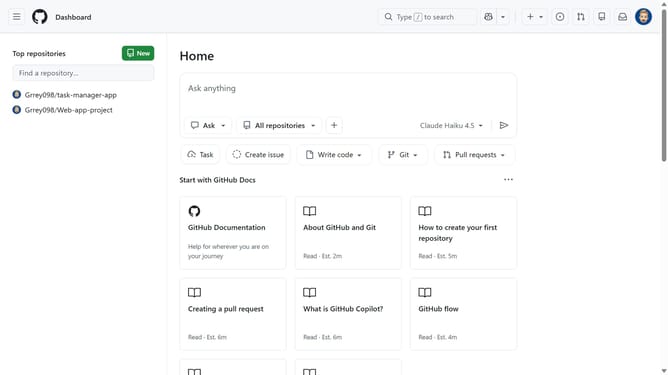
How to disable interaction limits for prior contributors in a GitHub repository
Here is how to disable interaction limits for prior contributors in a github repository
- First, open the repository where you want to disable the interaction limit for prior contributors
- Next click on "Settings" tab in the top navigation menu
- In the left settings sidebar, click on "Moderation options"
- Then click on "Interaction limits" option in the expanded Moderation options menu
- Next locate the "Limit to existing users" option
- Finally click on "Disable" button to disable the interaction limit for prior contributors
Why should you disable interaction limits for prior contributors in a GitHub repository
GitHub is a dynamic platform designed for seamless code collaboration and version control.
By disabling interaction limits for prior contributors in a repository, you create an inclusive environment where experienced contributors can maintain valuable engagement.
This feature is crucial for fostering ongoing collaboration, allowing seasoned contributors to continue sharing insights and enhancing project development even without the restriction.
Enabling flexibility in interactions promotes a more dynamic and continuously evolving repository ecosystem.
Last update