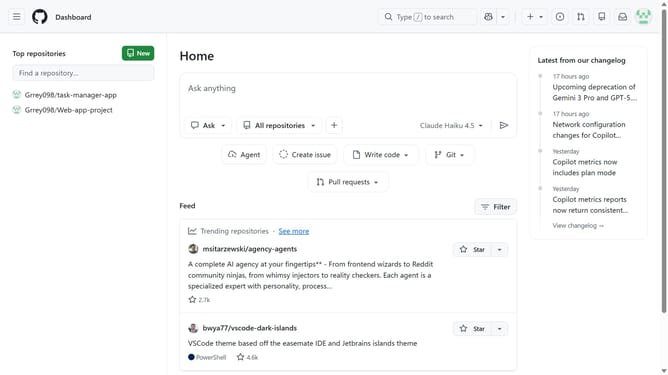
How to disable GitHub discussions for an organization
Here is how to disable github discussions for an organization
- First click on your profile picture in the top-right corner of the header
- Next click on "Organizations" option from the dropdown menu
- Click on the "Settings" button next to the organization
- Click on the "Settings" button next to the organization
- In the left sidebar menu, click on "Discussions"
- Then uncheck the "Enable discussions for this organization" checkbox
- Finally click on the "Save" button to save the changes
Why should you disable GitHub discussions for an organization
GitHub is a collaborative platform designed to empower developers to share code and build software collectively.
Disabling GitHub discussions for an organization is a straightforward feature that allows organizational leaders to better manage community interactions.
This capability provides leaders with the ability to focus team efforts on development tasks by reducing unnecessary chatter.
Utilizing this feature can streamline workflows and ensure that key communications are directed through preferred channels for maximum efficiency.
Last update