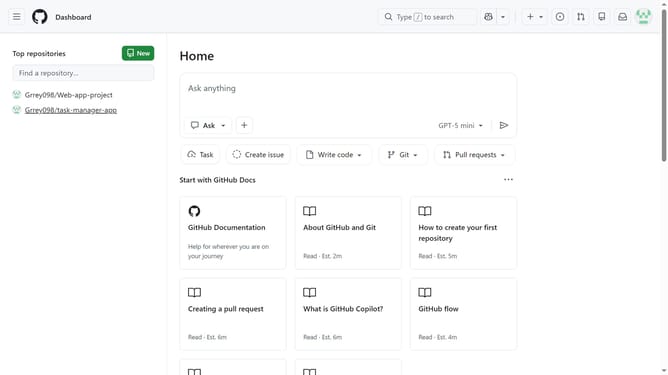
How to allow Codex coding agent in your GitHub organization
Here is how to allow codex coding agent in your github organization
- First click on your profile picture in the top-right corner of the header
- Next click on "Organizations" in the dropdown menu
- Click on the "Settings" button next to the organization you want to manage
- Click on "Copilot" in the left sidebar under Code, planning, and automation section
- Click on "Coding agent" in the Copilot submenu
- Then locate the "Partner agents" section
- Finally, toggle on the switch for “Allow Codex coding agent” to enable it
Why should you allow Codex coding agent in your GitHub organization
GitHub is a platform designed to streamline collaborative software development and version control.
Allowing the Codex coding agent in your GitHub organization enhances automation and efficiency. This feature enables seamless code generation and refactoring, helping development teams stay agile and productive.
The integration of Codex accelerates code reviews and boosts innovation, making it an invaluable asset for organizations aiming to optimize their coding workflow and maintain high-quality standards.
Last update