How to create CrateDB credential in n8n
Here is how to create cratedb credential in n8n
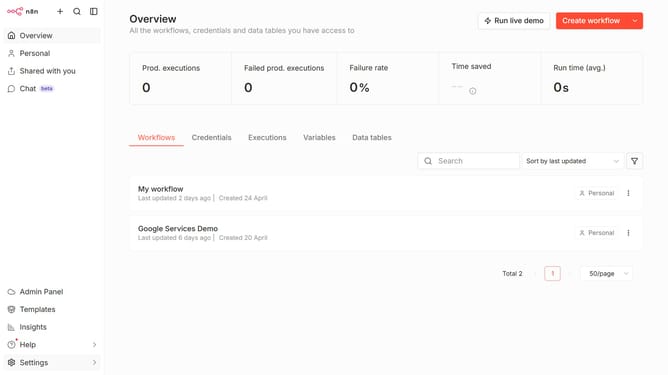
- Then click on the dropdown arrow next to "Create workflow" button
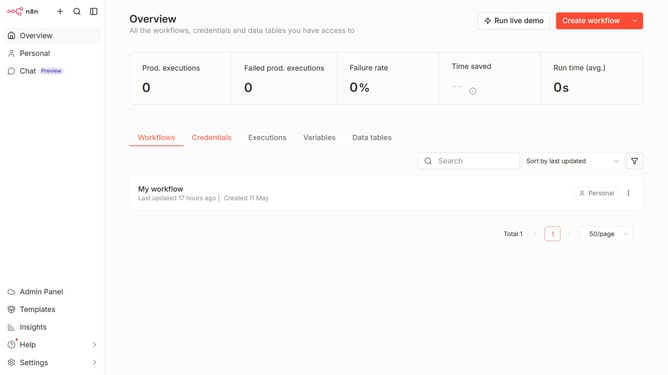
- Then click on "Create credential" button
- Then click on the text input field and type "crate"
- Then click on the "CrateDB" option
- Then click on the "Continue" button
- Finally click on the "Save" button
Why should you create CrateDB credential in n8n
n8n is a versatile automation tool that connects your services without coding.
Creating CrateDB credentials in n8n enhances the automation possibilities by securely integrating database operations into workflows.
This seamless connection simplifies data management, ensuring that actions like querying or storing information are effortlessly automated.
With reliable integration, users can focus more on insights and less on manual data handling, boosting efficiency across tasks.
Last update