How to connect PitchBook to ChatGPT
Here is how to connect pitchbook to chatgpt
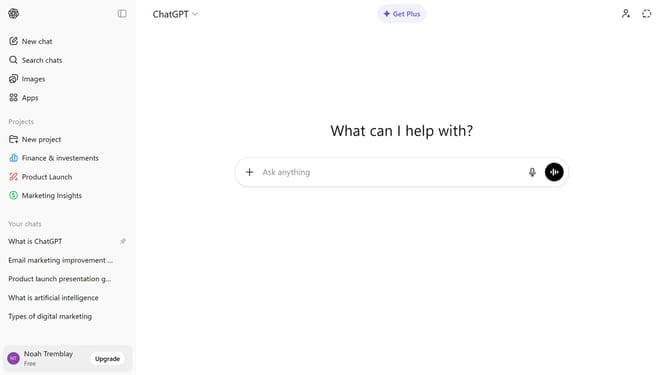
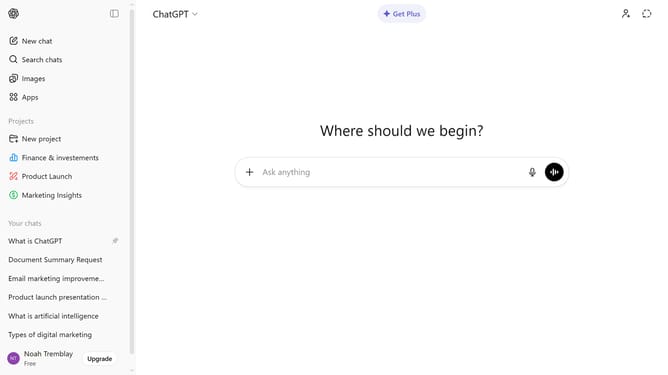
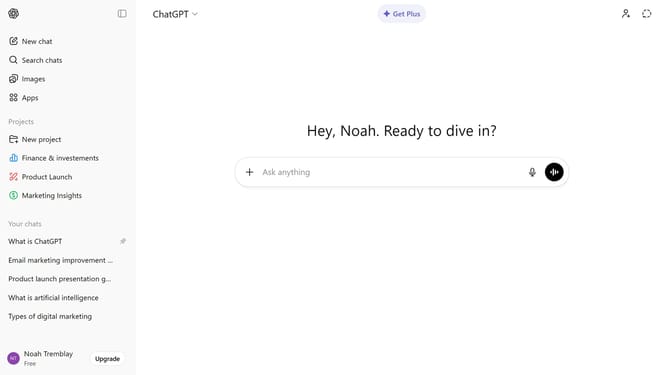
- First click on "Apps" in the left sidebar
- Next, click the search field and type "PitchBook"
- Then click on the "PitchBook" app item from the search results
- Click on the "Connect" button in the top right corner of the app details page
- Next click on the "Continue" button in the connection dialog modal
- Finally proceed with the PitchBook sign-in form that appears
Why should you connect PitchBook to ChatGPT
ChatGPT is a sophisticated AI designed to enhance communication through intuitive conversational capabilities.
By connecting PitchBook to ChatGPT, users unlock a seamless way to access and interact with comprehensive financial data.
This integration empowers businesses to easily interpret investment insights, fostering smarter decision-making.
Using this feature ensures access to real-time data paired with the conversational prowess of ChatGPT, amplifying productivity and insight extraction.
Last update