How to connect OpenTable to ChatGPT
Here is how to connect opentable to chatgpt
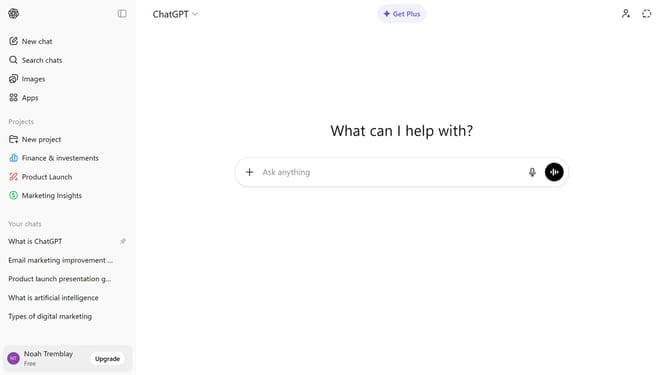
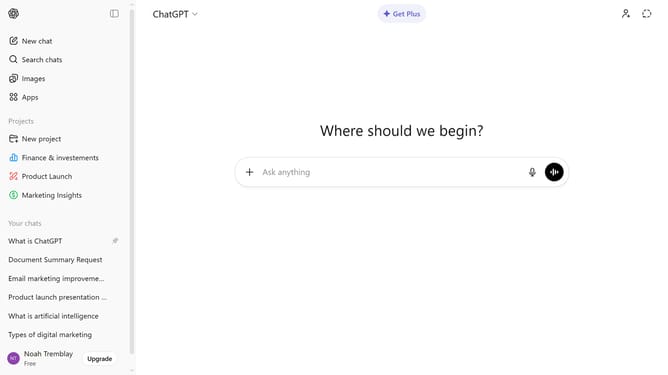
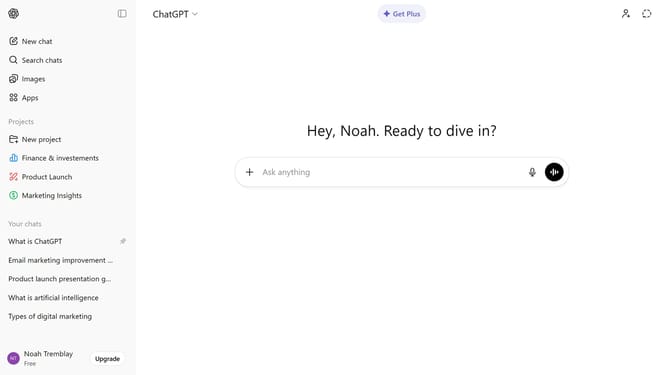
- First click on the "Apps" button in the left sidebar
- Next, click the search field and type "OpenTable"
- Then select "OpenTable" from the search results
- Click on the "Connect" button in the top right area of the OpenTable app details page
- Finally click on the "Connect" button in the connection confirmation dialog
Why should you connect OpenTable to ChatGPT
ChatGPT is an intelligent AI designed to engage users in meaningful and dynamic conversations.
Integrating OpenTable with ChatGPT creates a seamless dining experience, making it easier than ever to find and reserve tables at your favorite restaurants.
This connection ensures that users can effortlessly access dining suggestions and make reservations through natural dialogue, saving time and enhancing decision-making.
By combining the conversational prowess of ChatGPT with OpenTable's dining expertise, this integration enhances user convenience and enriches dining experiences.
Last update