How to connect HighLevel to ChatGPT
Here is how to connect highlevel to chatgpt
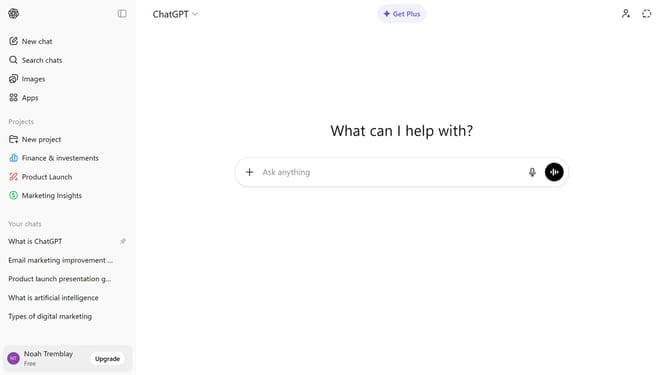
- First click on "Apps" option in the left sidebar
- Next, click the search field and type "HighLevel"
- Then click on the "HighLevel" app from the search results
- Click on the "Connect" button in the top right corner of the HighLevel app page
- Next click on the "Continue" button in the connection dialog modal
- Then click on the "Login" button on the CRM login page
- Finally enter your credentials in the "Sign in to your account" form
Why should you connect HighLevel to ChatGPT
ChatGPT is a revolutionary AI language model designed to enhance interaction and accessibility in technology.
Connecting HighLevel to ChatGPT can significantly streamline communication within your business operations.
By integrating these platforms, you empower your marketing efforts with automated customer engagement, turning inquiries into insights and facilitating seamless interaction.
This integration not only boosts efficiency but also enhances user experience by providing immediate, intelligent responses, improving client satisfaction and engagement.
Last update