How to connect Apple Music to ChatGPT
Here is how to connect apple music to chatgpt
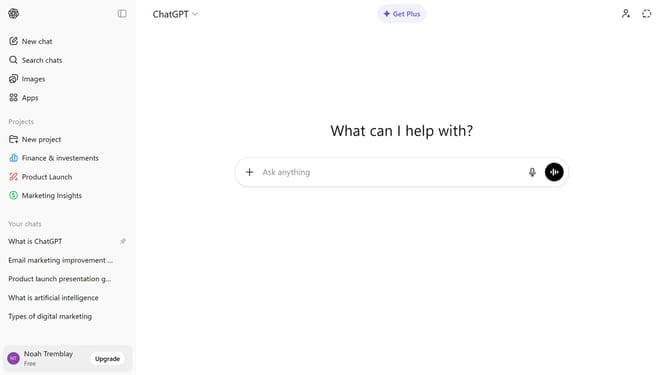
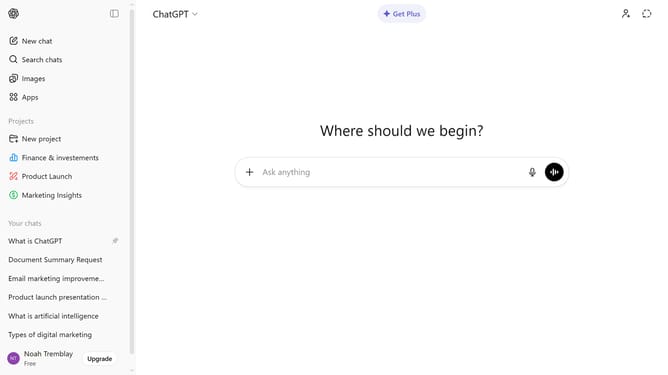
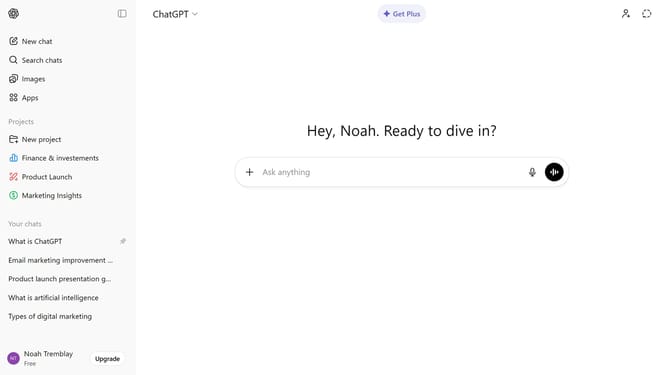
- First click on the "Apps" option in the left sidebar
- Next find and click on the "Apple Music" from the list of available apps
- Click on the "Connect" button in the top right corner of the Apple Music app page
- Finally, click on "Continue" or "Continue without account" in the connection dialog
Why should you connect Apple Music to ChatGPT
ChatGPT is an advanced conversational AI designed to provide informative and engaging interactions.
Connecting Apple Music to ChatGPT opens a new realm of convenience, allowing users to effortlessly integrate their favorite tunes into their digital conversations.
This feature adds a layer of lifestyle synchronization, enabling personalized music recommendations and seamless playback controls during chat sessions.
Experience enhanced entertainment and productivity by making your music part of your conversational flow.
Last update