How to connect a form to Typeform for ChatGPT in Typeform
Here is how to connect a form to typeform for chatgpt in typeform
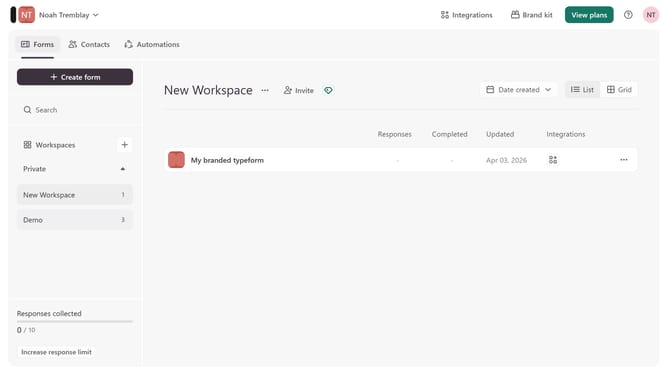
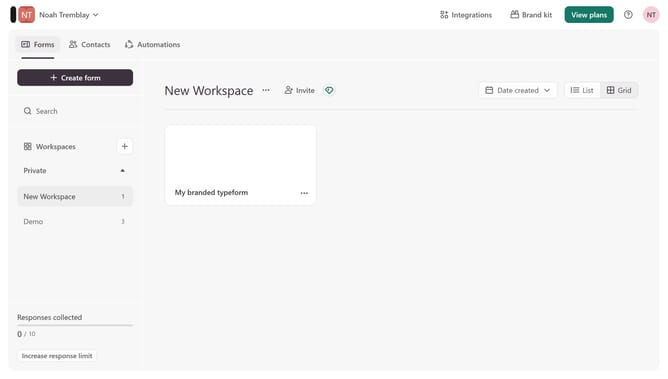
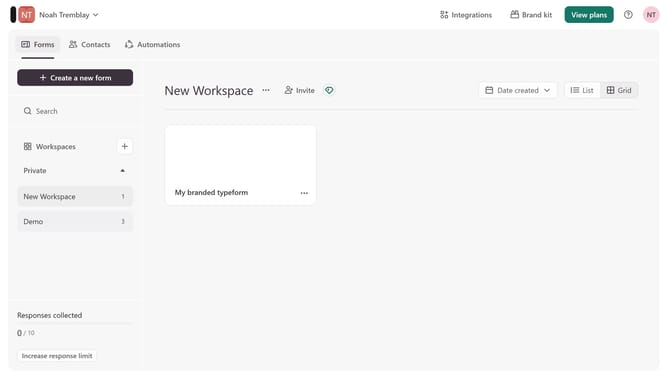
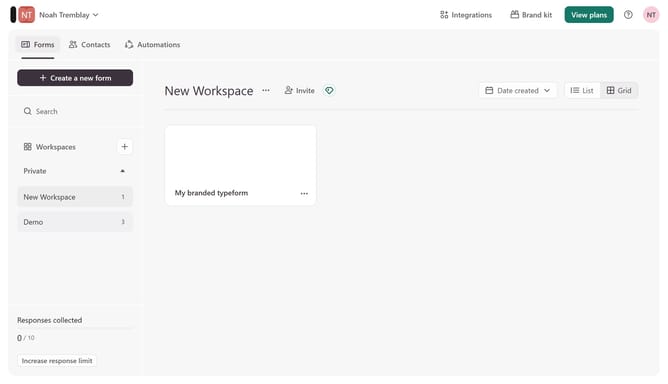
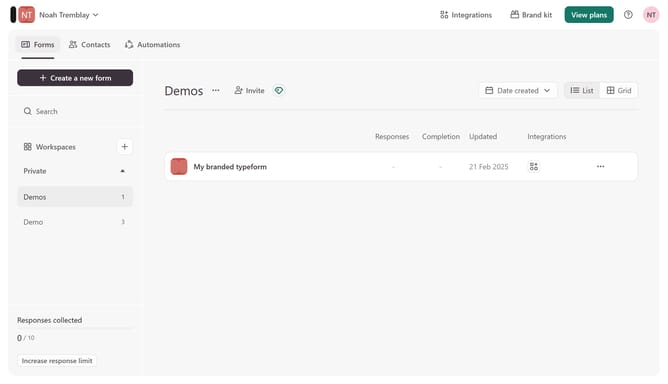
- First click on a workspace option in the left sidebar
- Then click on the three dots icon
- Next, click on the "Connect" option from the dropdown menu
- Finally, click on the "Connect" button next to "Typeform for ChatGPT"
Why should you connect a form to Typeform for ChatGPT in Typeform
Typeform revolutionizes data collection by offering a creative, engaging way to gather information.
Connecting a form to Typeform for ChatGPT in Typeform unlocks the potential for interactive, AI-driven responses, enhancing user experience.
Using this feature facilitates seamless conversations and efficient data management, making it a valuable tool for businesses seeking meaningful interactions.
It offers effortless integration that ensures personalized communication, boosting satisfaction and insights while saving time and resources.
Last update