How to connect a form to Shopify (by Zapier) in Typeform
Here is how to connect a form to shopify (by zapier) in typeform
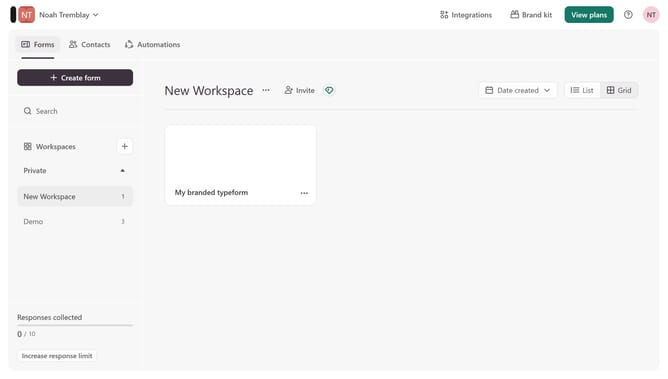
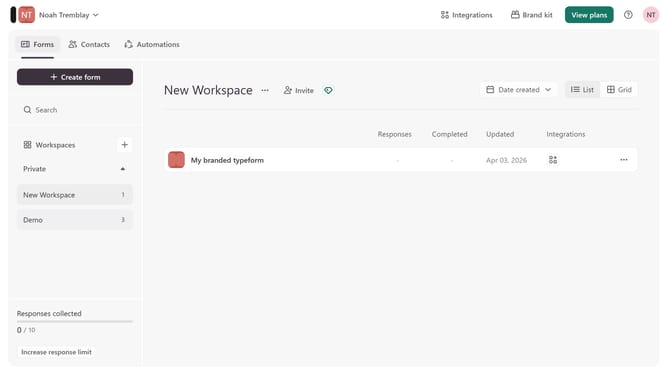
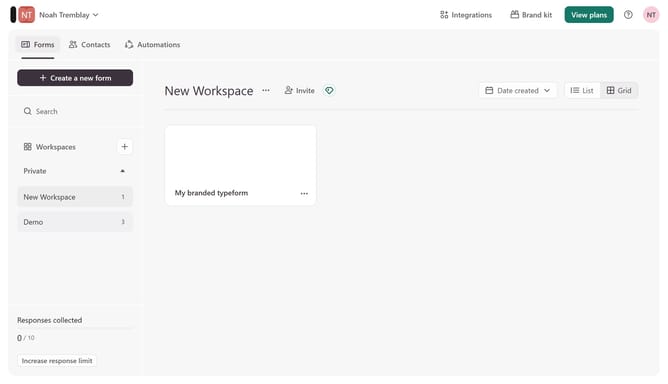
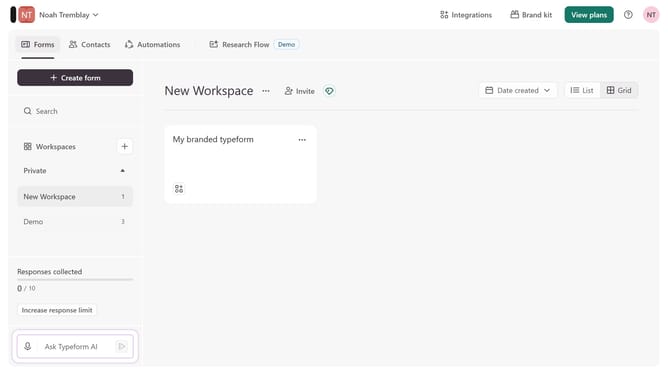
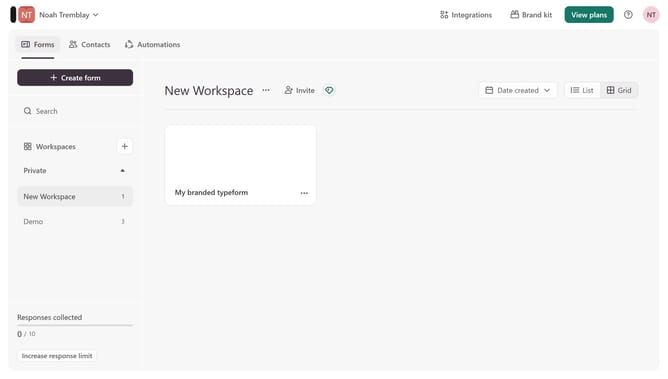
- First click on a workspace in the sidebar
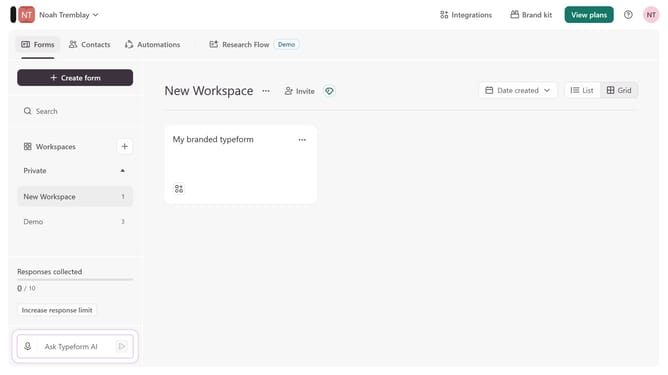
- Then click on the "three dots" icon
- Next click on "Connect" in the menu
- Finally click on the "Connect" button for Shopify (by Zapier)
Why should you connect a form to Shopify (by Zapier) in Typeform
Typeform is an intuitive online platform designed to create engaging and interactive forms.
Integrating Typeform with Shopify through Zapier simplifies data collection and boosts efficiency.
This feature allows seamless synchronization of customer responses directly into your Shopify store, ensuring swift updates and enhanced customer experiences.
By automating this connection, businesses can streamline operations, reduce manual data entry, and focus more on growth and innovation.
Last update