How to connect a form to EnjoyHQ in Typeform
Here is how to connect a form to enjoyhq in typeform
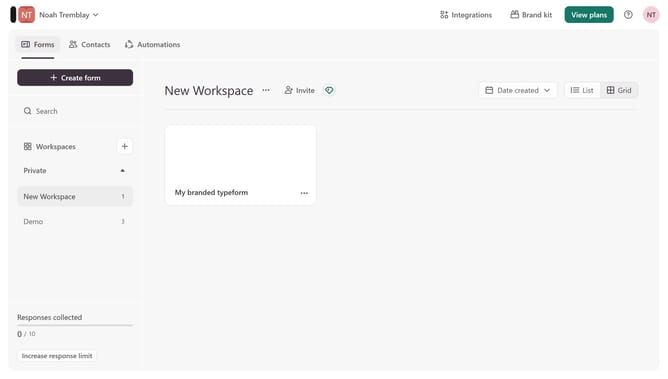
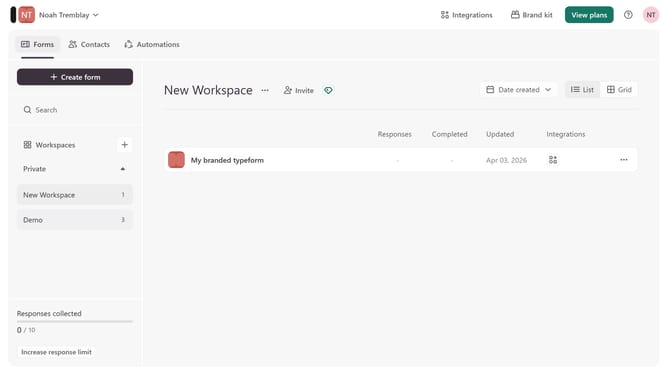
- First click on a workspace item in the left sidebar
- Then click on the three dots icon to open the menu
- Next, select "Connect" from the dropdown menu
- Finally, click on the "Connect" button for EnjoyHQ
Why should you connect a form to EnjoyHQ in Typeform
Typeform is a user-friendly online tool designed to create engaging and interactive forms and surveys.
Integrating a Typeform with EnjoyHQ enhances your ability to analyze responses by quickly funneling data into one versatile insights platform.
With this connection, all inputs from your Typeform can be seamlessly transferred to EnjoyHQ, streamlining your data workflow and enhancing your ability to derive meaningful insights. This integration empowers your team to make informed decisions quickly and efficiently.
Last update