How to connect a form to Contentful in Typeform
Here is how to connect a form to contentful in typeform
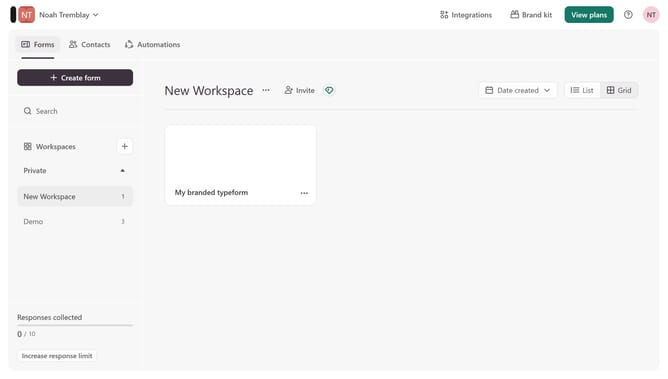
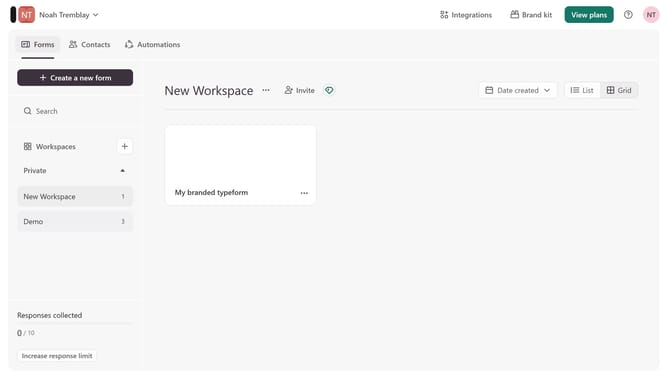
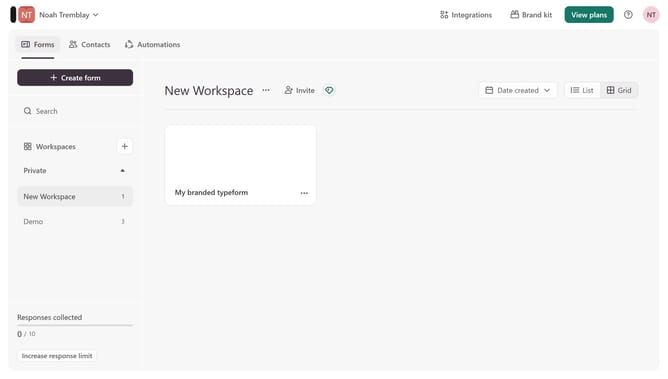
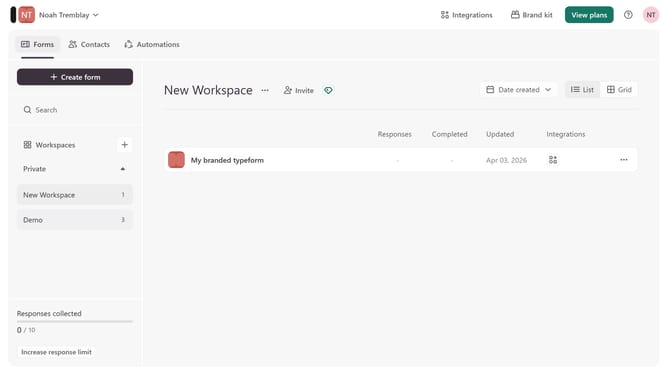
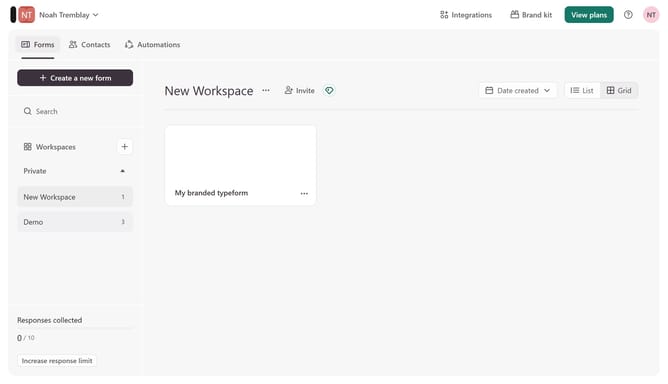
- First, click on the a workspace in the left sidebar
- Then, click the "..." icon to open the options menu
- Next, select the "Connect" option from the menu
- Finally, click the "Connect" button next to "Contentful"
Why should you connect a form to Contentful in Typeform
Typeform transforms data collection into a seamless, engaging experience.
Connecting a form to Contentful in Typeform enhances your content management process by directly integrating your interactive forms with Contentful, a powerful CMS.
This feature provides an efficient workflow, as it allows for smoother data transmission, minimizing manual input.
Ultimately, this benefits businesses by saving time, reducing errors, and ensuring that data flows effortlessly into the system, ready to be used effectively.
Last update