How to clear the board in Tango on LinkedIn
Here is how to clear the board in tango on linkedin
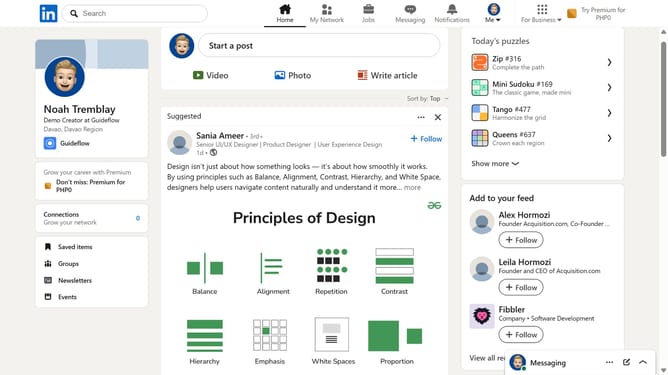
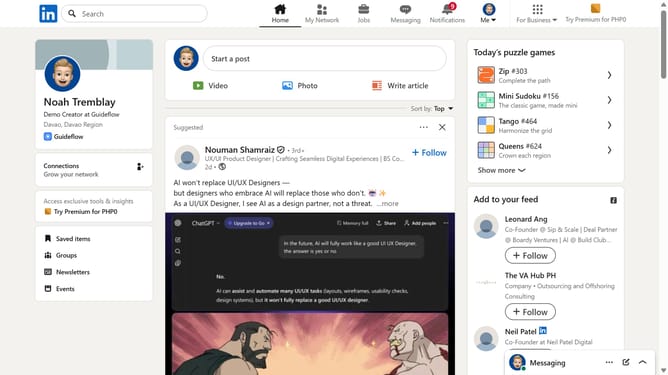
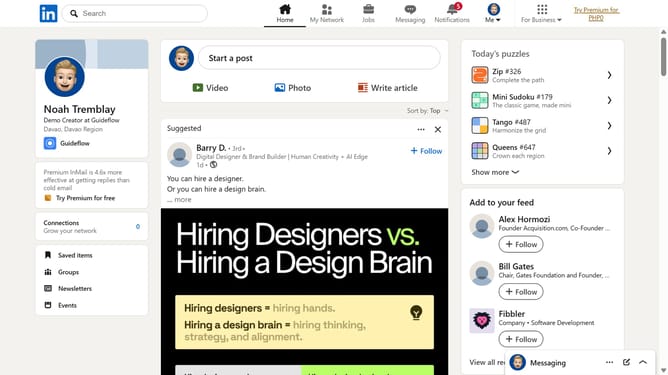
- First click on the "Tango" game card in the right sidebar under Today's puzzle games section
- Then click on the "Clear" button in the top navigation bar of the Tango game screen
- Finally click on the "Clear" button in the confirmation dialog to confirm clearing the game board
Why should you clear the board in Tango on LinkedIn
LinkedIn is a professional networking platform dedicated to connecting industry professionals globally.
The feature to clear the board in Tango on LinkedIn enhances focus by removing distractions, allowing for a fresh start in your brainstorming or collaborative sessions.
Utilizing this feature allows users to streamline their workspace quickly, leading to more efficient and productive collaborations. It ensures that your ideas and strategies are always being reviewed in a clear, organized manner.
Last update