How to clear the board in Queens on LinkedIn
Here is how to clear the board in queens on linkedin
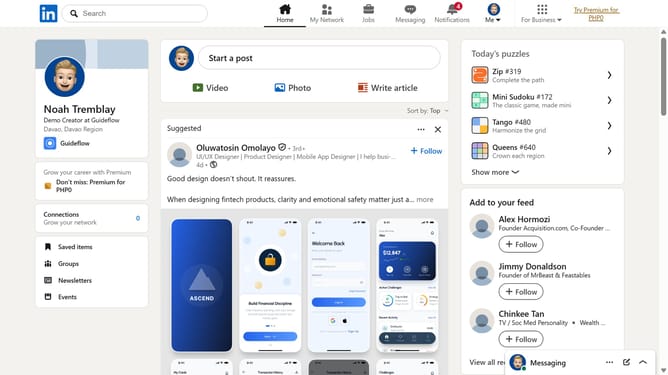
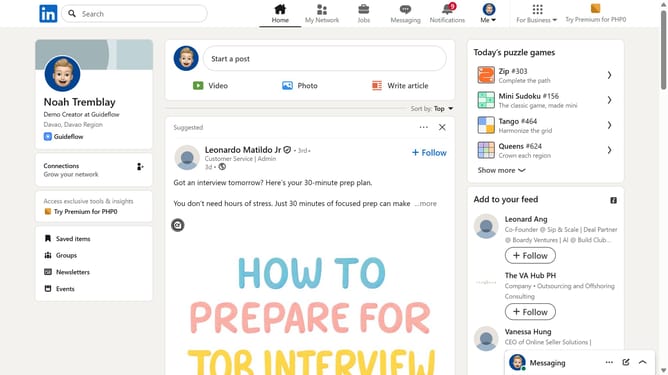
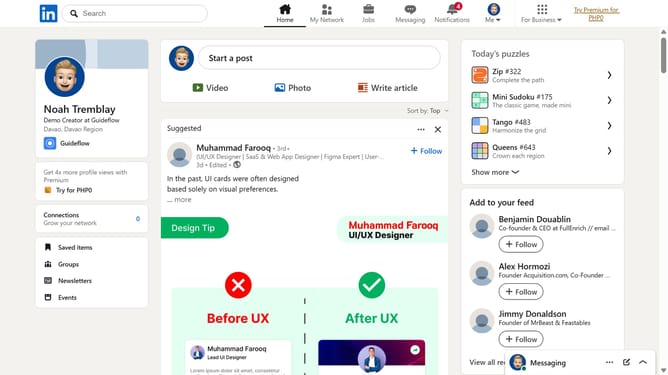
- First click on the "Queens" puzzle game card in the right sidebar under Today's puzzle games section
- Then click on the "Clear" button in the top navigation bar of the Queens game interface
- Finally click on the "Clear" button in the confirmation dialog to confirm clearing the game board
Why should you clear the board in Queens on LinkedIn
LinkedIn is a professional networking platform designed to connect industry experts and advance career growth.
The "Clear the Board" feature in Queens on LinkedIn offers users a streamlined way to manage cluttered project lists and conversations.
By leveraging this feature, you can enhance productivity by keeping only the most relevant information at your fingertips.
This ensures that your networking efforts remain efficient and focused, ultimately leading to more meaningful professional interactions and opportunities.
Last update