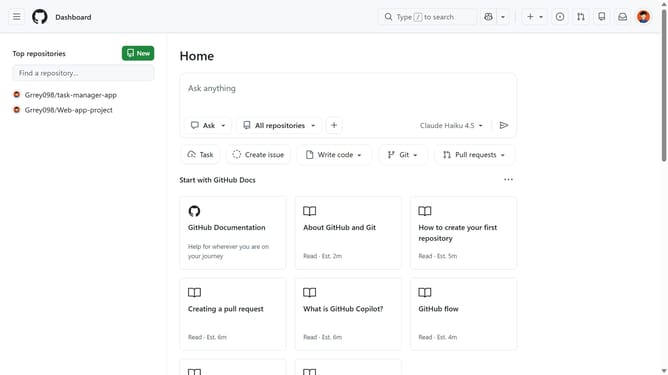
How to change your theme in GitHub
Here is how to change your theme in github
- First click on your profile picture in the top right header
- Next click on "Appearance" option in the user dropdown menu
- Under Theme mode, click on the dropdown menu
- Then select single theme or sync with system from the dropdown menu
- If you chose to follow your system settings, select both a day theme and a night theme
- If you chose a single theme, select the theme you want to use
Why should you change your theme in GitHub
GitHub is a dynamic platform designed to streamline collaboration and code management for developers around the globe.
Changing your theme in GitHub allows you to customize the interface to better suit your personal preferences and enhance your productivity. With various themes available, you can select one that aligns with your visual comfort, making the coding experience more enjoyable.
This feature not only adds a personal touch to your workspace but can also improve focus by reducing eye strain during long coding sessions. By tailoring the visual environment, users can work more efficiently in an atmosphere that feels intuitive and comfortable.
Last update