How to change scheduled task recurrence to daily in Perplexity
Here is how to change scheduled task recurrence to daily in perplexity
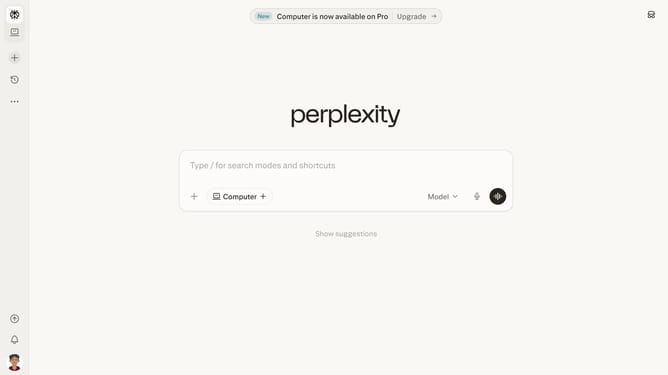
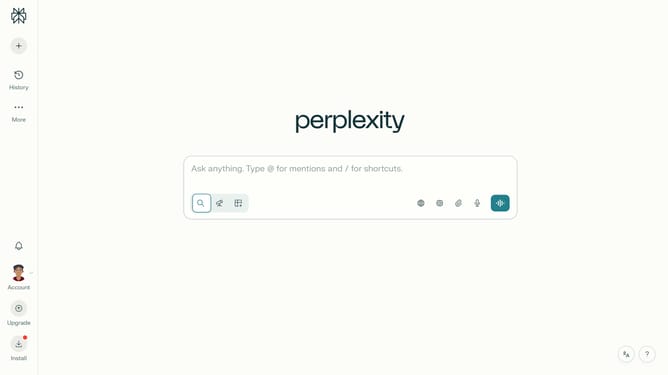
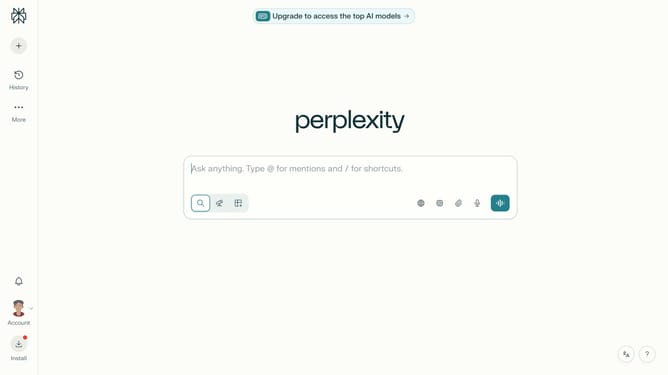
- First click on the profile button in the left sidebar
- Then click on the "Tasks" option in the account menu
- Next click on the scheduled task item in the tasks list
- Then click on the frequency dropdown in the Schedule section of the task dialog
- Select "Daily" from the schedule frequency dropdown menu
- Finally click on the "Save" button to save the task changes
Why should you change scheduled task recurrence to daily in Perplexity
Perplexity excels in streamlining complex processes to enhance productivity effortlessly.
Adjusting task recurrence to daily in Perplexity ensures consistent progress and timely completion of essential tasks. This feature facilitates effective time management by automating repetitive actions, allowing you to focus on more strategic initiatives.
Using this feature provides peace of mind, knowing that tasks are routinely scheduled, reducing the risk of oversight and enhancing organizational efficiency. Daily recurrence creates a balanced workflow, driving consistent results.
Last update