How to allow ChatGPT to use your audio recordings for model training
Here is how to allow chatgpt to use your audio recordings for model training
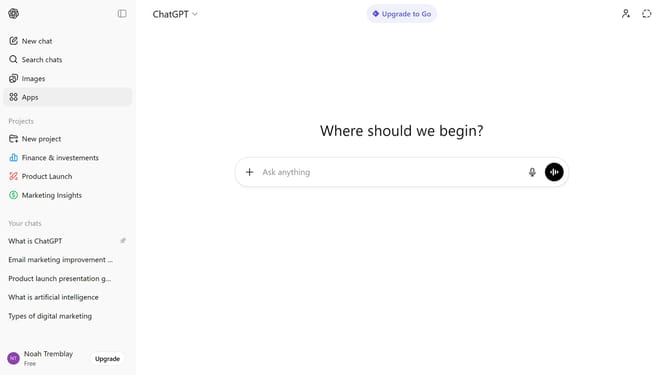
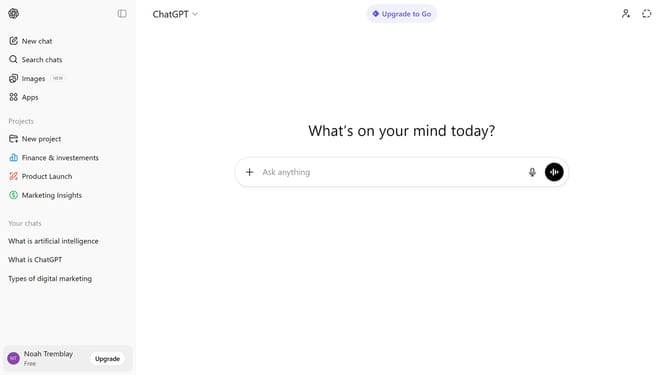
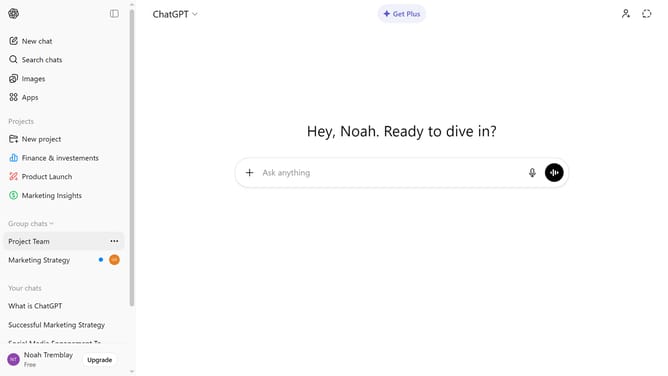
- First click on your profile section in the bottom left of the sidebar
- Next click on "Settings" option in the user menu
- Click on "Data controls" option in the settings menu
- In the Data controls panel, click on "Improve the model for everyone" option
- Next, ensure the "Improve the model for everyone" option is turned on
- Then toggle on the "Include your audio recordings" option under Voice mode section
- Finally click on "Done" button to save changes
Why should you allow ChatGPT to use your audio recordings for model training
ChatGPT is a conversational AI tool designed to facilitate human-like interactions.
Enabling ChatGPT to use your audio recordings for model training enhances the model's ability to understand and respond to diverse vocal patterns and intonations.
This contributes to improving voice recognition and response accuracy, allowing for more tailored and engaging interactions.
Your participation in this feature supports the continuous refinement and evolution of natural language processing capabilities.
Last update