How to connect LSEG to ChatGPT
Here is how to connect lseg to chatgpt
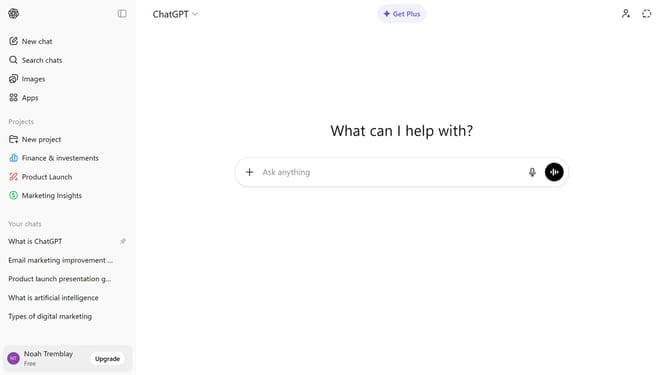
- First click on the "Apps" option in the left sidebar
- Next, click the search field and type "LSEG"
- Then select "LSEG" from the search results
- Click on the "Connect" button in the top right section of the LSEG app details page
- Next click on the "Continue" button in the connection authorization dialog
- Finally enter your "User ID" on the LSEG login page to log in to your account
Why should you connect LSEG to ChatGPT
ChatGPT is a sophisticated conversational AI designed to provide informative and engaging interactions.
Connecting LSEG to ChatGPT can revolutionize market analytics, seamlessly blending AI's natural language capabilities with comprehensive financial data.
This integration provides users with dynamic access to insights, enhancing decision-making and efficiency.
By merging LSEG's rich datasets with ChatGPT's intuitive dialogue, users experience a smoother, more informed interaction process.
Last update