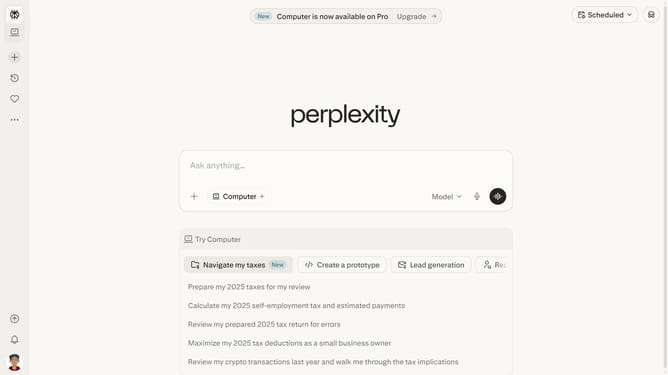
How to add Bergamo Champions League to your watchlist in Perplexity
Here is how to add bergamo champions league to your watchlist in perplexity
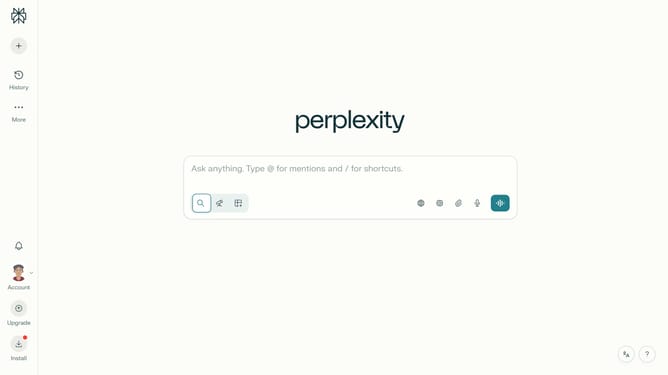
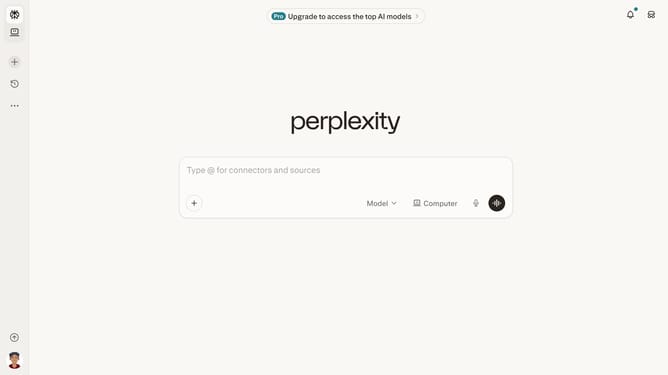
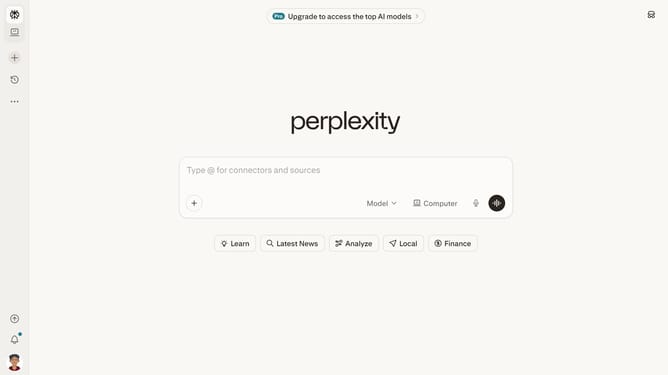
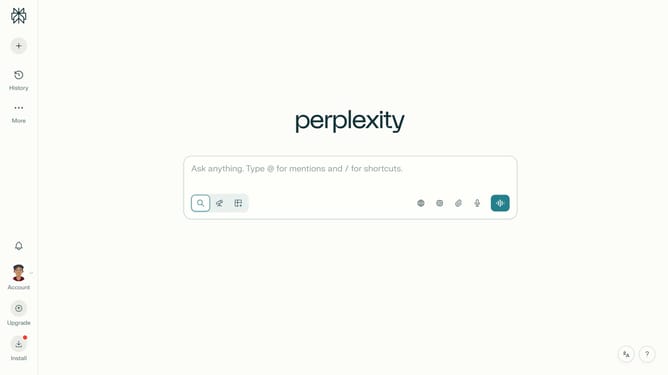
- First click on the profile button in the left sidebar
- Then click on the "Personalization" option in the account menu
- Scroll down the personalization page to view more options
- Then click on the "Manage" button next to "Sports" in the Watchlists section
- In the Sports dialog, click on the "Search for a team" input field and type "Bergamo"
- Then click on the "Bergamo · Champions League" team option from the search results
- Finally click on the "Done" button to save the sports watchlist changes
Why should you add Bergamo Champions League to your watchlist in Perplexity
Perplexity is a dynamic platform designed to enhance your content discovery experience.
Adding the Bergamo Champions League to your watchlist in Perplexity lets you streamline your viewing preferences and stay updated on all the latest match highlights, player stats, and team news, ensuring you never miss a moment of excitement.
This feature not only personalizes your sports content but also optimizes your enjoyment, allowing for a tailored and engaging Champions League experience.
By organizing your watchlist, you gain unparalleled convenience and an enriched viewing journey that aligns perfectly with your interests.
Last update