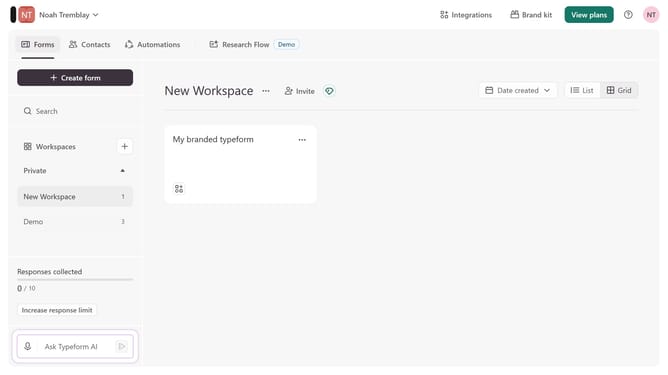
How to add a Question Group content to a form in Typeform
Here is how to add a question group content to a form in typeform
- First click on the a workspace item in the sidebar
- Then click on the "..." icon next to a chosen Typeform
- Then select "Content" from the dropdown menu
- Then click on the "+ Add content" button
- Finally select "Question Group"
Why should you add a Question Group content to a form in Typeform
Typeform reimagines data collection with a conversational approach.
Integrating a Question Group into a Typeform is a strategic feature designed to enhance user engagement. By clustering related queries, you create a seamless and intuitive experience for respondents. This not only maintains focus but also enables more cohesive data collection.
Employing Question Groups in your forms fosters a sense of ease, encouraging completion and improving response quality. This structured fluidity leads to enriched insights, ultimately benefiting decision-making processes.
Last update