How to add a Number content to a typeform in Typeform
Here is how to add a number content to a typeform in typeform
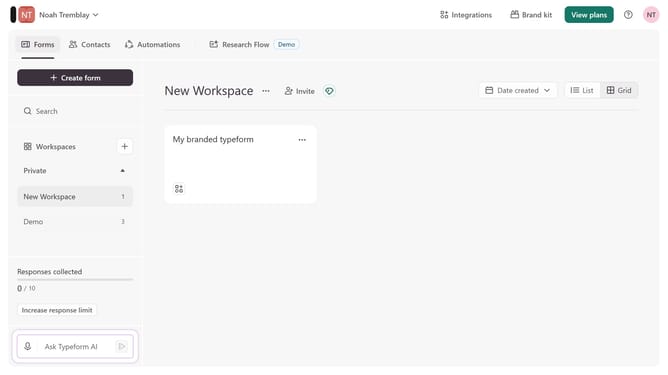
- First click on the a workspace item in the sidebar
- Then click on the "..." icon next to a chosen Typeform
- Then select "Content" from the dropdown menu
- Then click on the "+ Add content" button
- Finally select "Number" from the "Other" section
Why should you add a Number content to a typeform in Typeform
Typeform is an intuitive tool for creating engaging, user-friendly forms and surveys.
Adding Number content to a Typeform enhances the dynamic of your form by allowing respondents to input numerical data seamlessly. This feature is crucial for collecting quantitative information like age, ratings, or any numeric entry necessary for your data collection.
Using Number content simplifies analysis and provides structured, actionable insights. Elevate your data gathering process by integrating Number content, ensuring your forms are precise and versatile.
Last update