How to add a Opinion Scale content to an existing form in Typeform
Here is how to add a opinion scale content to an existing form in typeform
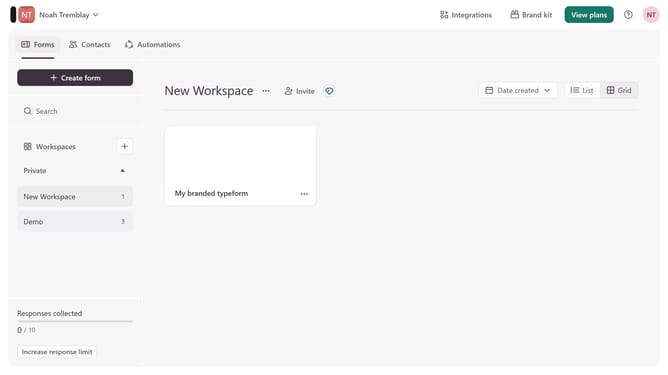
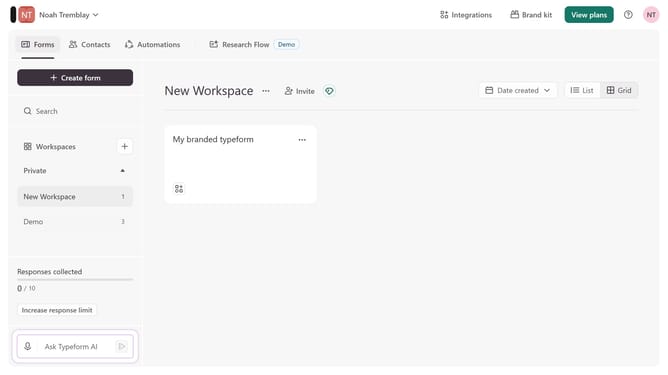
- First click on the a workspace item in the sidebar
- Then click on the "..." icon next to a chosen Typeform
- Then select "Content" from the dropdown menu
- Then click on the "+ Add content" button
- Finally select "Opinion Scale" from the "Rating & ranking" section
Why should you add a Opinion Scale content to an existing form in Typeform
Typeform creates engaging forms that captivate users and collect valuable insights.
Adding an Opinion Scale to an existing Typeform form enhances the ability to measure nuanced user sentiment. This feature enables respondents to express their views on a scale, allowing for a deeper understanding of preferences.
Employing this tool means better analytics and clearer feedback, leading to more informed decisions. It transforms basic input into quantifiable data, perfect for identifying trends or measuring satisfaction.
Last update