How to add a Matrix content to a typeform in Typeform
Here is how to add a matrix content to a typeform in typeform
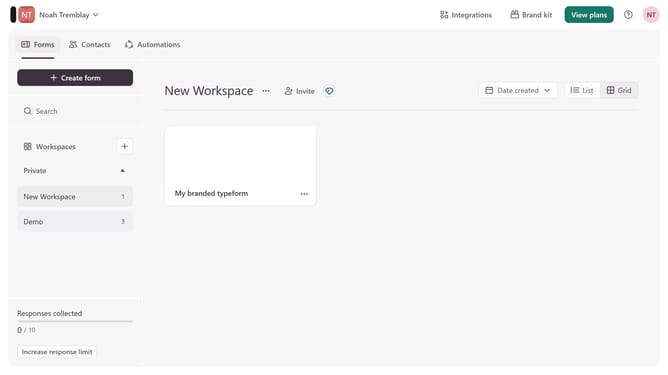
- First click on the a workspace item in the sidebar
- Then click on the "..." icon next to a chosen Typeform
- Then select "Content" from the dropdown menu
- Then click on the "+ Add content" button
- Finally select "Matrix" from the "Rating & ranking" section
Why should you add a Matrix content to a typeform in Typeform
Typeform is an intuitive platform designed to create interactive forms and surveys effortlessly.
Adding Matrix content into a Typeform allows you to gather detailed responses efficiently. This feature is particularly beneficial for collecting data across multiple variables in a single question, offering a streamlined way to capture nuanced feedback without overwhelming respondents.
Utilizing Matrix content not only enhances response accuracy but also enriches user experience by keeping the survey dynamic and engaging. By leveraging this function, you simplify data collection while maintaining a concise survey structure.
Last update