How to add a Long Text content to an existing form in Typeform
Here is how to add a long text content to an existing form in typeform
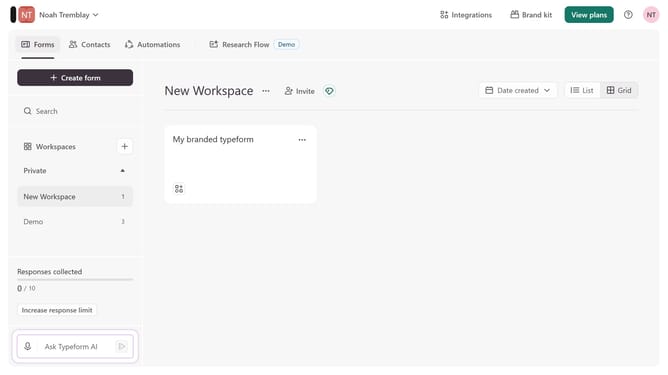
- First click on the a workspace item in the sidebar
- Then click on the "..." icon next to a chosen Typeform
- Then select "Content" from the dropdown menu
- Then click on the "+ Add content" button
- Finally select "Long Text" from the "Text & Video" section
Why should you add a Long Text content to an existing form in Typeform
Typeform is an innovative platform designed to create engaging online forms and surveys effortlessly.
Adding a Long Text content to an existing form in Typeform allows for the inclusion of detailed responses, enhancing the data collection process. This feature is perfect for capturing comprehensive feedback or in-depth answers, enriching the overall form experience.
By utilizing Long Text fields, users can express themselves more thoroughly, providing richer insights and qualitative data that can be invaluable for analysis and decision-making.
Last update