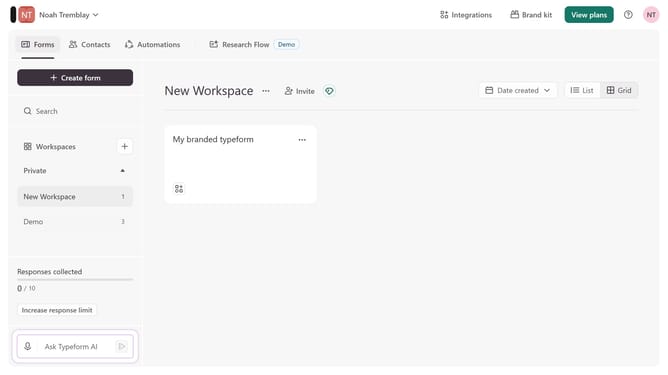
How to add a Website content to a typeform in Typeform
Here is how to add a website content to a typeform in typeform
- First click on the a workspace item in the sidebar
- Then click on the "..." icon next to a chosen Typeform
- Then select "Content" from the dropdown menu
- Then click on the "+ Add content" button
- Finally select "Website" from the "Contact Info" section
Why should you add a Website content to a typeform in Typeform
Typeform revolutionizes the way you engage with audiences by enabling interactive, beautifully designed online forms and surveys.
Adding website content to a Typeform allows you to seamlessly integrate your site's essence and themes into your forms. This feature creates a unified experience for your users, ensuring consistency in branding and message. By embedding links or snippets from your website, you can guide respondents to necessary information quickly and effectively.
This integration not only elevates user experience but also keeps participants engaged and informed, fostering higher completion rates. It's a perfect way to harmonize your digital strategies while gathering valuable feedback.
Last update