How to access your resume in LinkedIn
Here is how to access your resume in linkedin
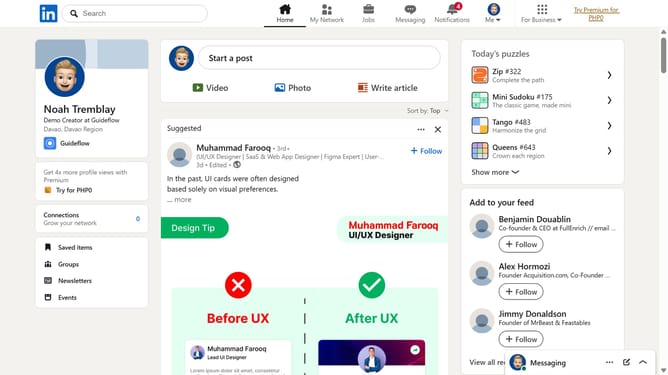
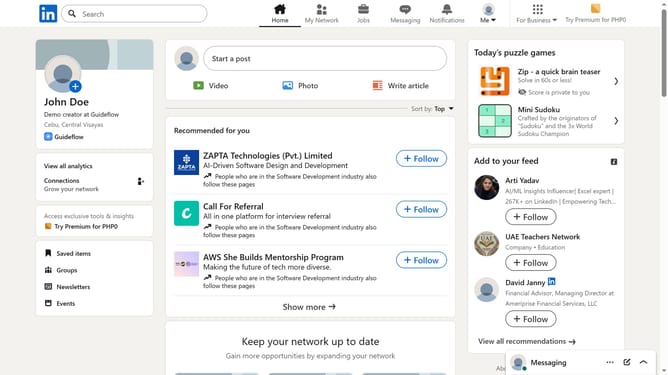
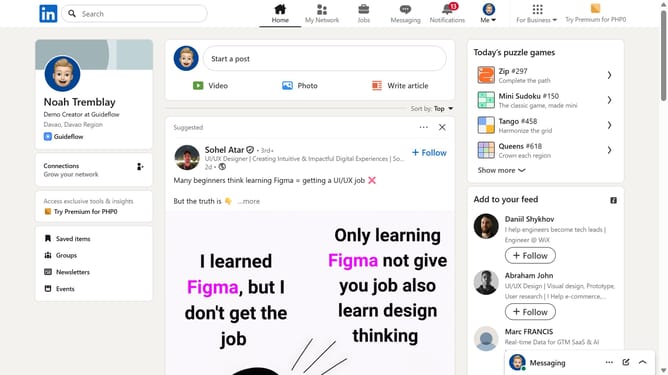
- First click on the profile icon labeled "Me" in the top navigation bar
- Then click on "Settings & Privacy" from the dropdown menu
- Next click on "Data privacy" in the left sidebar menu
- Finally scroll to the "Job application settings" area and open "Resumes" to access your uploaded resume
Why should you access your resume in LinkedIn
LinkedIn is a vibrant professional networking platform designed to connect individuals and showcase career achievements.
Accessing your resume on LinkedIn is a seamless feature that enhances your professional networking experience. By having your resume readily accessible, you can effortlessly share your qualifications with potential employers in just a few clicks.
This convenience not only saves time but also ensures your skills and experiences are always presented in a professional format. It places your professional narrative at your fingertips, ready to impress and engage at every opportunity.
Last update