A deal is verbally closed. The rep sends the contract. Then nothing happens for six days. The signer is out of office, the wrong version is in the thread, and legal wants one more clause changed. That gap between "yes" and "signed" is where forecast accuracy goes to die.
For a sales enablement team, this is not a legal problem. It is an execution problem. Every manual handoff between quote, agreement, and signature adds friction that reps route around in inconsistent ways. One rep uses a PDF and email chain. Another uses a shared drive. A third calls the buyer to walk them through it. The result is uneven contract turnaround and an audit trail nobody trusts.
The market has responded. The digital signature software market is valued at roughly US$6.5B in 2026 and is projected to reach US$60.2B by 2033, a 37.6% CAGR, according to Persistence Market Research (2026). Cloud deployment already makes up 66.22% of the broader digital signatures market, per Mordor Intelligence (2026). Buyers want secure signing that plugs into the tools they already run.
The right tool does more than collect a signature. It standardizes how agreements move, creates a defensible audit trail, and connects signing back into your CRM so reps stop chasing paperwork. If you also manage adjacent processes, it helps to understand how signing tools sit alongside audit management software, your CRM, and even email signature software in a broader agreement stack.
What's inside
This guide covers the nine most relevant digital signature software platforms for 2026. We selected them based on compliance and legal enforceability, workflow automation, CRM integrations, pricing transparency, and fit for sales workflows. Each tool was evaluated against what a sales enablement or RevOps buyer actually cares about: consistent execution, findability, and adoption across a rep team, not just the ability to drop a signature box on a page. Pricing and G2 ratings reflect verified vendor and G2 sources at the time of writing. Verify current figures live before you commit budget.
TL;DR
- Best overall e-signature software: DocuSign, for market-standard trust and the deepest integration ecosystem.
- Best for sales teams: GetAccept and PandaDoc, for combining proposals, tracking, and signing in one motion.
- Best for PDF-heavy and Microsoft workflows: Adobe Acrobat Sign.
- Best for budget-conscious buyers: airSlate SignNow and Zoho Sign, for low per-user entry pricing.
- Best for enterprise compliance: OneSpan Sign, for high-assurance identity verification and regulated industries.
- Best simple signing-first experience: Dropbox Sign, for lightweight, fast document routing.
What is digital signature software?
Digital signature software is a tool that lets you send, sign, authenticate, and store agreements electronically, creating legally binding signatures without printing, scanning, or mailing anything. It replaces the manual paper process with a tracked, auditable digital workflow.
Most people use "electronic signature software" and "digital signature software" interchangeably, and in commercial buying they usually mean the same category. Technically, a digital signature uses cryptographic certificates to verify identity and document integrity, while an electronic signature is any legally accepted mark of intent. Nearly every tool below delivers both, backed by compliance frameworks like ESIGN, UETA, and eIDAS.
Buyers evaluating digital signing software typically expect a core set of capabilities:
- Sending and signing: Upload a document, add signature and date fields, and send to one or more signers.
- Authentication: Verify signer identity through email, SMS codes, access codes, or ID checks.
- Audit trail: Capture a tamper-evident record of who signed, when, and from where.
- Templates: Reuse standard agreements so reps do not rebuild contracts each time.
- Document routing: Send to multiple signers in sequence or parallel with automatic reminders.
- Storage and retention: Keep signed agreements searchable and compliant with retention policies.
- Workflow automation: Trigger downstream actions when a document is completed.
- CRM integrations: Sync agreement status back to Salesforce, HubSpot, and other systems of record.
The strongest tools treat signing as one step inside a larger agreement workflow, not the whole thing.
When to use digital signature software
Speed up approvals without adding admin
The stretch between a verbal yes and a countersigned contract is where deals stall. Digital signing software collapses that gap. A rep sends the agreement, the buyer signs from any device, and the deal advances the same day. No printing, no scanning, no reconstructing which version is current. For quote-to-cash motions, this directly shortens cycle time without adding steps to a rep's day.
Standardize repeatable agreement workflows
When every rep handles contracts their own way, messaging and process drift. Templates, document routing, and automatic reminders fix that. A manager builds the approved MSA or order form once, and every rep sends the same governed version. Multi-signer flows route to the right people in the right order. Reminders chase the buyer so the rep does not have to. Consistency becomes the default, not a coaching project.
Reduce legal and compliance anxiety
In regulated or enterprise deals, the audit trail is the product. Legal wants proof of who signed, when, and how their identity was verified. Digital signature software captures that automatically, with tamper-evident records, identity verification, and retention controls that satisfy ESIGN, UETA, and eIDAS. Secure signing removes the anxiety of "can we defend this in court" and keeps procurement moving.
Comparison table
The table below summarizes the nine best digital signature software options for 2026 by intent, differentiation, pricing, and G2 rating. Verify pricing and ratings on the live vendor and G2 pages before purchase, since plans and scores change over time.
| # | Product | Intent | Key differentiation | Pricing | G2 rating |
|---|---|---|---|---|---|
| 1 | DocuSign | Market-standard e-signatures and agreement management | Broadest integration ecosystem and brand trust | From $45/user/mo (annual) | 4.5/5 |
| 2 | PandaDoc | All-in-one proposals, contracts, and signing | Document creation plus quoting plus e-sign | Free; from $19/seat/mo | 4.7/5 |
| 3 | Adobe Acrobat Sign | PDF-native, Microsoft-friendly signing | Acrobat ecosystem and PDF fidelity | From US$16.99/mo per license | 4.4/5 |
| 4 | Dropbox Sign | Lightweight, signing-first workflows | Simple, fast document routing | From $25/user/mo (annual) | 4.7/5 |
| 5 | GetAccept | Sales-led signing with buyer engagement | Digital sales rooms plus e-sign | From $25/user/mo | 4.6/5 |
| 6 | SignNow | Practical mid-market e-signatures | Templates and workflow automation | From $20/user/mo | 4.6/5 |
| 7 | Zoho Sign | Signing inside the Zoho ecosystem | Native Zoho app integration | From $10/user/mo | Not listed |
| 8 | SignNow | Signing at scale with automation | Low entry pricing and document routing | From $8/user/mo (annual) | 4.6/5 |
| 9 | OneSpan Sign | High-assurance, regulated signing | Identity verification and security controls | From $22/user/mo (annual) | 4.7/5 |
1. DocuSign

DocuSign is the name most buyers recognize on sight, and that recognition matters when a contract lands in front of a skeptical procurement team. It handles electronic signatures plus a broader agreement management layer, with AI-assisted workflows, templates, and web forms. For enablement leaders, the value is standardization at scale: one governed way to send, sign, and track agreements across a large rep team.
Best for: Teams that need e-signatures plus agreement workflow automation with market-standard trust.
Key strengths
- eSignature: Send legally binding signatures with a familiar signer experience buyers already trust.
- Templates: Lock in approved contract versions so reps send consistent documents every time.
- Web forms: Capture signer data and route completed agreements without manual data entry.
Why choose DocuSign: If your buyers span industries and geographies, DocuSign's ubiquity removes friction. Signers rarely question it, procurement rarely blocks it, and the integration ecosystem connects to nearly everything in a modern GTM stack. That trust is the differentiator when deals are large and stakeholders are many.
DocuSign pricing: Public IAM plans start at IAM Starter for $45 per user per month on an annual plan billed monthly, IAM Standard at $50, and IAM Professional at $80 per user per month. IAM for Enterprise is contact sales. DocuSign also offers a free electronic signature tool publicly, useful for light or occasional signing.
2. PandaDoc
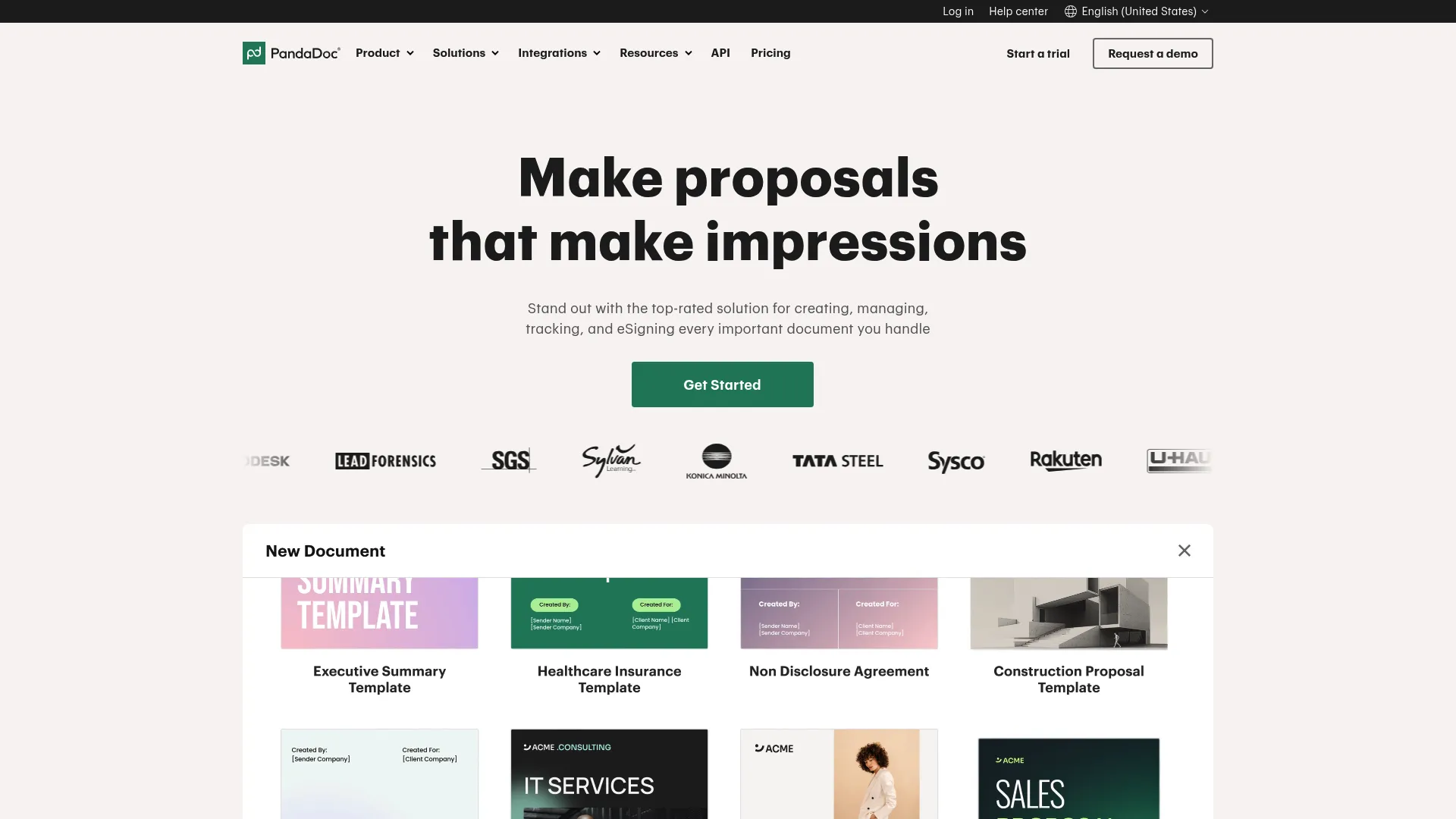
PandaDoc goes beyond basic e-signing. It is a full document workflow platform for creating, sending, signing, tracking, and managing proposals and agreements. For sales teams, that means the proposal, the pricing table, and the signature live in one flow instead of three tools. Reps build from a content library, drop in quoting, and send a single interactive document the buyer can sign.
Best for: Sales and operations teams that need an all-in-one proposal, contract, and e-sign workflow.
Key strengths
- E-signatures: Collect legally binding signatures at the end of a proposal without switching tools.
- Document creation and templates: Build governed proposals fast from a reusable content library.
- Pricing tables and quoting: Present interactive quotes buyers can configure before signing.
Why choose PandaDoc: When your bottleneck is not just signing but the whole document-to-signature motion, PandaDoc consolidates it. Reps stop stitching together a deck, a quote spreadsheet, and a separate e-sign tool. Document tracking also shows when a buyer opens and reviews, giving reps a timing signal for follow-up.
PandaDoc pricing: PandaDoc offers a Free plan at $0 per month, Starter at $19 per seat per month billed annually, and Business at $49 per seat per month billed annually. Enterprise uses per-seat or per-document pricing via contact sales. Both annual and monthly billing are shown on the pricing page.
3. Adobe Acrobat eSign
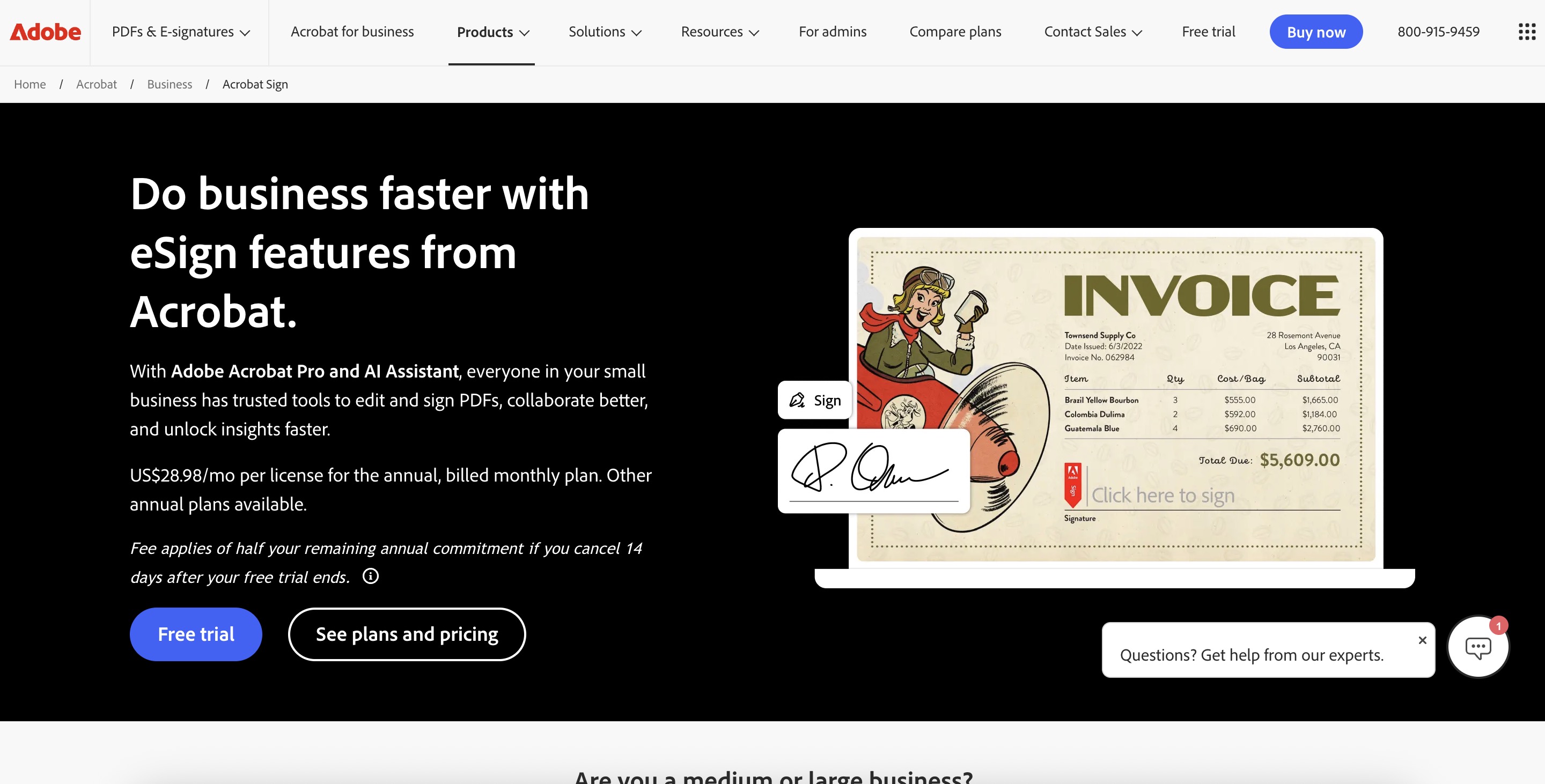
Adobe Acrobat Sign is Adobe's standalone e-signature solution for sending, tracking, and managing signed agreements. If your team already lives in PDFs and Microsoft 365, this is the natural fit. Signing sits inside the Acrobat ecosystem you already use, and documents keep their PDF fidelity from draft to signed copy.
Best for: Teams that need a branded, enterprise-capable e-signature workflow backed by Adobe.
Key strengths
- Electronic signatures: Send and collect legally binding signatures inside a trusted Adobe experience.
- Tracking and management: Monitor agreement status with real-time notifications on every step.
- Mobile signing and Microsoft 365 integration: Sign on any device and work directly inside Microsoft tools.
Why choose Adobe Acrobat Sign: For PDF-heavy and Microsoft-centric organizations, Acrobat Sign removes format friction. Documents that start in Acrobat finish there, and the Microsoft 365 integration keeps reps in the tools they already open every day. Adobe's brand also carries weight in enterprise procurement.
Adobe Acrobat Sign pricing: Public business pricing covers Acrobat Standard for teams at US$16.99 per month per license, Acrobat Pro for teams at US$23.99, and Acrobat Studio for teams at US$29.99, all annual and billed monthly. Acrobat Sign standalone solutions are listed as contact sales.
4. Dropbox Sign
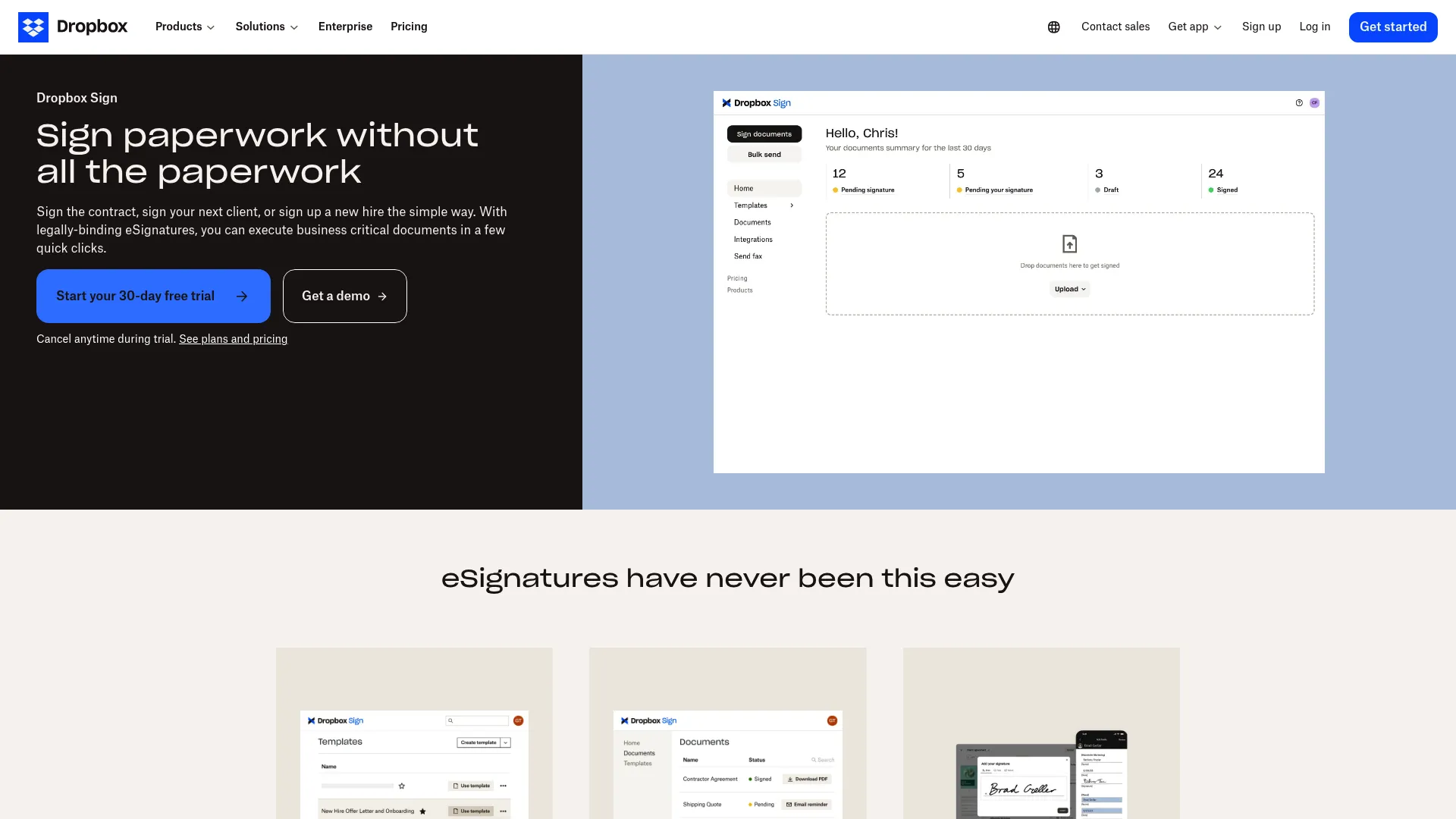
Dropbox Sign is e-signature software for sending, signing, and tracking documents online, with a deliberately clean, signing-first experience. Formerly HelloSign, it favors speed and simplicity over sprawling configuration. For teams that want documents out the door fast without a learning curve, it is a strong practical pick.
Best for: Teams that need legally binding eSignatures with templates, embedded signing, and tracking.
Key strengths
- Reusable templates: Save common agreements and send them in seconds without rebuilding.
- Embedded signing: Put the signing experience directly inside your own app or workflow.
- Audit trail: Capture a tamper-evident record of every signature for compliance.
Why choose Dropbox Sign: When you want a lightweight tool that reps adopt on day one, Dropbox Sign delivers. The interface is uncluttered, the templates cut prep time, and embedded signing lets product or CS teams build signing into their own flows. It is signing without the overhead.
Dropbox Sign pricing: Dropbox Sign lists Essentials, Standard, and Premium plans, with Premium as contact sales. The product page shows a free package with up to three signature requests per month and a paid plan starting at $25 per user per month billed annually.
5. GetAccept
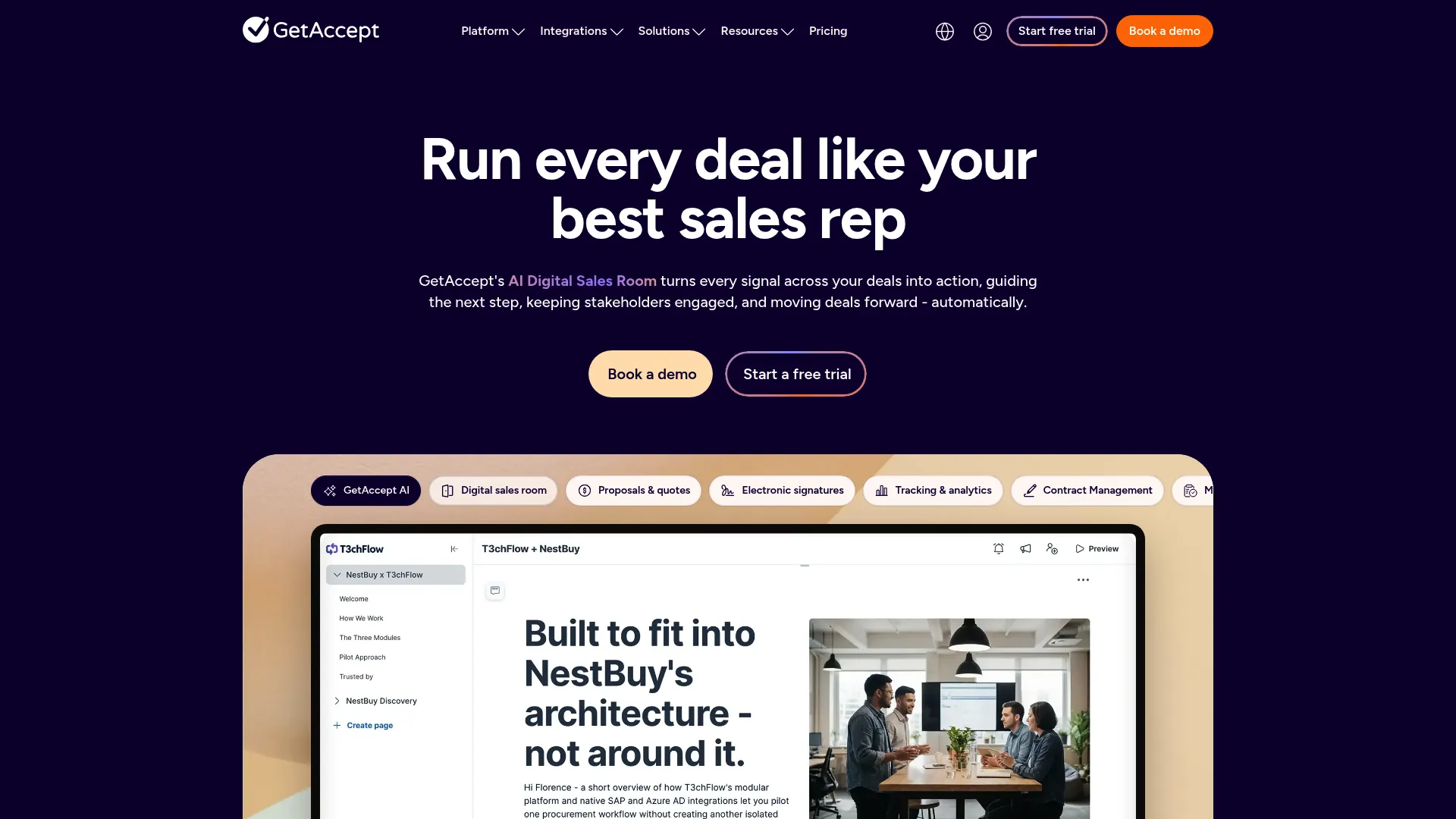
GetAccept is digital sales room and e-signature software built specifically for sales teams to manage deals, contracts, and buyer engagement. It pairs contract sending and signing with a shared buyer space where prospects review proposals, watch content, and sign. For enablement teams, it standardizes not just the signature but the entire late-stage buyer experience.
Best for: Sales teams that want one tool for digital sales rooms, proposals, and e-signatures.
Key strengths
- E-signature and contract management: Send, track, and sign contracts inside the deal workflow.
- Deal rooms and digital sales rooms: Give buyers a single branded space to engage and sign.
- AI features: Use an AI editor, smart content, and meeting summarizer to speed deal prep.
Why choose GetAccept: If your reps struggle to keep multi-stakeholder deals moving, GetAccept's digital sales rooms give the buying committee one place to align. Signing happens where the engagement already lives, and CRM integrations sync deal signals back so managers see momentum. It is signing wrapped in a sales workflow.
GetAccept pricing: GetAccept offers an eSign plan at $25 per user per month and Professional at $49 per user per month with a five-user minimum. Enterprise is contact us. eSign can be billed monthly or annually, while Professional and Enterprise bill annually, all over a 12-month agreement.
6. SignNow
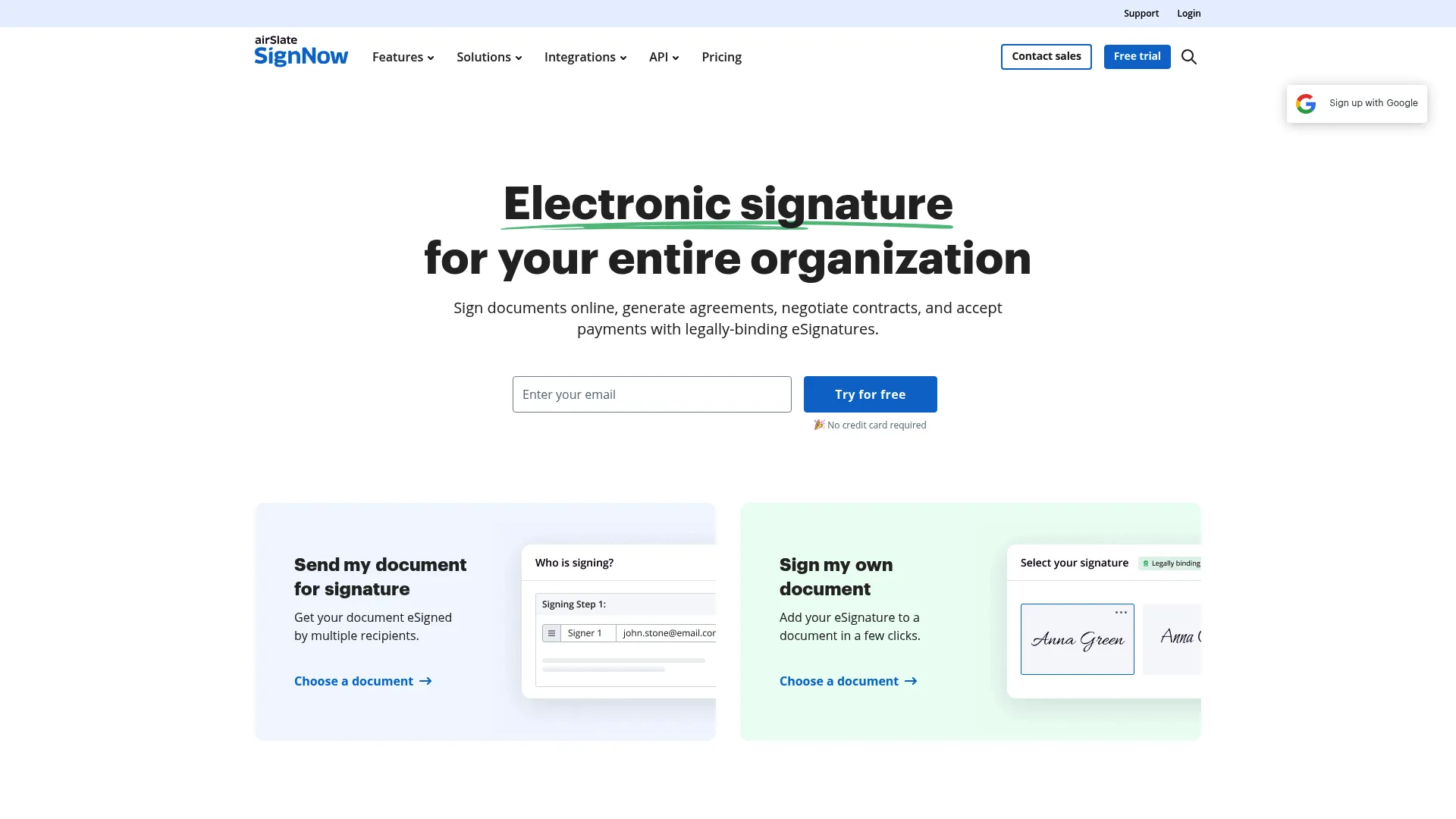
SignNow is a cloud-based eSignature and document workflow platform by airSlate. It focuses on practical, no-frills signing with templates, fillable fields, and workflow automation at a price mid-market teams can justify. For teams that need reliable signing across common business use cases without enterprise complexity, it hits the sweet spot.
Best for: Businesses needing eSignatures, templates, and workflow automation.
Key strengths
- Send documents for eSignature: Route legally binding agreements to signers quickly.
- Reusable templates: Standardize recurring contracts and cut repetitive setup.
- Fillable fields and form building: Build documents signers complete without back-and-forth.
Why choose SignNow: When budget matters but you still need real workflow automation and templates, SignNow is a pragmatic middle ground. It scales from a small team to a larger operation, and the form-building and template features keep contract turnaround consistent across reps.
SignNow pricing: SignNow lists Business at $20 per user per month, Business Premium at $30, and Enterprise at $50 per user per month, plus a Site License option at $1.50 per signature invite. Monthly and annual billing are shown, and the site notes a 7-day free trial.
7. Zoho Sign

Zoho Sign is cloud-based digital signature software for sending, signing, and managing documents online. Its biggest advantage is context: if your company already runs Zoho CRM, Zoho Books, or the wider Zoho suite, signing plugs in natively. That removes the integration guesswork that slows adoption in mixed stacks.
Best for: Teams that need legally binding e-signatures with Zoho ecosystem integration.
Key strengths
- Automatic field addition: Speed document prep with fields that populate as you build.
- Real-time comments and timely reminders: Keep signers moving without manual chasing.
- Multiple signature options and simple workflows: Support varied signing methods with a clean flow.
Why choose Zoho Sign: For a Zoho-native organization, this is the path of least resistance. Legal compliance is covered, workflows stay simple, and signing data flows into the Zoho apps your team already uses. The value compounds when you are already invested in the ecosystem.
Zoho Sign pricing: Third-party listings report a starting price of $10 per user per month. First-party plan details were not fully verified at the time of writing, so confirm current tiers on Zoho's pricing page before purchase.
8. airSlate SignNow
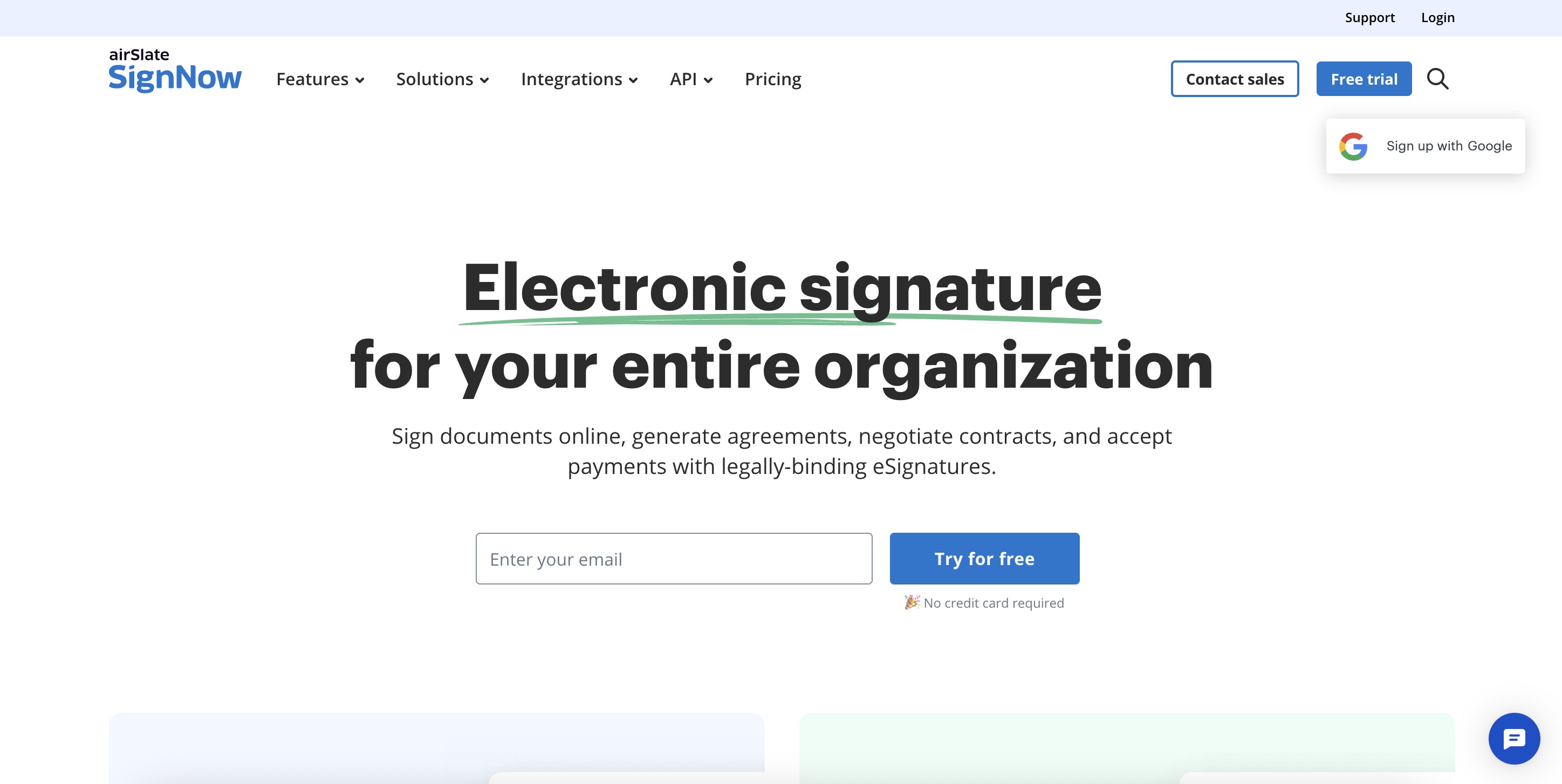
SignNow is an airSlate e-signature product for sending, signing, and managing documents, positioned for operational teams that need repeatable, high-volume signing. It shares the SignNow signing engine and layers in document routing and automation aimed at process-driven workflows. Low entry pricing makes it attractive for teams scaling signing across many documents.
Best for: Teams needing a straightforward e-signature workflow with templates and integrations.
Key strengths
- Legally binding eSignatures: Collect compliant signatures at scale across high document volume.
- Mobile signing and document handling: Let signers complete agreements from any device.
- Templates, fillable fields, integrations, and API: Automate routing and connect signing to other systems.
Why choose airSlate SignNow: For operations and RevOps teams that push a lot of documents through repeatable processes, the automation and API depth matter more than a polished sales-room experience. The low per-user entry price keeps it accessible as volume grows.
airSlate SignNow pricing: Public pricing lists Business at $8 per user per month, Business Premium at $15, and Enterprise at $30 per user per month, all billed annually, plus a Site License at $1.50 per signature invite. A 7-day free trial is available.
9. OneSpan Sign
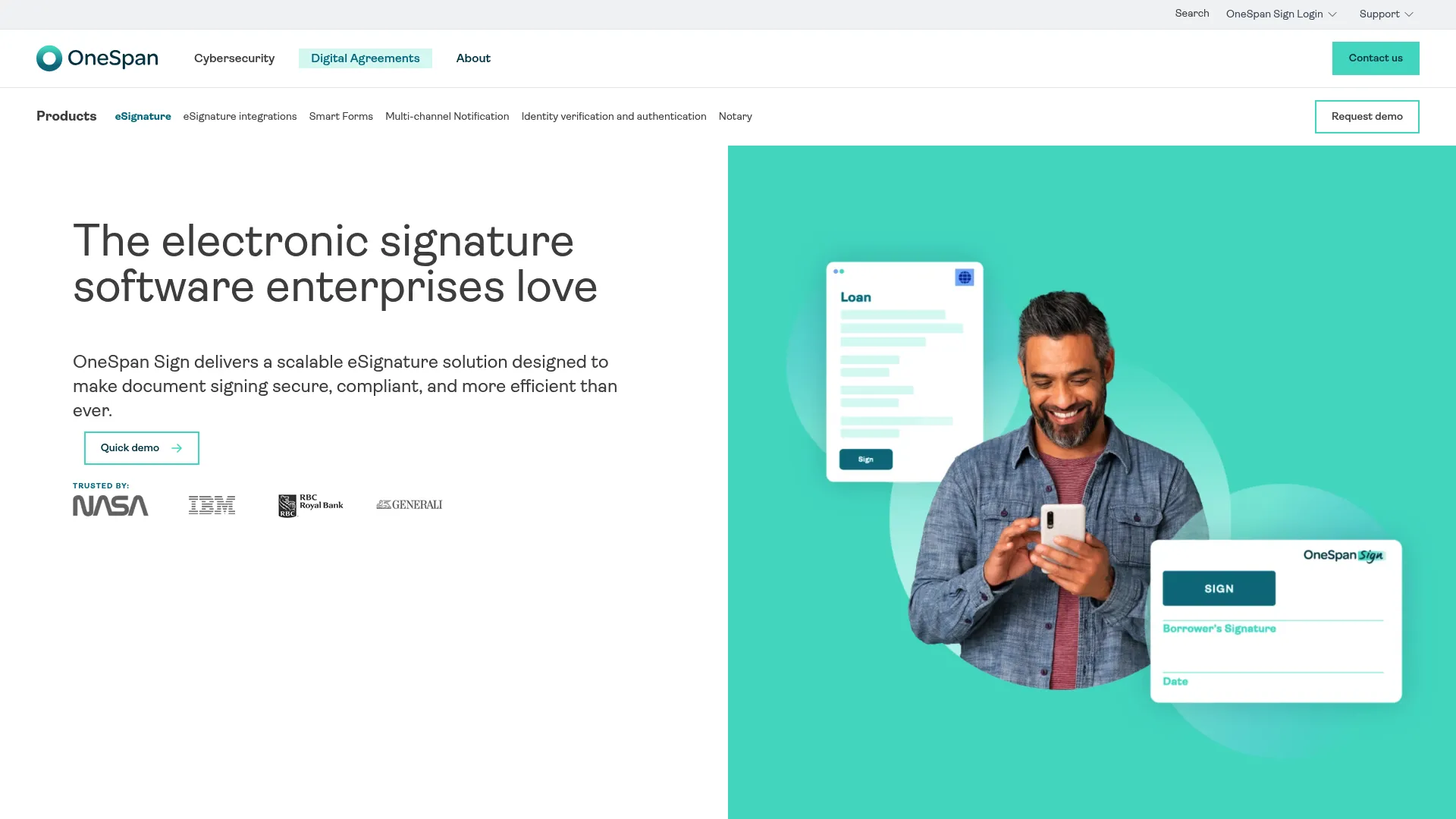
OneSpan Sign is enterprise eSignature software built for secure document signing and workflow automation in compliance-heavy environments. It leans into high-assurance signing: strong identity verification, detailed audit trails, and security controls that regulated industries require. When the deal involves banking, insurance, or government scrutiny, this is the tool built for it.
Best for: Organizations needing secure, compliant eSignature workflows with API and embedding options.
Key strengths
- Reusable templates: Standardize regulated agreements across teams and geographies.
- Embedded signing UI: Build compliant signing directly into your own applications.
- Detailed audit trail: Capture the depth of evidence auditors and regulators demand.
Why choose OneSpan Sign: For security-conscious and regulated buyers, OneSpan Sign is purpose-built. The identity verification and audit depth go beyond standard e-sign, which matters when a signed agreement must survive legal and regulatory review. It is the choice when compliance is non-negotiable.
OneSpan Sign pricing: OneSpan Sign lists Professional at $22 per user per month billed annually. Enterprise uses volume-based pricing via contact sales. A 30-day free trial is offered.
Considerations before you buy
Compliance and legal enforceability
Confirm the tool supports the frameworks your deals require: ESIGN and UETA in the US, eIDAS in the EU. Check that it produces a tamper-evident audit trail with timestamps and signer metadata. If you sell into regulated industries, verify the depth of identity verification, from email and SMS codes to full ID checks. Legally binding signatures are table stakes, but the strength of the evidence behind them varies.
Workflow automation
Templates, document routing, reminders, and multi-signer flows are what drive adoption. A tool reps have to fight against gets abandoned. Look for whether managers can lock approved templates, whether routing handles sequential and parallel signers, and whether reminders fire automatically. The less manual work a rep does, the more consistently the workflow gets used.
Integrations
Signing that does not sync back to your system of record creates busywork. Check CRM integrations first, especially Salesforce and HubSpot, then productivity, storage, and accounting connections. Evaluate API depth if you plan to embed signing into your own product or automate quote-to-cash. Confirm the specific integrations you need are supported at your plan tier, not just on the enterprise plan.
Admin and governance
For a rep team, governance is what keeps messaging and process consistent. Look at role-based permissions, custom branding, SSO for security, retention policies, and who can create or edit templates. The right controls let enablement own the approved versions while reps send freely within guardrails.
Pricing and contract model
Pricing models vary widely: per-user, per-envelope, and per-signature invite all appear across this list. Map the model to your actual usage. A per-user plan suits a stable rep team, while usage-based pricing may fit sporadic signing. Watch for annual billing commitments and feature gating, since key integrations or SSO often sit behind higher tiers. Free trials and free plans let you validate fit before you commit.
Conclusion
The nine tools here sort cleanly by use case rather than hype. If you want market-standard trust and the deepest integrations, DocuSign is the default. If your bottleneck is the whole proposal-to-signature motion, PandaDoc and GetAccept fold signing into a full sales workflow. For PDF-heavy, Microsoft-centric teams, Adobe Acrobat Sign removes format friction. Budget-conscious buyers get real capability from airSlate SignNow, Zoho Sign, and SignNow. And when compliance is non-negotiable, OneSpan Sign is built for regulated, high-assurance signing.
Do not shortlist all nine. Narrow to two or three that match your workflow, your compliance requirements, and your existing stack, then run a short trial with real reps and real contracts. The tool that wins is the one your team actually uses without being told to. For a deeper category breakdown, our guide to the best e signature software goes further on evaluation, and if you are also mapping the broader stack, our roundups of best marketing automation software tools and best digital adoption platforms cover the adjacent workflows reps touch every day.
FAQs
Yes, in most jurisdictions. In the US, the ESIGN Act and UETA give electronic signatures the same legal standing as handwritten ones, and eIDAS covers the EU. The key is a defensible audit trail and proper signer authentication, which every tool in this list provides. For high-stakes or regulated agreements, choose a platform with stronger identity verification.
In everyday buying they are used interchangeably. Technically, an electronic signature is any legally accepted mark of intent, such as typing your name or clicking to accept. A digital signature is a specific type that uses cryptographic certificates to verify identity and confirm the document has not been altered. Most digital signing software supports both.
Sales teams usually want more than a signature box. Tools like GetAccept and PandaDoc combine templates, document routing, real-time tracking, and CRM integrations, so reps send governed contracts, see when buyers engage, and sync status back to the deal. That combination shortens contract turnaround and keeps execution consistent across the team.
Most leading tools offer CRM integrations, though depth and plan availability vary. DocuSign, PandaDoc, GetAccept, and Adobe Acrobat Sign commonly connect to Salesforce and HubSpot. Verify the specific integration you need, including whether it writes signing status back to the opportunity and whether it is included at your plan tier or gated to enterprise.
Entry pricing in this list ranges from around $8 to $45 per user per month, with free plans available from tools like PandaDoc and Dropbox Sign. Pricing is inconsistent because vendors use different models: per-user, per-envelope, and per-signature invite. Enterprise tiers are usually contact sales. Match the pricing model to your real usage and check what integrations and SSO cost at each tier.
No. Both are leading e-signature tools, but they fit different stacks. Adobe Acrobat Sign is PDF-native and integrates tightly with the Acrobat and Microsoft 365 ecosystems, making it strong for document-heavy teams. DocuSign offers the broadest third-party integration ecosystem and the widest brand recognition, which helps in multi-stakeholder and cross-industry deals. Many buyers evaluate DocuSign alternatives like Acrobat Sign specifically for that ecosystem fit.
.avif)