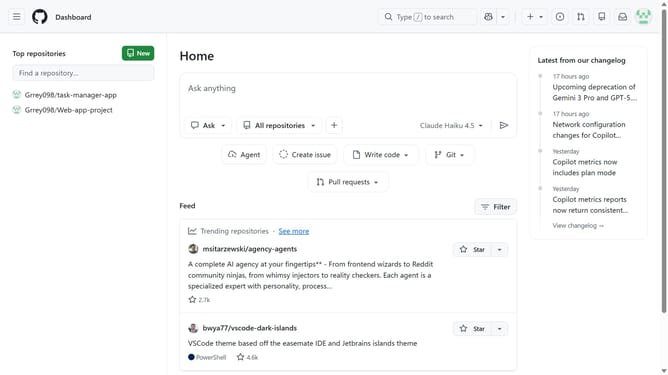
How to view events in the audit log in your GitHub organization
Here is how to view events in the audit log in your github organization
- First click on your profile picture in the top-right corner of the header
- Next click on "Organizations" in the dropdown menu
- Click on the "Settings" button next to the organization
- In the left sidebar, click on "Logs" under the "Archive" section
- Click on the "Audit log" option in the expanded menu
- Then click on "Events" tab in the top navigation menu
- Finally, you can view and review all events and activities performed within your organization
Why should you view events in the audit log in your GitHub organization
GitHub is a robust platform designed to streamline and enhance collaborative software development.
One invaluable feature of managing a GitHub organization is the ability to view events in the audit log. This functionality provides a detailed chronological record of all significant actions within your organization.
By leveraging the audit log, organizations can effortlessly track changes, ensuring transparency and improving security posture. It empowers administrators to monitor activity and swiftly identify any anomalies.
Ultimately, using the audit log fosters an environment of accountability and efficient project management within an organization.
Last update