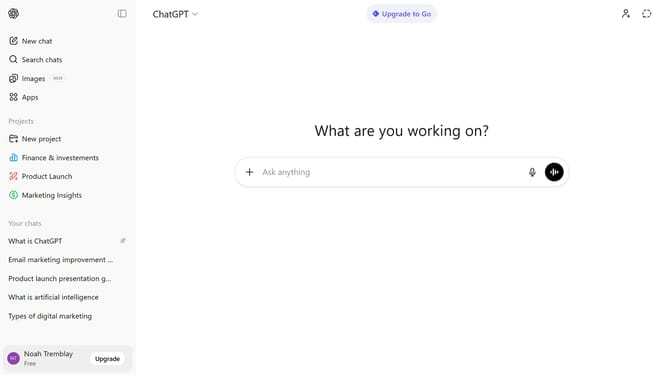
How to upload a file in ChatGPT
Here is how to upload a file in chatgpt
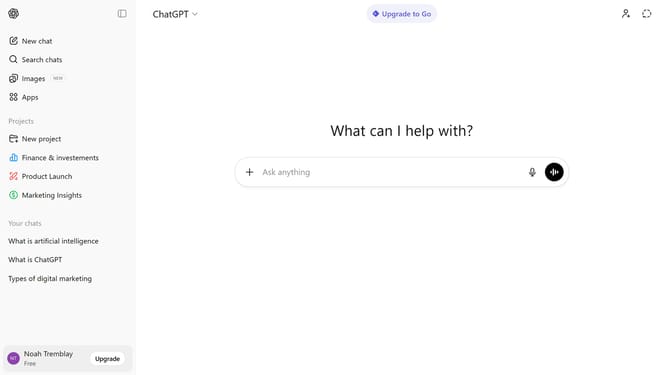
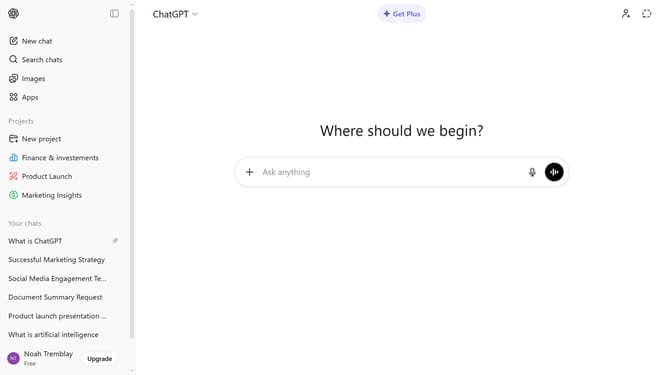
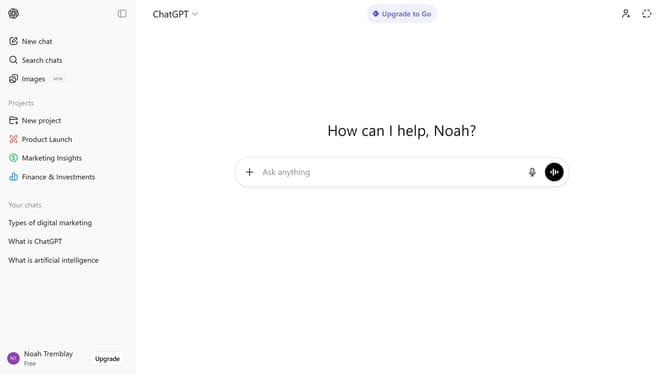
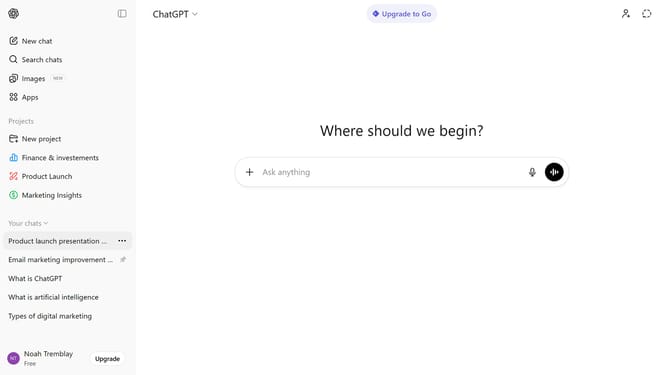
- First, start a new chat or open an existing conversation
- Next click on the "+" button to the left of the input field
- From the dropdown menu, select "Add photos & files" option and select the file from your device
- After that, wait for the file to finish uploading
- Finally, type your message or instructions
- ChatGPT can read and analyze the attached file within the conversation
Why should you upload a file in ChatGPT
ChatGPT is an innovative AI designed to assist users in generating human-like text for a variety of applications.
One of the standout features is the ability to upload files directly into ChatGPT. This feature enhances interaction by allowing users to seamlessly integrate their documents, fostering a more tailored and interactive experience.
Uploading files can significantly streamline communication and workflow, making it advantageous for users who need quick analysis or feedback on specific content. This capability makes ChatGPT not only a tool for conversation but also a versatile partner in data integration.
Last update