How to turn on deep research notification in Perplexity
Here is how to turn on deep research notification in perplexity
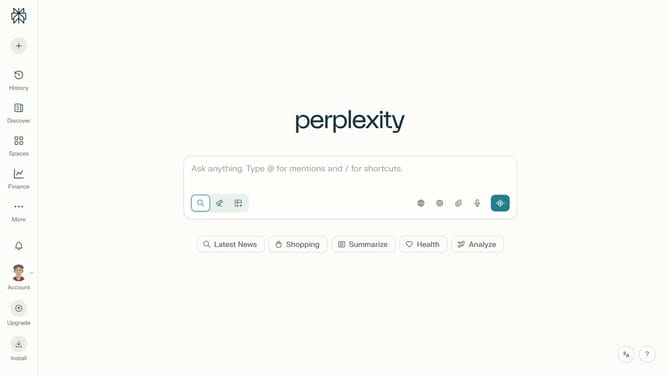
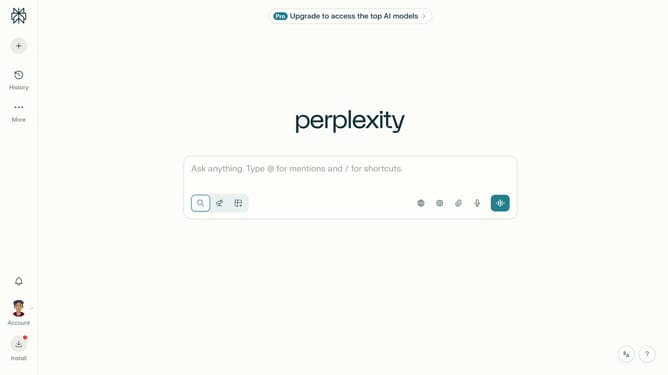
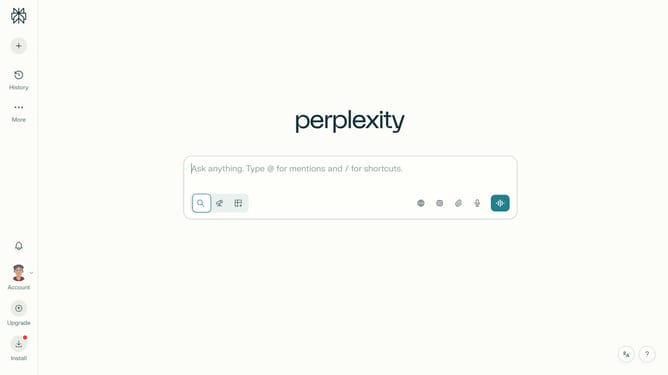
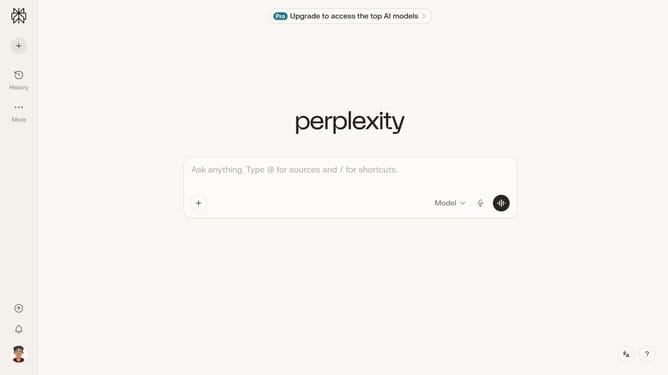
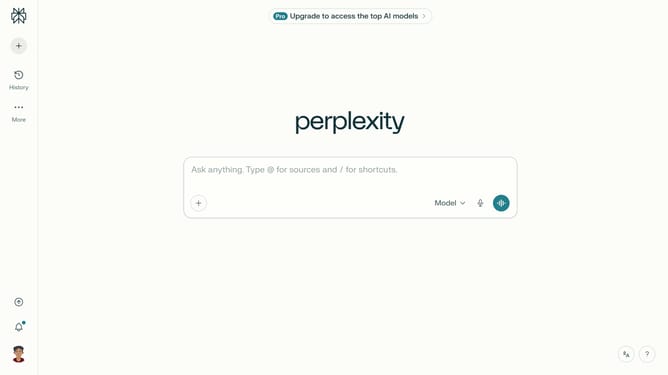
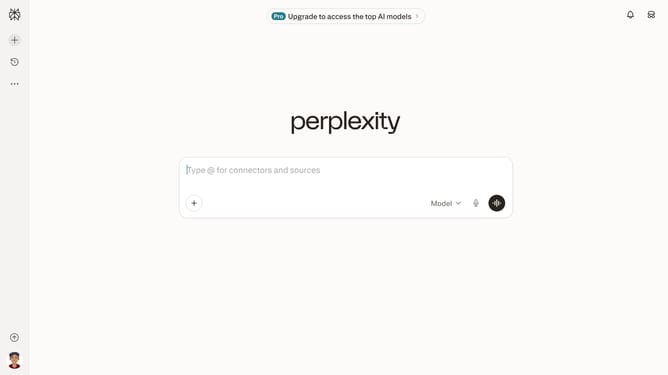
- First click on the account profile button in the bottom left sidebar
- Then click on "All settings" option in the user menu
- Next click on "Notifications" item in the left sidebar
- Then scroll down the page to view more notification options
- Finally click on the "Deep research" toggle switch on to enable the notification
Why should you turn on deep research notification in Perplexity
Perplexity is a cutting-edge tool designed to enhance your research capabilities with streamlined efficiency.
Enabling deep research notifications in Perplexity allows you to stay informed about new insights and developments in your research areas as they happen.
This feature ensures that you're always up-to-date with the latest, providing you with a constant edge in knowledge gathering.
By turning on these notifications, you can focus on analysis without continually checking for updates, saving time and maximizing productivity.
Last update