How to show Travel in the sidebar in Perplexity
Here is how to show travel in the sidebar in perplexity
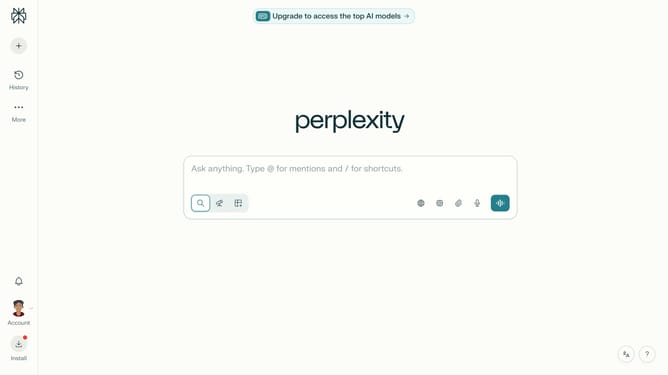
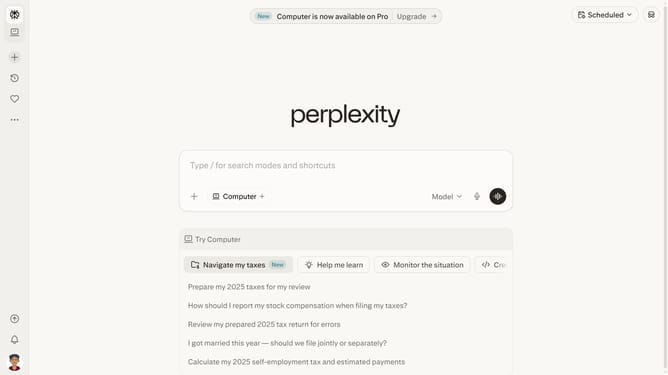
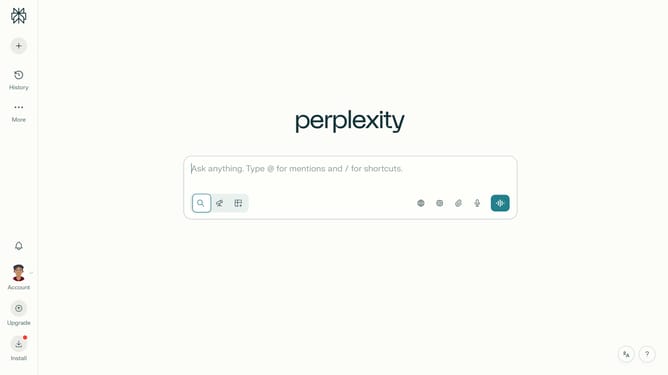
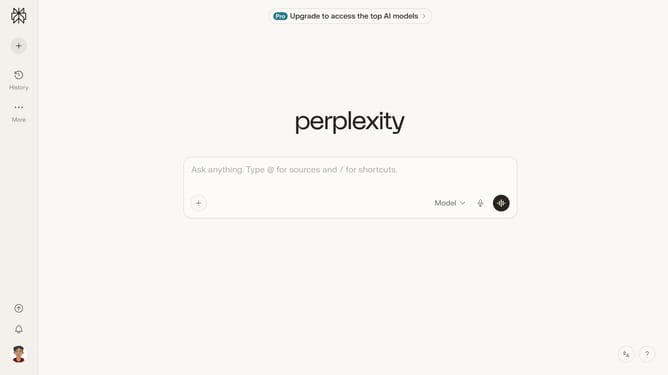
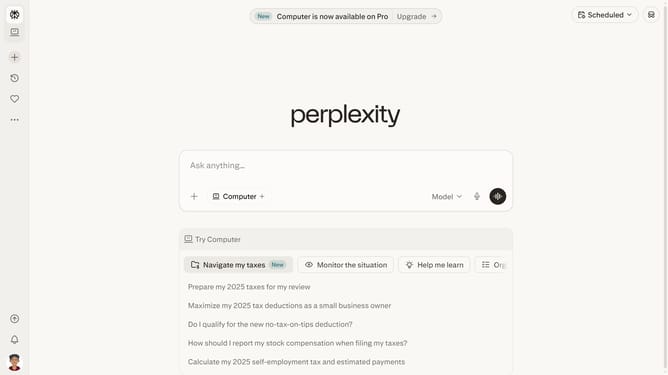
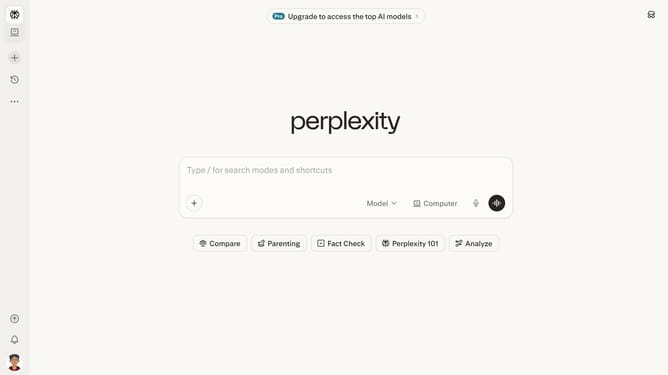
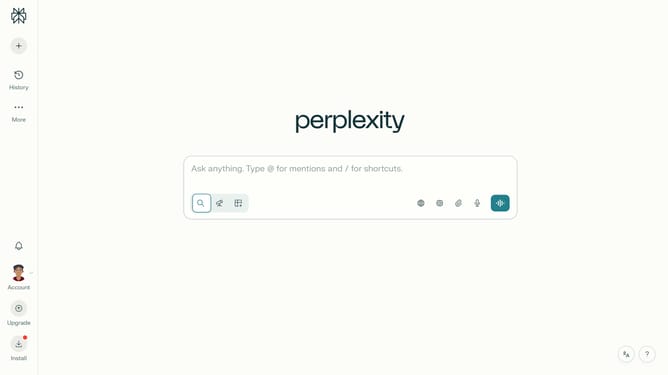
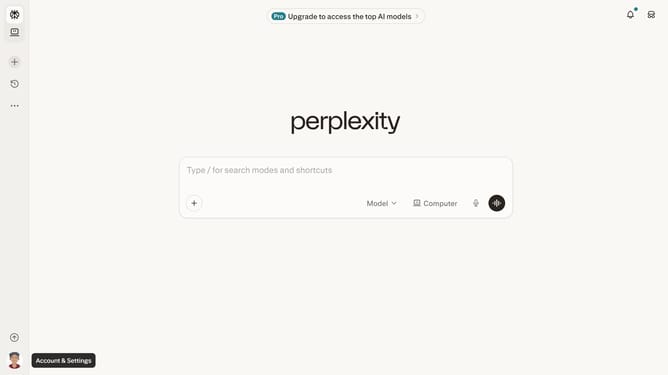
- First click on the profile button in the left sidebar
- Then click on the "Preferences" option in the account menu
- Next click on the "Customize" button in the Sidebar section of the Preferences page
- Finally click on the toggle switch next to "Travel" to enable it
Why should you show Travel in the sidebar in Perplexity
Perplexity is an intuitive platform designed to simplify and enhance your online experience by delivering quick access to information.
Displaying Travel in the sidebar of Perplexity allows you to seamlessly explore travel-related content at your fingertips, right when you need it.
This feature enriches your search experience by organizing essential travel information, making planning and exploring more efficient and enjoyable.
Enjoy a streamlined approach to travel research, where convenience and accessibility come together for a user-friendly experience.
Last update