How to set Zoom Docs to follow system theme
Here is how to set zoom docs to follow system theme
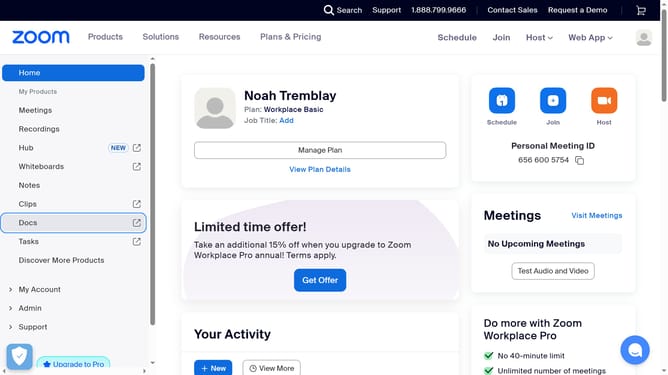
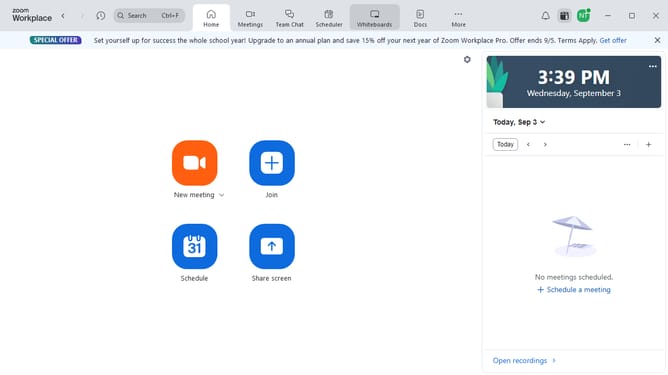
- First click on the "Docs" option in the left sidebar menu
- Then click on the "Settings" icon in the bottom-left corner of the Docs dashboard
- Next click on the "Appearance" dropdown in the settings panel
- Finally select "Follow system" from the list of available appearance options to match your system appearance
Why should you set Zoom Docs to follow system theme
Zoom is a versatile platform designed to connect people through seamless online meetings and collaboration.
With the feature to set Zoom Docs to follow your system theme, users can achieve a consistent visual experience across applications. This feature automatically syncs the appearance of Zoom Docs with your device's light or dark mode, enhancing both aesthetics and comfort.
Utilizing this feature not only aligns with personal preferences but also reduces eye strain in varying lighting conditions. Enjoy a harmonious workflow as your digital tools adapt effortlessly to your environment.
Last update