How to set price alert for Vanguard Total Stock Mkt Idx Instl Pls in Perplexity
Here is how to set price alert for vanguard total stock mkt idx instl pls in perplexity
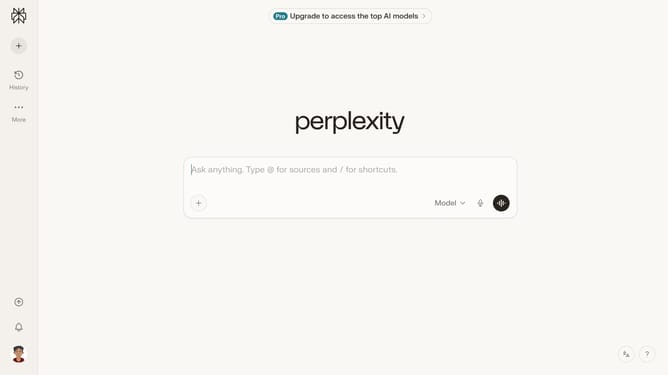
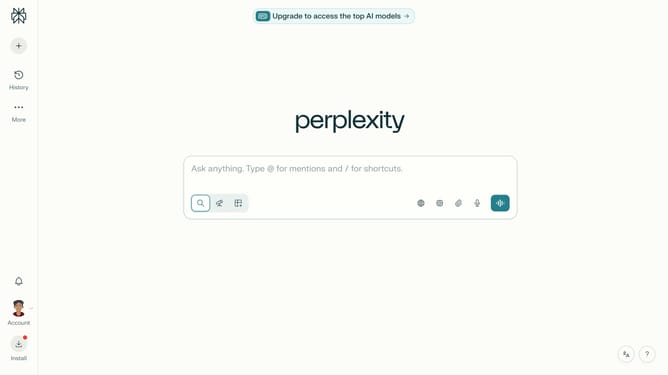
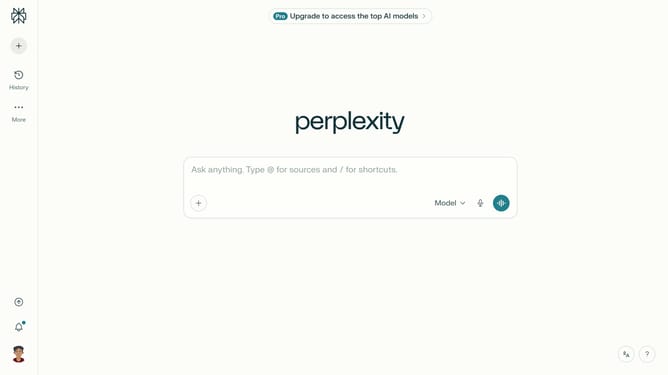
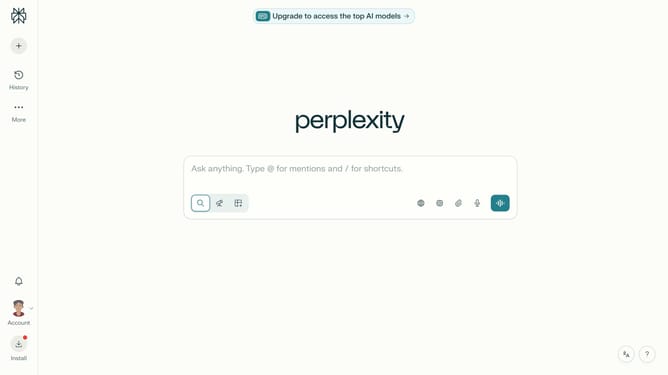
- First click on the account profile button in the bottom left sidebar
- Then click on "All settings" option in the user menu
- Next click on "Notifications" item in the left sidebar menu
- Then scroll down the notifications page to view more options
- Next click on "New Alert" button in the Price Alerts section
- Then click on the search field and type "Vanguard Total Stock Mkt Idx Instl Pls"
- Next click on "Vanguard Total Stock Mkt Idx Instl Pls" option from the dropdown menu
- Then click on the "Target Price" input field and enter the desired price value
- Finally click on the "Save" button to confirm the price alert
Why should you set price alert for Vanguard Total Stock Mkt Idx Instl Pls in Perplexity
Perplexity brings information to your fingertips with intuitive insights and alerts.
Setting a price alert for Vanguard Total Stock Mkt Idx Instl Pls in Perplexity empowers you to make informed investment decisions effortlessly.
This feature keeps you updated on significant market changes, ensuring you never miss an opportunity. You’ll gain confidence in managing your investments by staying informed on price movements.
Enhanced by Perplexity's efficient alert system, keeping track of your preferred stocks has never been more seamless and effective.
Last update