How to set price alert for Vanguard Emerging Markets Stock Index Fund in Perplexity
Here is how to set price alert for vanguard emerging markets stock index fund in perplexity
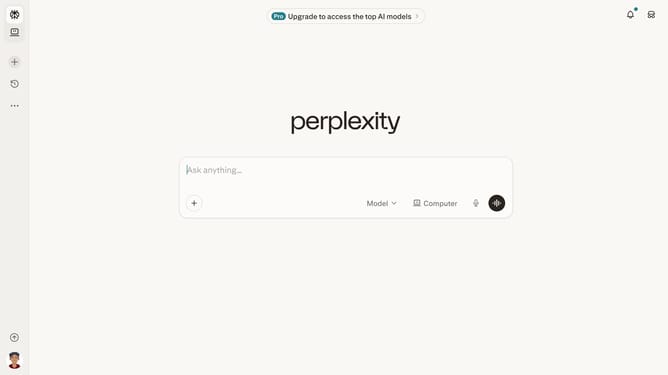
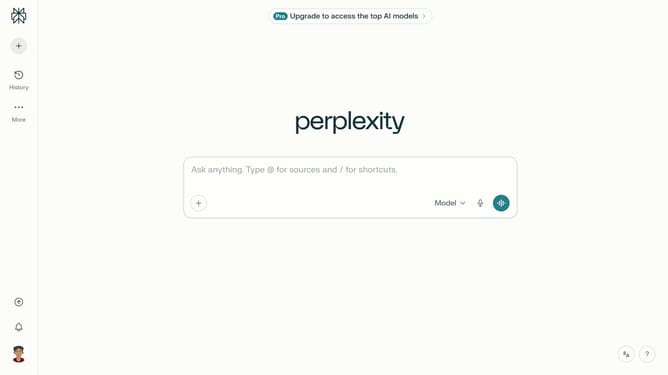
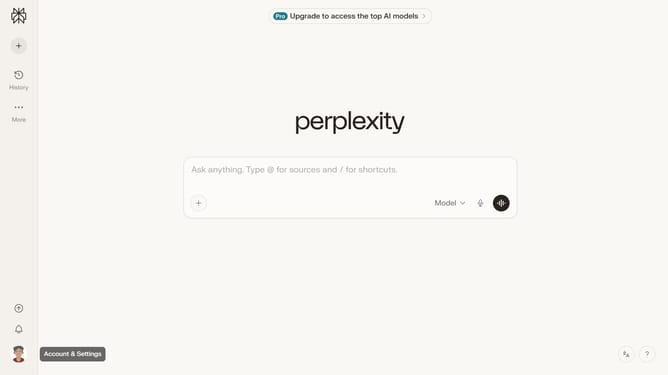
- First click on the account profile button in the left sidebar
- Then click on "Notifications" menu item in the settings panel
- Next scroll down the notifications page to view the Price Alerts section
- Then click on "New Alert" button in the Price Alerts section
- Next click on the search field in the price alert modal and type "Vanguard Emerging Markets Stock Index Fund"
- Then select "Vanguard Emerging Markets Stock Index Fund" from the dropdown results
- Next click on the target price input field and modify it to your desired price value
- Finally click on "Save" button to create the price alert
Why should you set price alert for Vanguard Emerging Markets Stock Index Fund in Perplexity
Perplexity is a powerful tool designed to simplify information tracking and management.
Setting a price alert for the Vanguard Emerging Markets Stock Index Fund in Perplexity ensures you stay informed without constant monitoring. This feature enhances your ability to react promptly to market changes, offering peace of mind and confidence in your investment decisions.
Utilizing alerts means you won't miss out on timely opportunities and can optimize your portfolio with ease. The process is intuitive, making market engagement both efficient and effective.
Last update