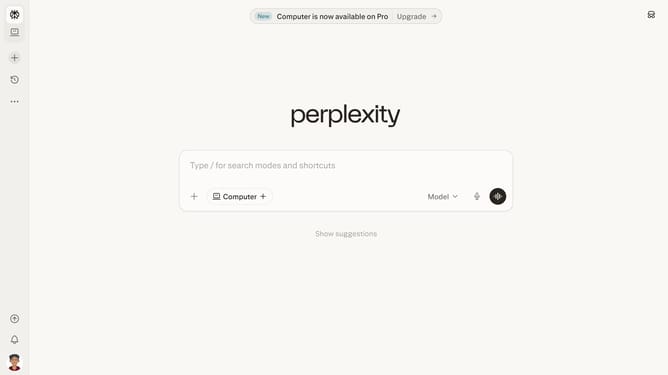
How to set price alert for Nu Holdings Ltd. in Perplexity
Here is how to set price alert for nu holdings ltd. in perplexity
- First click on account profile button in the bottom left sidebar
- Then click on "All settings" option in the sidebar menu
- Next click on "Notifications" menu item in the left sidebar
- Then scroll down the page to view price alerts section
- Next click on "New Alert" button to create a new price alert
- Then click on the stock search input field and type "Nu Holdings Ltd."
- Next select "Nu Holdings Ltd." from the dropdown options
- Next click on the target price input field and modify it to your desired price value
- Finally click on "Save" button to save the price alert
Why should you set price alert for Nu Holdings Ltd. in Perplexity
Perplexity is your go-to platform for insightful analysis and decision-making.
Setting a price alert for Nu Holdings Ltd. in Perplexity is a seamless experience that puts you in control of your investment strategy. By enabling price alerts, you can stay updated on significant market moves, allowing for timely and informed decision-making.
Using Perplexity to monitor price changes helps optimize your portfolio management and ensures you never miss important shifts in value, fostering smarter investment choices.
Last update