How to set price alert for NetApp, Inc. in Perplexity
Here is how to set price alert for netapp, inc. in perplexity
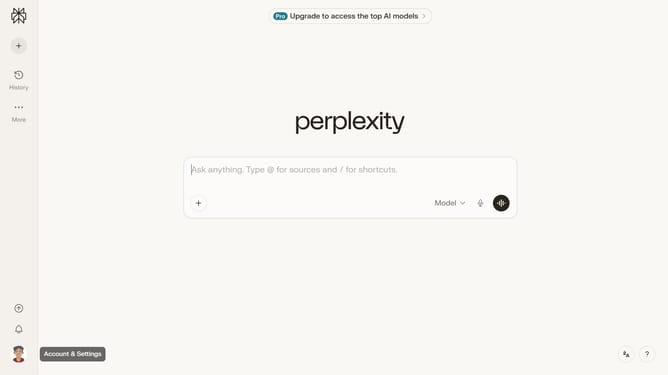
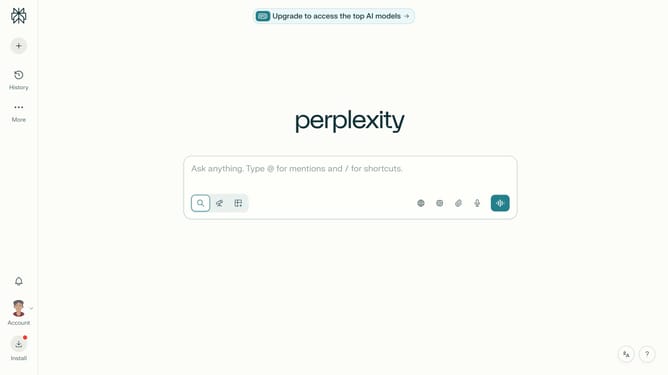
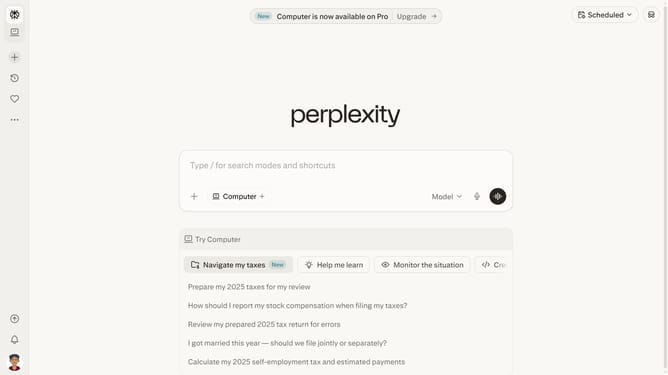
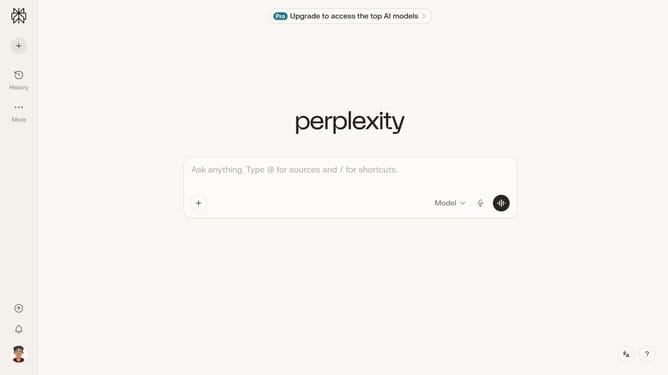
- First click on the account profile button in the bottom left sidebar to open the user menu
- Then click on "All settings" option in the user menu
- Next click on "Notifications" item in the left sidebar under the Account section
- Then scroll down to view more options
- Next click on "New Alert" button in the price alerts section
- Then click on the stock search input field in the price alert dialog and type "NetApp, Inc."
- Then click on the "NetApp, Inc." option from the dropdown list
- Finally click on "Save" button to create the price alert
Why should you set price alert for NetApp, Inc. in Perplexity
Perplexity is a cutting-edge platform designed to provide insightful analytics and alerts for financial enthusiasts and professionals.
Setting a price alert for NetApp, Inc. in Perplexity allows users to stay promptly informed about significant changes in the stock’s price. This feature ensures that investors can make timely decisions, potentially maximizing profits or minimizing losses without continuously monitoring the market.
Enabling price alerts brings peace of mind, knowing you’ll be instantly notified of crucial market movements, fostering confidence and strategic investment planning.
Last update