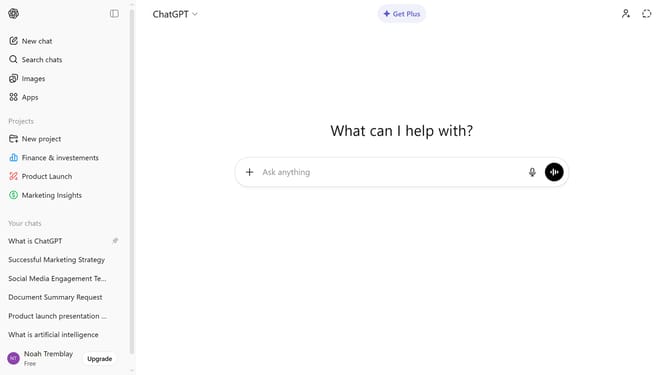
How to export your data from ChatGPT
Here is how to export your data from chatgpt
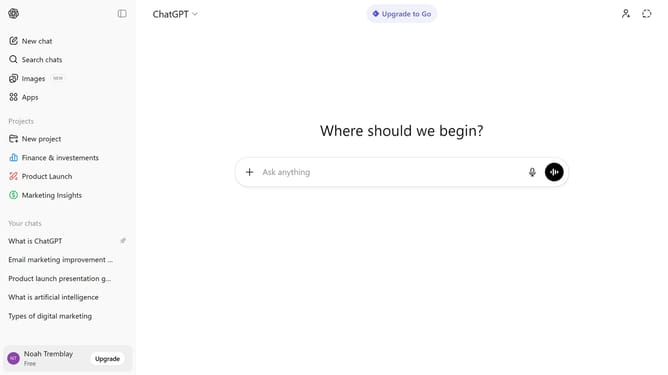
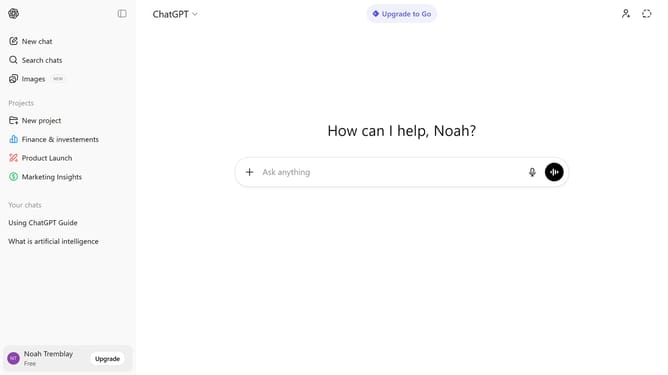
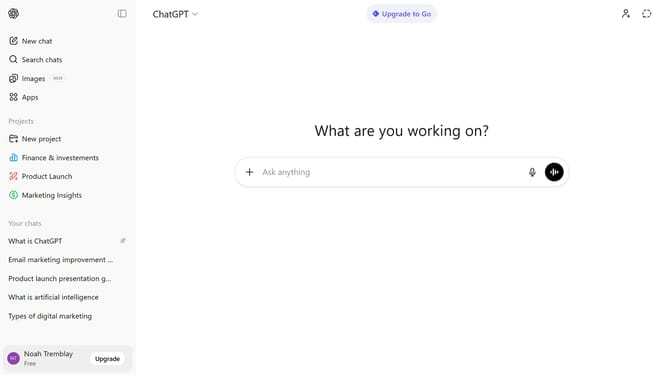
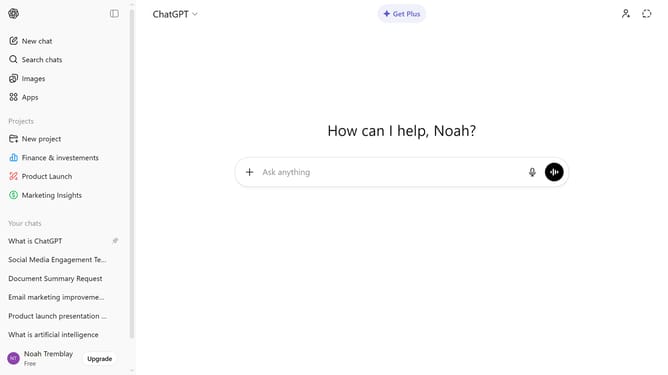
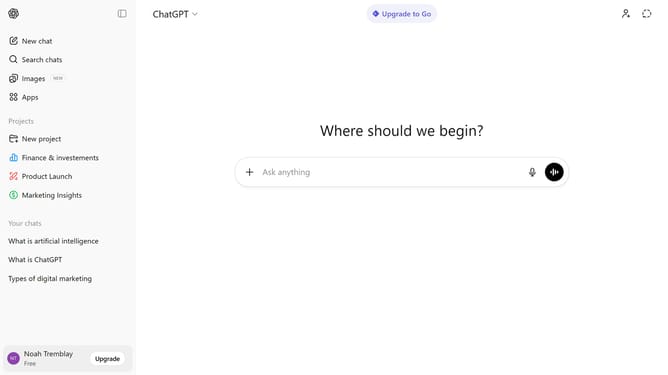
- First click on your profile at the bottom of the sidebar
- Next click on "Settings" option in the profile menu
- Click on "Data controls" option in the settings navigation menu
- Then click on the "Export" button
- Finally click on the "Confirm export" button in the confirmation dialog
Why should you export your data from ChatGPT
ChatGPT is a powerful AI tool designed to assist users with a wide range of inquiries and tasks through conversation.
The ability to export your data from ChatGPT allows for easy management and review of your interactions. This feature is incredibly beneficial for users seeking to track their progress, share information, or simply have a backup of their exchanges.
With data export, you can effortlessly maintain a record of your exchanges, keeping your workflow smooth and organized. By having access to past conversations, you enhance your learning and decision-making processes.
Last update