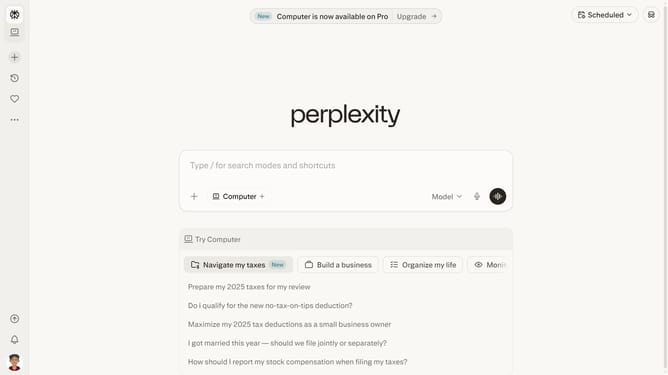
How to disable computer tasks email notification in Perplexity
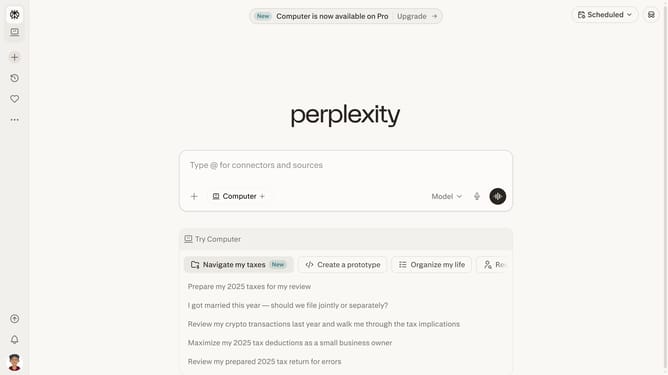
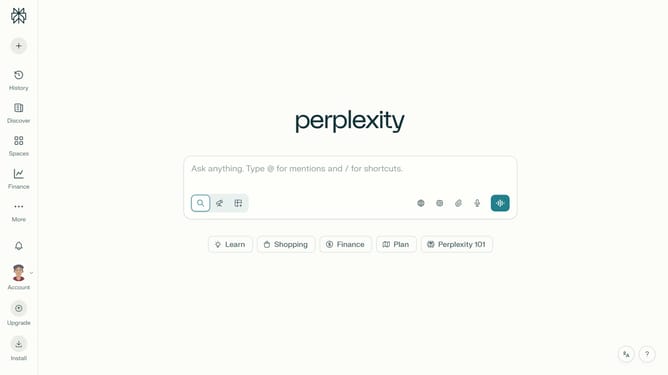
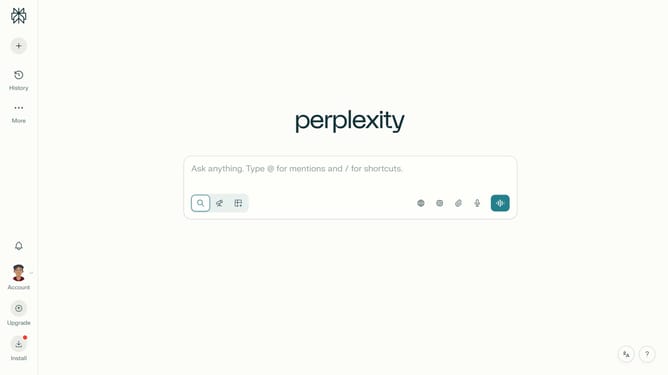
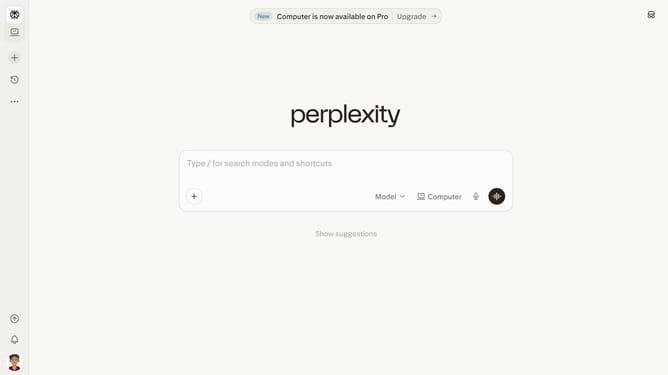
Here is how to disable computer tasks email notification in perplexity
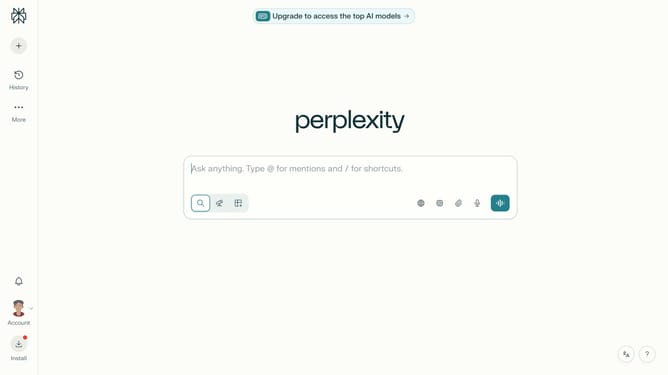
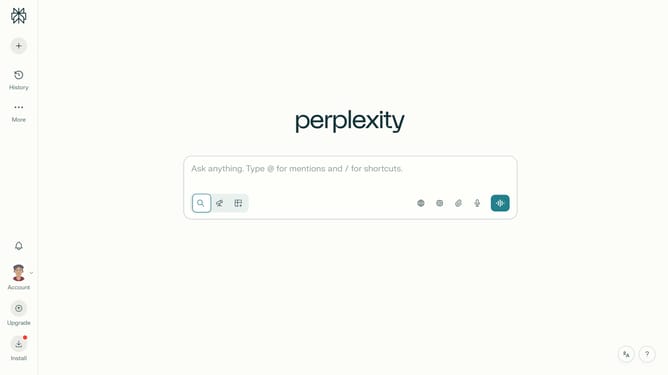
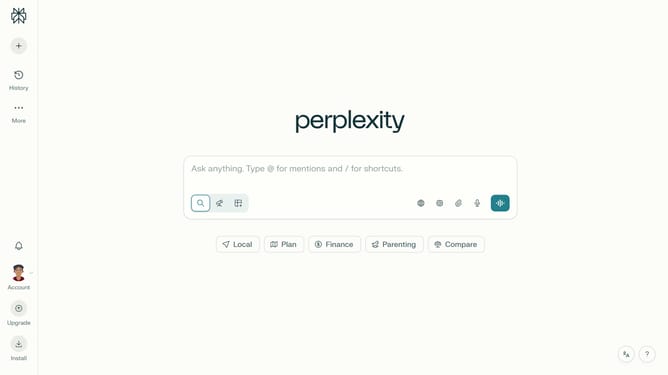
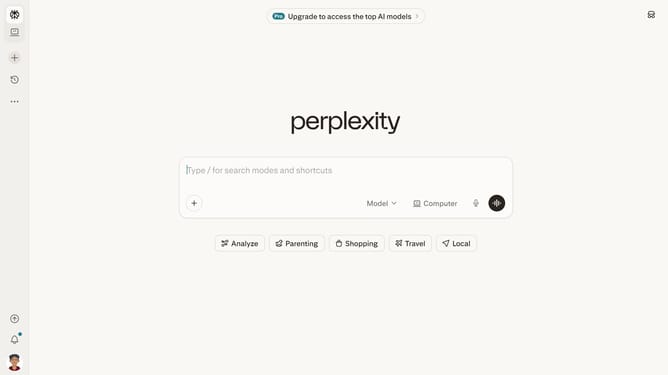
- First click on the account profile button in the sidebar
- Then click on the "All settings" option in the settings menu
- Next click on the "Notifications" item in the sidebar
- Then scroll down to view more notification settings
- Finally click on the "Computer Tasks" toggle off in the email settings section to disable it
Why should you disable computer tasks email notification in Perplexity
Perplexity is a dynamic tool designed to streamline complexities in organizing tasks and data.
By disabling computer tasks email notifications in Perplexity, you tailor your workflow to minimize unnecessary digital noise.
This feature allows you to focus solely on critical updates, enhancing productivity and minimizing distractions.
Embracing this customization option ensures a smoother experience, emphasizing efficiency in managing your digital workspace.
Last update