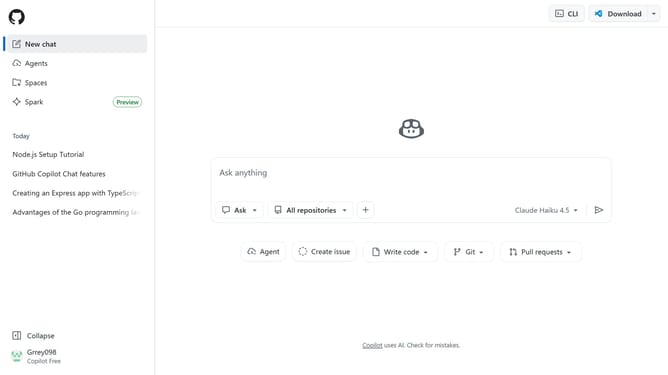
How to configure commit merging for pull requests in a GitHub repository
Here is how to configure commit merging for pull requests in a github repository
- First open the repository you want to configure
- Next click on "Settings" tab in the repository navigation bar
- Click on "General" option in the settings sidebar
- Scroll down to the "Pull Requests" section
- Then click on the "Allow merge commits" checkbox to enable or disable the option
- Click on "Default message" dropdown button under the "Allow merge commits" option
- Finally configure the default commit message from the dropdown menu if needed
Why should you configure commit merging for pull requests in a GitHub repository
GitHub is a leading platform designed for version control and collaborative software development.
Configuring commit merging for pull requests in a GitHub repository enhances your workflow by allowing seamless integration of contributions from multiple collaborators. By setting up rules for this process, you streamline collaboration, ensuring that code changes are reviewed and tested before merging.
This not only optimizes the development cycle but also enhances code quality and minimizes potential conflicts, fostering a more efficient and productive development environment.
Last update