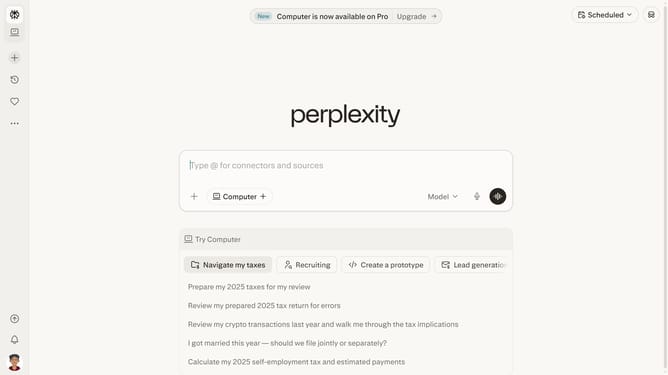
How to add Wix.com Ltd. to your finance watchlist in Perplexity
Here is how to add wix.com ltd. to your finance watchlist in perplexity
- First click on the user profile icon in the sidebar
- Then click on "Personalization" in the sidebar menu
- Then scroll down to view more options
- Then click on the "Manage" button
- Then click on the seach input field and type in "Wix.com Ltd."
- Then click on the "Wix.com Ltd." from the dropdown results
- Finally click on the "Done" button
Why should you add Wix.com Ltd. to your finance watchlist in Perplexity
Perplexity is your intuitive companion for uncovering insights and tracking financial trends with ease.
Adding Wix.com Ltd. to your finance watchlist in Perplexity empowers you to stay updated with real-time developments and strategic company movements. This feature ensures you're informed on pivotal shifts and potential opportunities within the dynamic digital landscape.
Utilizing such a watchlist enhances decision-making, allowing you to efficiently monitor performance and respond proactively to market changes, keeping you ahead in the competitive finance world.
Last update