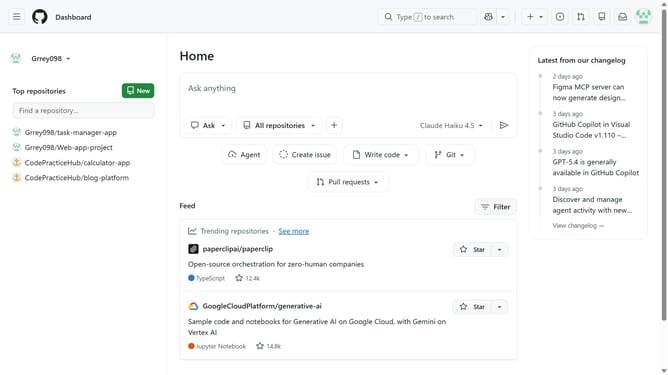
How to add an email address to your GitHub organization
Here is how to add an email address to your github organization
- First click on your profile picture in the top-right corner of the header
- Next click on "Organizations" in the dropdown menu
- Click on the "Settings" button next to the organization
- Locate the "Email" field on the General settings page
- Then enter the email address you want to associate with your organization
- Finally scroll down and click on the "Update profile" button to save the changes
Why should you add an email address to your GitHub organization
GitHub is a powerful platform designed to help developers collaborate and manage code efficiently.
One valuable feature is the ability to add an email address to your GitHub organization. This provides a streamlined way to manage communications, ensuring key notifications reach appropriate team members.
By tying an email address to your organization, you enhance operational efficiency, maintain seamless updates, and bolster team collaboration for project success.
Last update