How to add a Opinion Scale content to a typeform in Typeform
Here is how to add a opinion scale content to a typeform in typeform
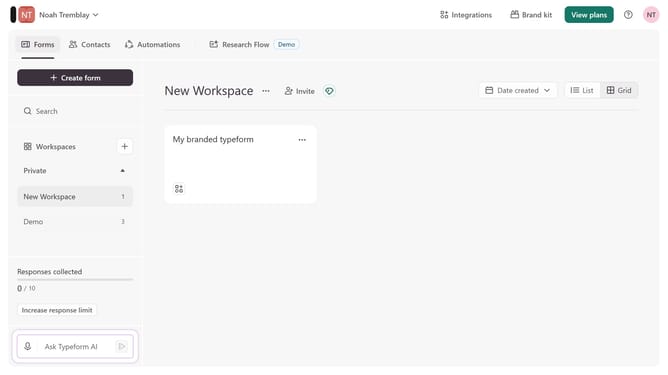
- First click on the a workspace item in the sidebar
- Then click on the "..." icon next to a chosen Typeform
- Then select "Content" from the dropdown menu
- Then click on the "+ Add content" button
- Finally select "Opinion Scale" from the "Rating & ranking" section
Why should you add a Opinion Scale content to a typeform in Typeform
Typeform revolutionizes the way you gather information, making online forms engaging and interactive.
Adding an Opinion Scale to your typeform is an intuitive way to capture nuanced reactions from your audience. With its simple sliding scale, respondents can easily express levels of agreement, satisfaction, or any other measurable sentiment.
Using this feature allows you to gather more precise insights that go beyond binary options. It enriches the data you collect and helps tailor your approach based on deeper understanding.
Last update