Typeform
Typeform is a user-friendly form builder that creates interactive and engaging surveys and questionnaires.
Website
Industry
Form
Share this article:

How to add a Multi-Question Page content to a form in Typeform

Here is how to add a multi-question page content to a form in typeform

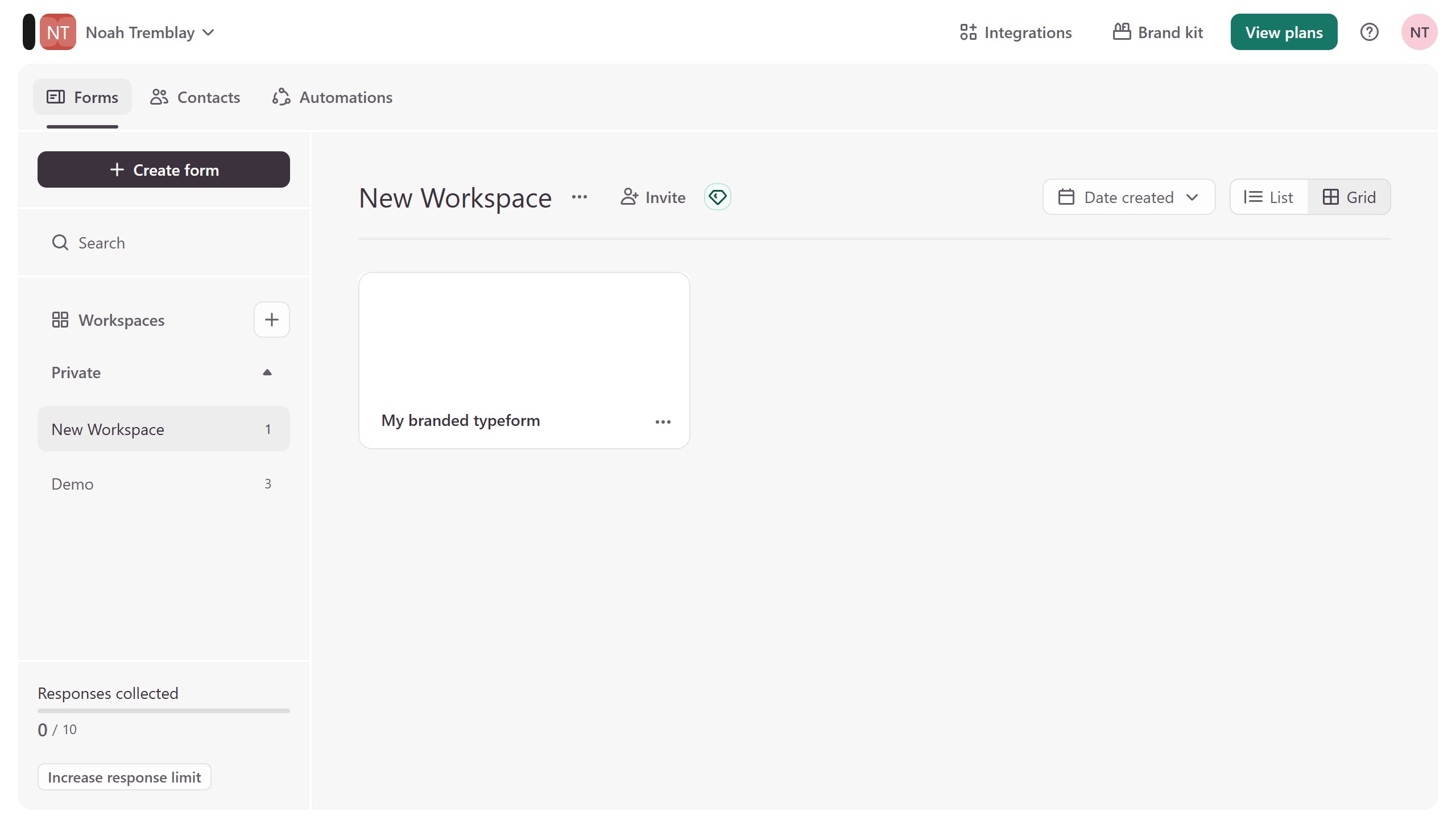
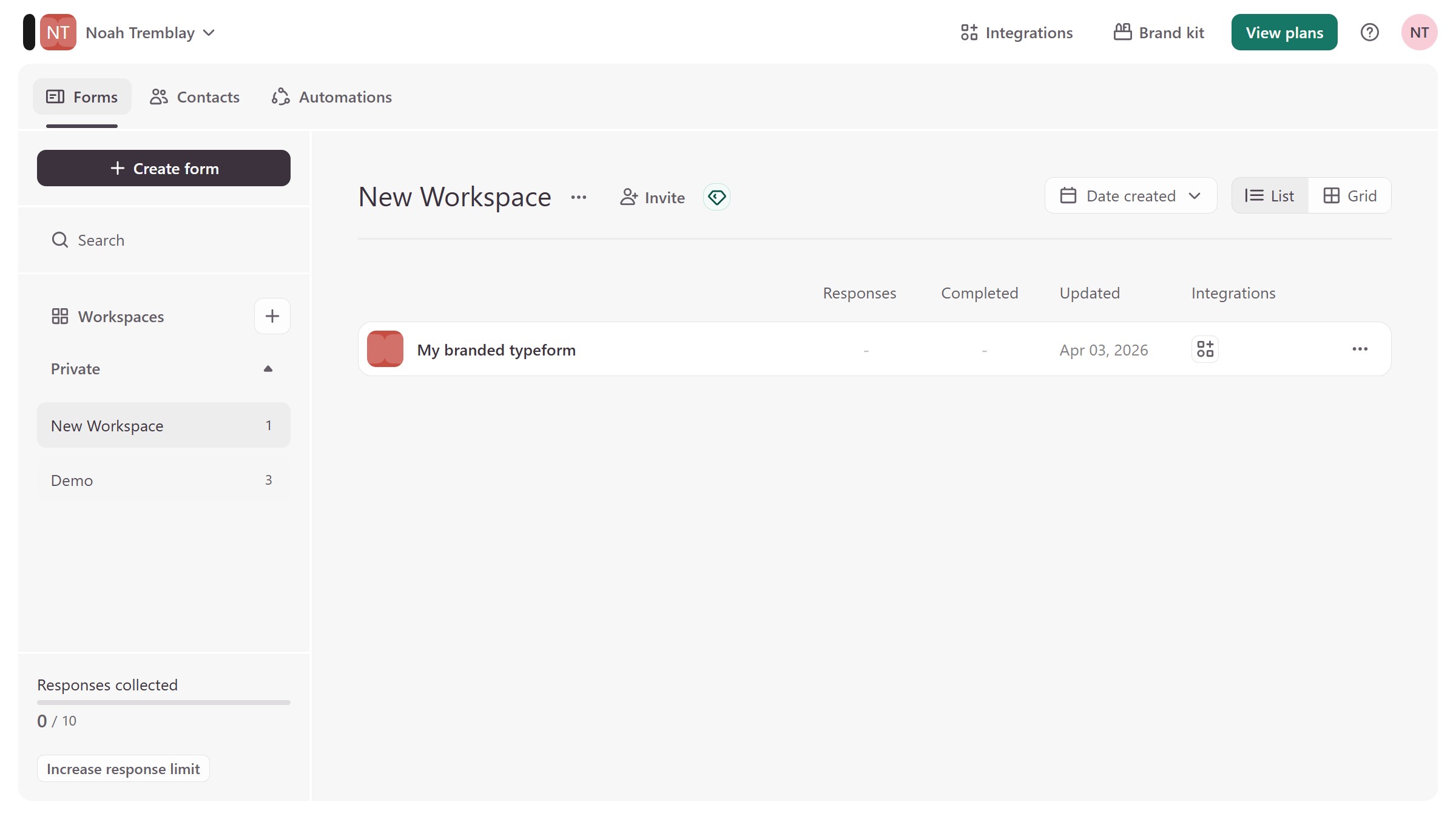
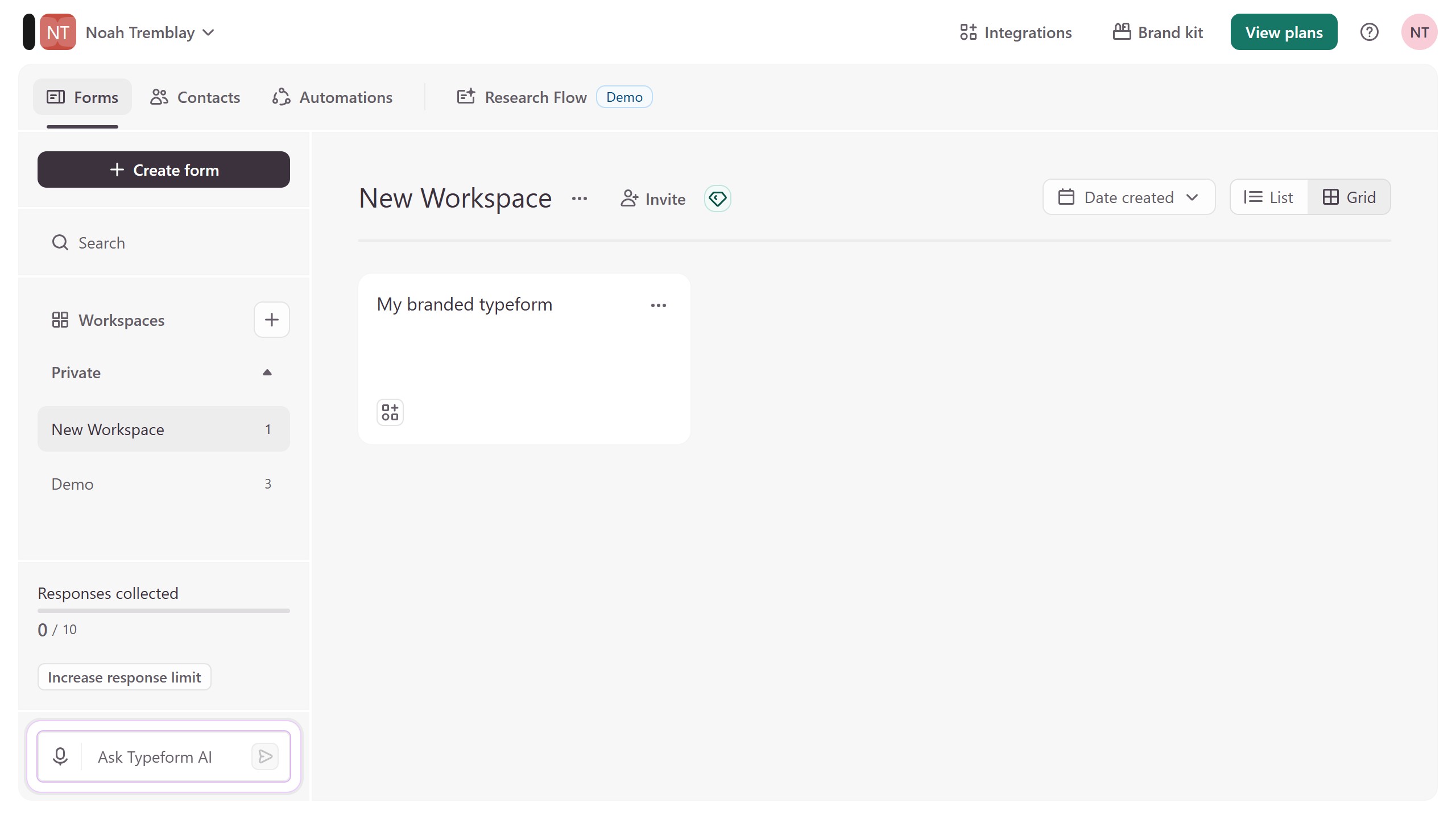
  1. First click on the a workspace item in the sidebar
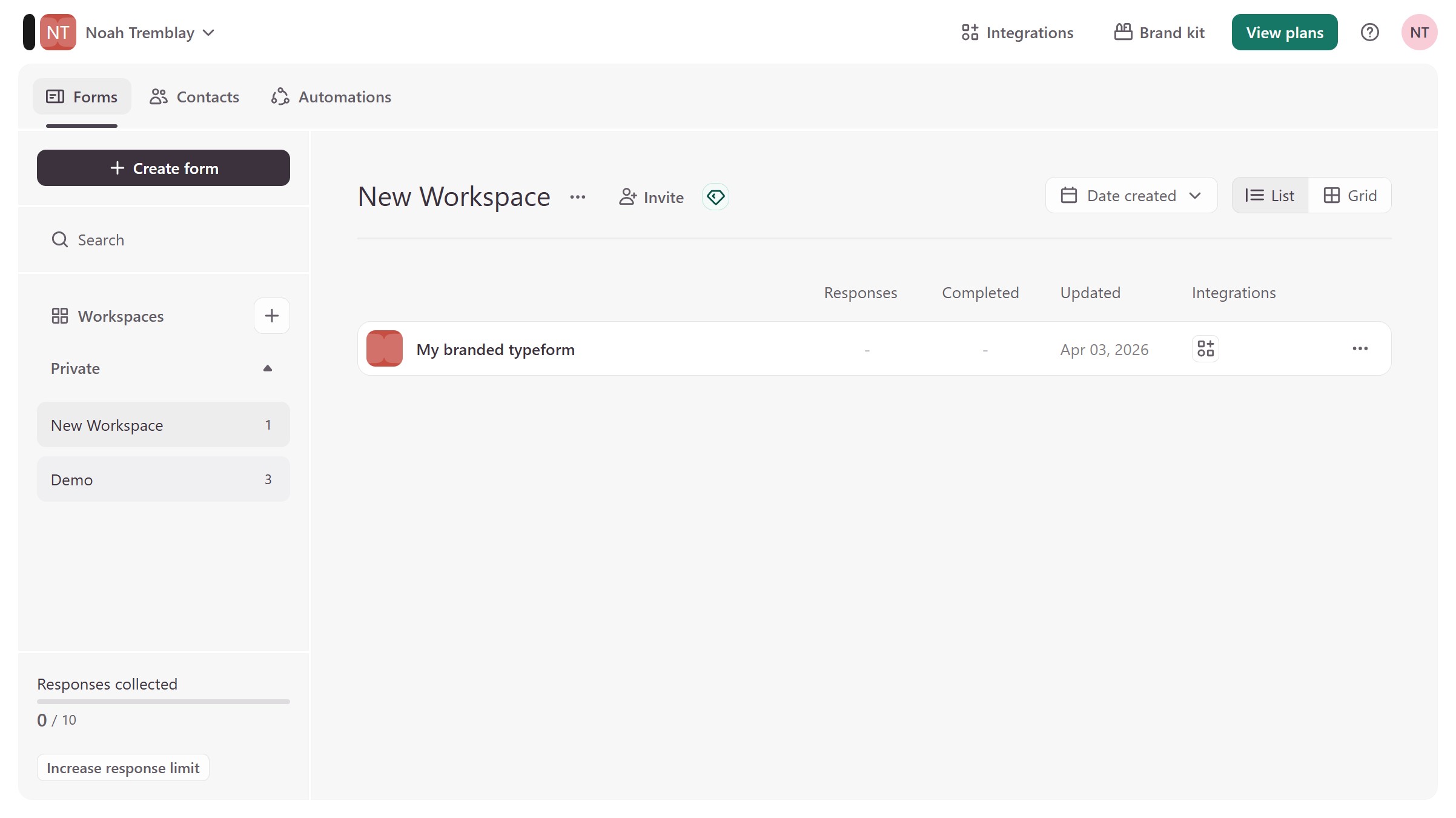
  2. Then click on the "..." icon next to a chosen Typeform
  3. Then select "Content" from the dropdown menu
  4. Then click on the "+ Add content" button
  5. Finally select "Multi-Question Page"

Create your own interactive guide with Guideflow

Why should you add a Multi-Question Page content to a form in Typeform

Typeform is a versatile platform that transforms how you collect and interact with information through engaging forms and surveys.

Adding a Multi-Question Page to a form in Typeform enhances the user experience by bundling related questions onto a single screen, streamlining the response process.

This feature fosters seamless navigation for users, reducing the cognitive load and making the form completion less daunting.

The result is an increased completion rate and richer data collected efficiently, benefiting both the form creator and respondents.


Last update
August 3, 2026
Cursor MariaA cursor points to a button labeled "James."

Create your first demo in less than 30 seconds.