How to add a Contact Info content to an existing typeform in Typeform
Here is how to add a contact info content to an existing typeform in typeform
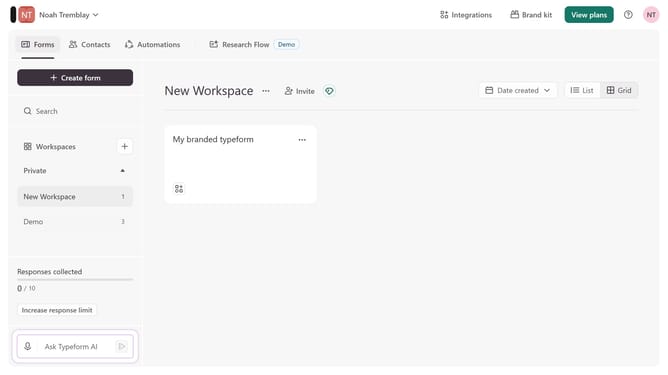
- First click on the a workspace item in the sidebar
- Then click on the "..." icon next to a chosen Typeform
- Then select "Content" from the dropdown menu
- Then click on the "+ Add content" button
- Finally select "Contact Info" from the "Contact Info" section
Why should you add a Contact Info content to an existing typeform in Typeform
Typeform is a sleek and intuitive platform designed for creating engaging and interactive forms effortlessly.
Adding a Contact Info content to an existing typeform enhances interaction by allowing respondents to easily provide their details, seamlessly integrating into any form's flow.
This feature increases response rates, ensuring essential communication lines remain open and enriching data collection for more personalized interactions.
Incorporating this element into your typeforms transforms them into valuable conduits for connection and engagement.
Last update