A corrective action gets logged in a spreadsheet. Someone forgets to assign an owner. Three months later, the same defect reappears, and now an auditor wants the paper trail. Nobody can find it.
That is the quiet cost of tracking corrective and preventive actions without a real system. Not the initial issue. The recurrence, the missed closure, and the scramble when someone asks you to prove the process worked.
The stakes are getting higher. The global CAPA management market was valued at USD 2.4 billion in 2025 and is projected to reach USD 5.2 billion by 2032 at an 11.8% CAGR, according to Strategic Market Research (2025). Rising regulatory compliance requirements across industries were named as a primary driver of that growth. In plain terms: more teams are formalizing how they handle nonconformances, and more of them are being asked to show their work.
If you own a process that has to survive cross-functional use and frequent change, that pressure lands on you. You are not just tracking issues. You are choosing a system that quality, operations, and compliance stakeholders will all touch, and that has to hold up during an audit. So the question is not which tool has the longest feature list. It is which workflow, reporting depth, and implementation burden actually fit how your team works. That evaluation lens, not a feature checklist, is what this guide is built around.
What's inside
This guide covers the seven best CAPA software options for teams comparing workflow depth, audit readiness, reporting maturity, and implementation fit. It is written for buyers who own a process, not a single task, and who need a tool that scales across quality, operations, and compliance.
We selected and ranked tools on six criteria that matter to a real evaluation:
- Workflow coverage from issue capture to closure
- Root cause analysis tools like 5 Whys, Ishikawa, and risk scoring
- Traceability and audit trails
- Reporting and trend analysis
- Integrations with existing systems
- Compliance support for standards like ISO 9001 and regulated industries
Pricing and G2 ratings are drawn from vendor pages and current listings where available. Where a vendor gates pricing, we say so plainly.
TL;DR
- Best overall for operational, mobile-first teams: SafetyCulture, for fast field capture, inspections, and corrective actions in one app.
- Best for structured corrective action tracking: Adaptive BMS, built around a focused CAPA Manager workflow with 8D and root cause methods.
- Best for broad EHS and compliance workflows: EHS Insight, a modular platform that ties CAPA to safety, incidents, and audits.
- Best for regulated life sciences: Montrium and Qualio, for quality event management, document control, and audit-ready workflows.
- Best for enterprise governance: MasterControl and ETQ Reliance, for large quality organizations with complex compliance and configurability needs.
- Cloud is the default now: cloud-based CAPA solutions were expected to hold 62 to 65% of market share in 2025 (Strategic Market Research, 2025), so weigh mobile access and remote collaboration heavily.
What is CAPA software?
CAPA software is a quality management tool that tracks corrective and preventive actions from the moment an issue is captured through investigation, action, and verified closure. The goal is simple to state and hard to do well: stop problems from recurring, and prove you did the work.
CAPA does not live alone. It sits inside a wider quality workflow with a few closely related records that buyers often confuse:
- NCR (nonconformance report): the record that documents a defect, deviation, or out-of-spec event. It captures what went wrong.
- CAR (corrective action request or report): the formal request to investigate and fix a specific issue. Depending on the organization, CAR software and NCR software may be modules of the same platform.
- CAPA (corrective and preventive action): the broader process. Corrective action addresses the issue that already happened. Preventive action addresses the risk of it happening elsewhere. A single NCR or CAR can trigger a CAPA.
- Quality event: the umbrella term regulated industries use for any deviation, complaint, or nonconformance that may feed into a CAPA.
Good corrective and preventive action software connects these records so nothing falls through the cracks. When you evaluate a CAPA management solution, these capabilities are the baseline:
- Structured workflow with ownership, due dates, escalations, and closure controls
- Root cause analysis tools like 5 Whys, Ishikawa (fishbone), and risk scoring
- Audit trails that log every change, approval, and signature
- Approvals and electronic signatures for regulated sign-off
- Evidence attachment so investigation records stay with the action
- Reporting and dashboards for trend analysis and recurring-issue detection
- Integrations with document control, training, and broader QMS systems
Teams evaluating adjacent quality processes often look at audit management software alongside CAPA systems, since the two workflows feed each other during inspections and reviews.
When to use CAPA software
Not every team needs a full CAPA system on day one. Here is how to recognize when structured corrective action management software earns its place in your stack.
Track corrective actions from issue to closure
The moment corrective actions start living in email threads and spreadsheets, accountability breaks down. You need CAPA software when actions require clear ownership, due dates, escalation paths, and closure verification. Structured status visibility, who owns what and where it stands, is the difference between a process you can trust and one you hope is working. Traceability from issue to verified closure is the core job.
Standardize root cause analysis
If two teams investigate the same defect and reach different conclusions, your root cause analysis is inconsistent. Root cause analysis software with built-in 5 Whys, Ishikawa diagrams, and risk scoring forces a repeatable method. That consistency matters most across multiple sites or teams, where variation in how people diagnose problems quietly undermines every fix downstream.
Improve audit readiness and compliance
Approvals, evidence, and electronic signatures stop being nice-to-haves the moment an auditor is involved. You need audit-ready CAPA software when you must demonstrate a controlled process, not just a completed one. For ISO 9001 CAPA software buyers and regulated industries, the standard is not that you fixed the issue. It is that you can prove the fix followed an approved, documented, and signed workflow.
Monitor quality trends and recurring issues
One corrective action is an event. Ten of the same type is a systemic problem. Dashboards and trend analysis help leaders spot recurring issues and prioritize the fixes that actually move quality forward. This is where CAPA connects to continuous improvement: reporting turns a pile of closed actions into a signal about where your process is weak.
Comparison table
The tools below are ordered by relevance to a broad CAPA buyer, from mobile-first operational teams to enterprise quality organizations. Use this to narrow on speed, compliance depth, mobile access, and quality event breadth before reading the full sections.
| # | Product | Intent | Key use case | Pricing | G2 rating |
|---|---|---|---|---|---|
| 1 | SafetyCulture | Mobile-first operations | Field capture, inspections, corrective actions | Free; Premium from $24/seat/mo | 4.6/5 |
| 2 | Adaptive BMS | Focused CAPA workflow | Corrective action tracking, 8D, RCA | Free 2-user tier; quote for teams | Not rated |
| 3 | EHS Insight | Broad EHS + compliance | CAPA tied to safety, incidents, audits | From $5k/year (SMB) | 4.7/5 |
| 4 | Montrium | Life sciences quality | Quality event monitoring, document control | Quote-based | Not rated |
| 5 | MasterControl | Enterprise QMS/MES | Controlled quality, manufacturing, audits | Quote-based | 4.4/5 |
| 6 | Qualio | Life sciences eQMS | Quality and compliance workflows | Quote-based | 4.4/5 |
| 7 | ETQ Reliance | Configurable enterprise QMS | Document control, CAPA, audits, analytics | Quote-based | 4.3/5 |
1. SafetyCulture
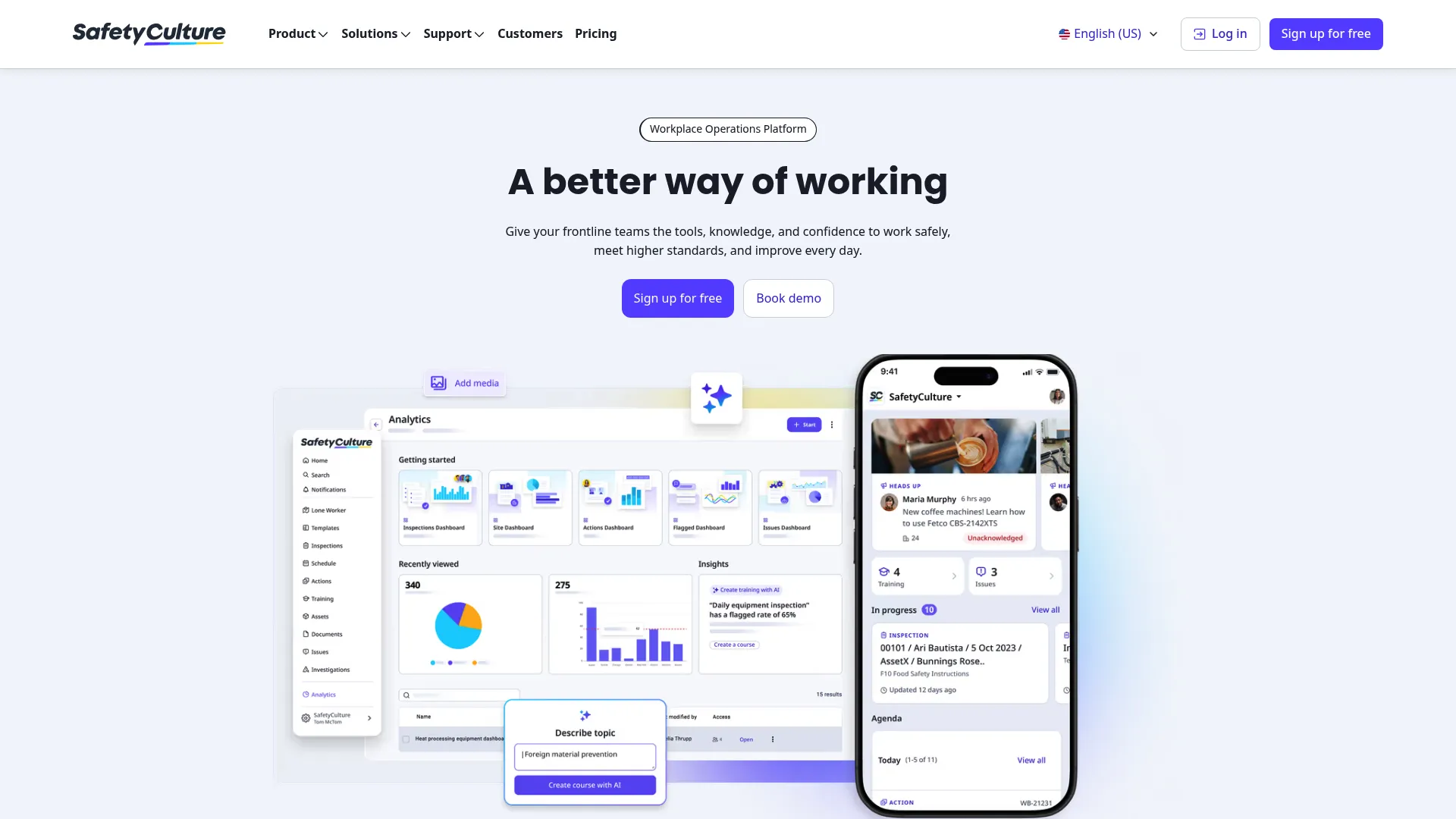
SafetyCulture is a workplace operations platform built around inspections, audits, training, and actions. Its CAPA strength comes from its heritage: teams capture an issue on a phone in the field, assign an action, and track it to closure without ever opening a desktop. For operations-heavy environments where the problem happens on a factory floor or a job site, that speed of capture is the whole game.
Best for: Teams that want a mobile-first platform for inspections, reporting, and frontline corrective actions.
Key strengths
- Mobile-first capture: Log issues and assign corrective actions directly from a phone in the field.
- Inspections and checklists: Turn recurring audits and inspections into repeatable templates that feed actions.
- Actions and issue reporting: Track assigned tasks with owners and due dates, tied to the source inspection.
Why choose SafetyCulture: If your corrective actions originate in the physical world, on a site, a floor, or a route, SafetyCulture removes the lag between spotting a problem and logging it. It stands out against heavier QMS tools by prioritizing frontline speed over regulated document control, which is exactly right for operational quality teams that are not primarily driven by life sciences compliance.
SafetyCulture pricing: SafetyCulture offers a Free plan at $0 per seat per month. The Premium plan starts at $24 per seat per month. Enterprise pricing is custom and quote-based. Paid plans also offer Lite seats from $5 per seat per month when billed annually. It holds a 4.6/5 rating on G2.
2. Adaptive BMS
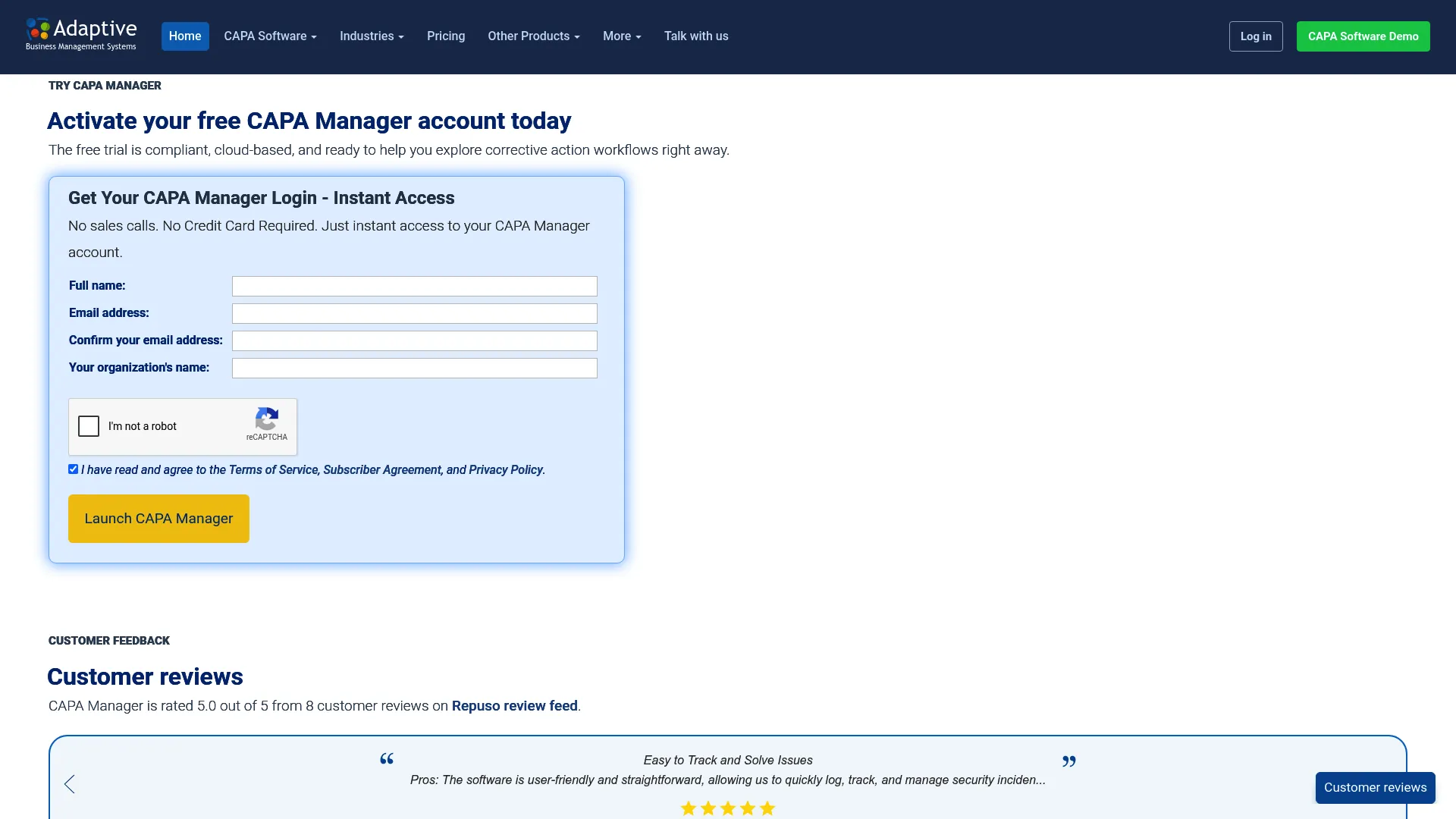
Adaptive BMS builds its CAPA Manager around a focused corrective and preventive action workflow rather than a sprawling QMS. That focus is its differentiator. The product covers capture, investigation, action, and closure, with structured root cause tools built in for teams that want depth on the CAPA process specifically without buying a full quality platform.
Best for: Quality teams that need a cloud CAPA system for investigations and closure tracking.
Key strengths
- CAPA and corrective action tracking: A purpose-built workflow from issue capture through verified closure.
- 8D and RCA workflows: Built-in 8D, RCCA, and root cause analysis methods for consistent investigations.
- Approvals, evidence, and signatures: Closure history, dashboards, and sign-off controls that support accountability.
Why choose Adaptive BMS: Choose Adaptive BMS when the corrective action process is your priority and you do not need a document-control-heavy enterprise QMS wrapped around it. Its 8D and RCCA support makes it a strong fit for manufacturing and quality teams that live in structured investigations. The scope is deliberately narrow, which keeps the workflow clean.
Adaptive BMS pricing: Adaptive BMS offers a free CAPA-Basic tier with 2-user trial access. Paid pricing is flexible, with larger-user quotes and annual plans available on request. Public numeric pricing for paid plans is not listed. No G2 product rating was available at the time of writing.
3. EHS Insight
EHS Insight is a modular environment, health, and safety platform where CAPA lives inside a broader compliance system. With more than 30 modules, it lets teams connect corrective and preventive actions to incidents, audits, and safety workflows rather than treating CAPA as a standalone function. For EHS-led organizations, that integration is the point.
Best for: Organizations that need a configurable EHS system to centralize safety, compliance, incidents, and audits.
Key strengths
- Modular platform: More than 30 modules let you build the workflow your compliance program needs.
- Mobile app with offline capabilities: Capture actions and evidence in the field, even without connectivity.
- Dashboards, reports, and SSO: Trend reporting and workflow automation with enterprise access controls.
Why choose EHS Insight: EHS Insight fits teams whose corrective actions are driven by safety and environmental compliance, not just product quality. If your CAPA program has to live alongside incident management and regulatory reporting, the modular approach means you configure the platform to your program instead of forcing your program into a rigid tool.
EHS Insight pricing: The Small & Medium Business Solution starts at $5,000 per year, billed annually. Enterprise pricing is a custom quote. Pricing is based on employee count, selected modules, and implementation requirements. It holds a 4.7/5 rating on G2.
4. Montrium
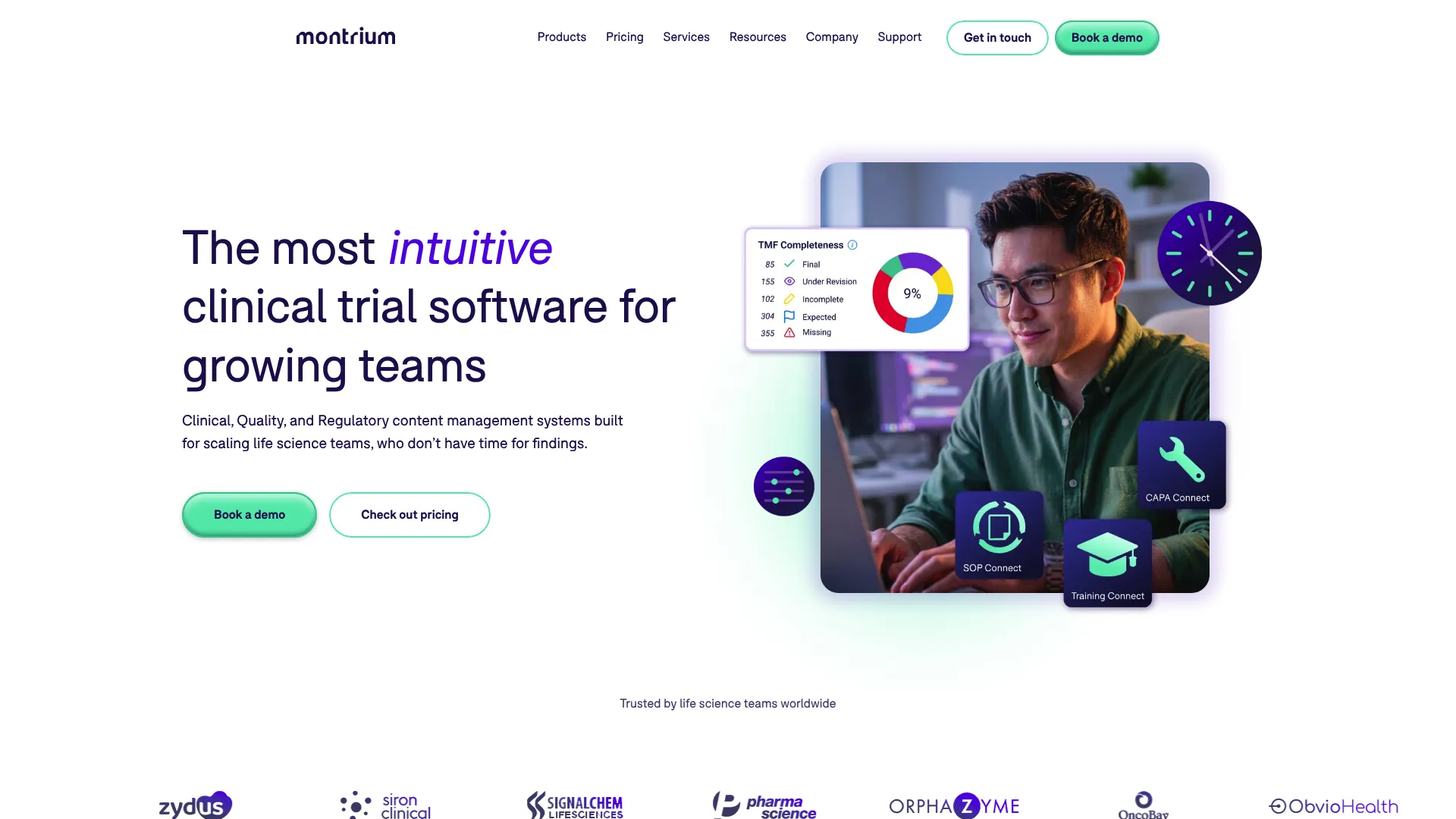
Montrium is a life sciences software vendor offering cloud-based clinical, quality, and regulatory content management. Its quality management features include document control, training, CAPA, audit, supplier, and change control, with a strong lean toward regulated quality event management. For life sciences teams, the value is in how tightly CAPA connects to document control and the wider regulated workflow.
Best for: Life sciences teams that need regulated content, quality, or regulatory management software.
Key strengths
- Quality management suite: Document control, training, CAPA, audit, supplier, and change control in one system.
- eTMF and content management: Document management, QC workflow, archive, and reporting built for regulated content.
- Regulatory information management: Authoring, eCTD submission support, and submission tracking.
Why choose Montrium: Choose Montrium when your CAPA process is inseparable from document control and regulatory submissions, and when your team already works inside a Microsoft-centric environment. Its centralized, audit-friendly workflow is built for the reality of life sciences quality, where a corrective action has to link cleanly to controlled documents and change records.
Montrium pricing: Montrium presents quote-based plans, including Essentials, Growth, Quality Connect, and RegDocs Connect. Public numeric pricing is not displayed; RegDocs Connect is described with a one-time activation fee plus a low monthly user fee. Request pricing directly for a numeric quote.
5. MasterControl
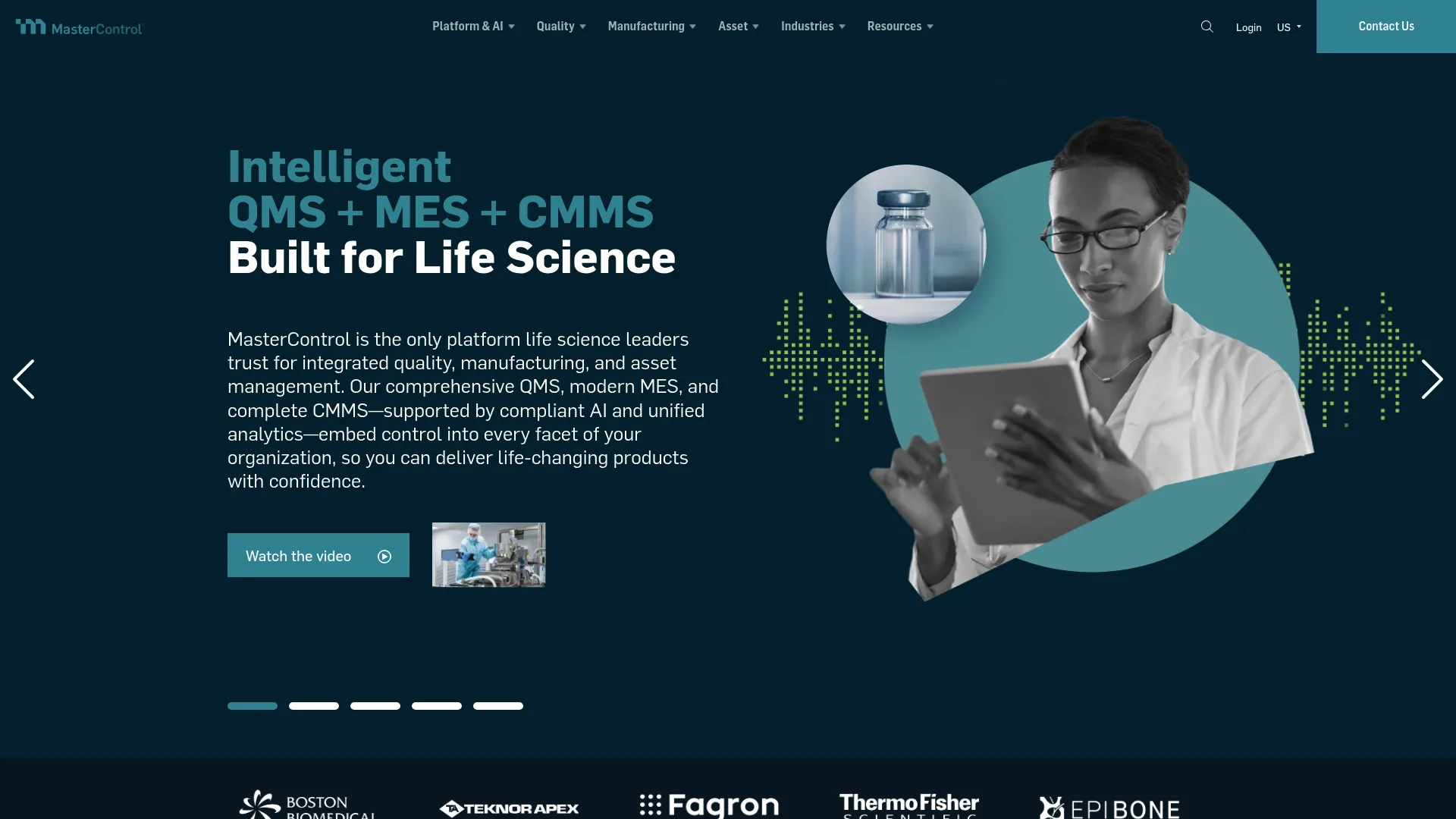
MasterControl is enterprise cloud software for regulated quality, manufacturing, and asset management in life sciences. Its CAPA capability sits inside a mature quality management system that also covers document, training, quality event, supplier, and audit management. For large, heavily regulated organizations, the appeal is depth of governance across the entire quality and manufacturing operation.
Best for: Life sciences companies that need a compliant QMS and MES platform.
Key strengths
- Quality management depth: Document, training, quality event, supplier, and audit management in a controlled system.
- Manufacturing execution: Electronic batch and production records tie quality to production.
- Asset management and calibration: Equipment and calibration tracking inside the same platform.
Why choose MasterControl: MasterControl suits large quality organizations where CAPA is one piece of a tightly governed, validated environment. If you need corrective and preventive actions connected to electronic batch records, supplier quality, and full audit governance, its breadth is the draw. Smaller teams may find it more platform than they need, which is where lighter tools fit better.
MasterControl pricing: MasterControl tailors plans to each business and does not publish numeric pricing. Visitors are directed to request a quote. It holds a 4.4/5 rating on G2.
6. Qualio
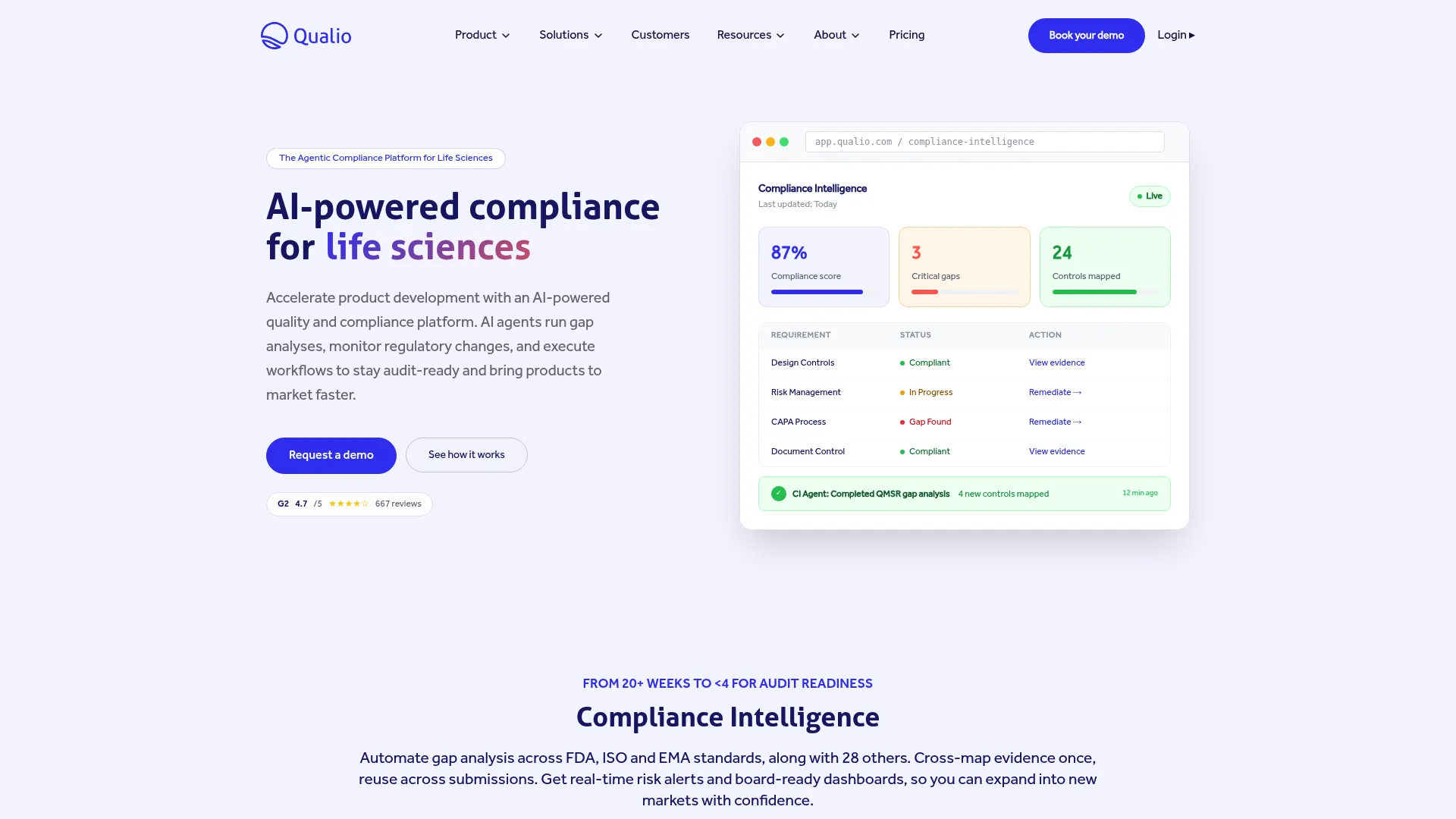
Qualio is a cloud quality management platform for life sciences, positioned as an eQMS that brings quality and compliance workflows into one system. CAPA runs alongside document control, training management, and supplier quality, with a reputation for being more approachable than legacy enterprise QMS tools. For growing regulated teams, that balance of capability and usability is the selling point.
Best for: Life sciences teams that need an eQMS for quality and compliance workflows.
Key strengths
- Document control: Controlled documents that link cleanly to CAPA and quality events.
- Training management: Assign and track training tied to process and document changes.
- Supplier quality management: Manage supplier records alongside internal quality workflows.
Why choose Qualio: Choose Qualio when you want a single system for quality workflows without the implementation weight of a legacy enterprise platform. It fits life sciences companies that are scaling and need CAPA, document control, and training in one place, with a usability focus that shortens the time to a working process. An implementation fee applies to all plans.
Qualio pricing: Qualio lists Foundation, Growth, and Scale plans, all quote-based, with no public numeric pricing. An implementation fee applies to all plans. It holds a 4.4/5 rating on G2.
7. ETQ Reliance

ETQ Reliance, now presented as Octave Reliance, is cloud-native quality management software for automating quality, compliance, and continuous improvement workflows. It covers document control, CAPA, audits, and training on a configurable platform, with reporting and predictive AI dashboards. For mature quality teams, the differentiator is how far you can configure the workflow to match complex, established processes.
Best for: Manufacturers and regulated enterprises that need configurable eQMS workflows.
Key strengths
- Configurable platform: Cloud-native architecture that adapts to complex, established quality processes.
- Core quality suite: Document control, CAPA, audits, and training in one system.
- Predictive AI dashboards: Reporting and analytics that surface trends and recurring issues.
Why choose ETQ Reliance: ETQ Reliance suits mature quality organizations that need to shape the platform to their process rather than adapt their process to the tool. Its configurability and analytics depth reward teams with the resources to invest in setup. Lightweight buyers who want a fast, out-of-the-box CAPA workflow will find simpler tools a faster route to value.
ETQ Reliance pricing: ETQ Reliance does not publish pricing on its site and directs visitors to request a demo or a quote. It holds a 4.3/5 rating on G2.
What to evaluate before you buy
The best CAPA software for your team depends on workflow maturity, compliance burden, and reporting needs. Before you shortlist, run every candidate against these criteria.
Workflow depth and closure controls
Look past the feature list to how the tool moves an issue from capture to verified closure. Check whether ownership, due dates, escalations, and approval gates are enforced or optional. A workflow you can bypass is a workflow that will get bypassed under pressure.
Root cause and reporting maturity
Confirm the tool supports the RCA methods your team actually uses, whether that is 5 Whys, Ishikawa, 8D, or risk scoring. Then check the reporting layer. Can you spot recurring issues and trends across sites, or are you exporting to a spreadsheet to do the real analysis?
Compliance and audit trails
For regulated teams, verify electronic signatures, immutable audit trails, and validation support. If you operate under ISO 9001 or life sciences regulation, ask how the vendor handles system validation and whether audit trails capture every change, approval, and closure.
Integrations and data ownership
CAPA rarely lives alone. Check how the tool connects to document control, training, and your broader QMS or EHS stack. Ask where your data lives, how you export it, and what happens to your records if you leave. Teams evaluating adjacent systems often review contract lifecycle management software and contract management software for supplier and compliance documentation that feeds quality workflows.
Implementation effort and adoption
A powerful tool nobody uses is worse than a simple tool everyone does. Weigh setup time, configuration burden, and how quickly your cross-functional stakeholders will actually adopt it. Cloud-based options, which held 62 to 65% of the market in 2025 per Strategic Market Research, generally shorten the path to a working process.
Conclusion
The right CAPA system depends less on which vendor tops a list and more on how your team works. For mobile-first operational teams, SafetyCulture wins on speed of field capture. For focused corrective action tracking, Adaptive BMS keeps the workflow clean. EHS Insight fits teams whose CAPA is driven by safety and environmental compliance. For regulated life sciences, Montrium and Qualio bring quality event management and document control together, while MasterControl and ETQ Reliance deliver the governance and configurability that large, complex quality organizations need.
There is no universal best. There is only the best fit for your workflow maturity, compliance burden, and reporting needs.
Your next step is practical: shortlist two or three tools that match your compliance profile, compare their workflow depth and audit trails side by side, then request a demo or trial. Watch how each one moves a real issue from capture to closure. That single test will tell you more than any feature comparison. Teams building out a wider quality stack often pair CAPA with audit management and event management software to cover the full compliance workflow.
FAQs
CAPA software tracks corrective and preventive actions from issue capture through investigation, action, and verified closure. Its purpose is to prevent problems from recurring, assign clear accountability, and maintain the audit visibility you need to prove the process worked. It turns scattered fixes into a controlled, traceable workflow.
An NCR (nonconformance report) documents a defect or deviation, capturing what went wrong. A CAR (corrective action request or report) is the formal request to investigate and fix a specific issue. CAPA (corrective and preventive action) is the broader process that addresses both the immediate problem and the risk of recurrence. A single NCR or CAR can trigger a CAPA.
At minimum, look for structured workflow with ownership and due dates, root cause analysis tools, task management with reminders, approvals and electronic signatures, immutable audit trails, evidence attachment, reporting and dashboards, and integrations with your document control and QMS systems. The right mix depends on whether your priority is speed, breadth, or regulated compliance.
ISO 9001 requires organizations to have a corrective action process, but it does not mandate any specific software. Software helps operationalize that requirement by enforcing the workflow, capturing evidence, and producing the audit trail that demonstrates conformance. Many teams adopt audit-ready CAPA software specifically to make ISO 9001 evidence easy to produce during certification and surveillance audits.
Small teams should favor quick setup, a simple workflow, and cloud or mobile access over enterprise breadth. Tools with free or low-entry tiers, like SafetyCulture or Adaptive BMS, let you start without a heavy implementation project. A full enterprise QMS is usually overkill for a small team and slows time to a working process.
Yes. CAPA software supports audit readiness through electronic signatures, immutable audit trails, and centralized records that show every change, approval, and closure. Instead of assembling evidence from email and spreadsheets, you produce a complete, timestamped process history on demand. That process visibility is exactly what auditors ask to see.
Yes. Built-in methods like 5 Whys, Ishikawa diagrams, 8D, and risk scoring force a consistent, repeatable approach to diagnosis. That consistency reduces variation across teams and sites, which produces higher-quality corrective actions and fewer repeat issues. Structured RCA is one of the clearest ways CAPA software raises the quality of the fixes themselves.
Regulated industries should prioritize compliance support, system validation, granular access control, immutable audit trails, and reporting that stands up to inspection. Life sciences teams need tight links between CAPA, document control, and change management. Manufacturing and EHS teams need CAPA connected to incidents, audits, and supplier quality, so the corrective action never sits in isolation.