

Your engineering team updated a subassembly last week. Procurement bought the old part anyway. Nobody caught it until the parts arrived and the assembly line stopped.
That is the cost of managing bills of materials in spreadsheets. Versions drift. Someone emails a "final_v3_updated" file. A revision lands in one inbox but not another. And by the time the error surfaces, you have already spent money on the wrong components.
The market is moving away from this. Global bill of materials software spend is projected to grow from USD 9.64 billion in 2025 to USD 12.59 billion in 2030, a 5.3% CAGR, according to The Business Research Company (2024). Manufacturers are replacing scattered files with governed systems because the handoff between engineering, inventory, production planning, and procurement is where deals, deadlines, and margins quietly leak.
If you build physical or configured products, the question is no longer whether to leave spreadsheets. It is which system fits how your team actually works. Product and operations teams evaluating this category care about the same things you would when shipping any workflow: does it hold up under real revision volume, does it connect to the tools already in the stack, and can it scale without becoming a maintenance burden.
This guide compares eight tools that do exactly that. The same discipline applies to adjacent operational systems, so if you also manage contracts or vendor agreements, our roundup of contract management software tools covers similar governance ground. For teams tracking audit trails across production, audit management software pairs well with a governed BOM workflow.
What's inside
This guide is for manufacturing, engineering, operations, and product teams choosing a system to create, version, and share bills of materials, usually while coordinating inventory, production planning, and ERP handoff. We selected tools that treat the BOM as a live workflow rather than a static document.
Each option was evaluated on five criteria that matter most to buyers replacing spreadsheets:
- Workflow fit: how well BOM creation, editing, and approvals map to real production processes
- Scale: support for multi-level structures, variants, and high revision volume
- Integrations: ERP, CAD, inventory, and procurement connections
- Traceability: revision control, ECO management, and batch or serial tracking
- Ease of maintenance: how much overhead the system adds over time
TL;DR
- Best for engineering-heavy product data: OpenBOM connects CAD, PDM, and BOM management in one graph-based model.
- Best for small manufacturers: MRPeasy ties multi-level BOMs to production planning, inventory, and costing.
- Best for inventory-first teams: Katana MRP puts real-time stock, purchasing, and scheduling around your BOMs.
- Best for ERP-heavy operations: Odoo manages BOMs inside a modular, all-in-one business platform.
- Best for lightweight operations: OfficeBooks and NolaPro handle straightforward BOM and inventory workflows without heavy setup.
What is bill of materials software?
Bill of materials software is a system for creating, versioning, and sharing structured lists of the parts, subassemblies, and materials required to build a product, connected to the workflows that consume that data.
Unlike a spreadsheet, BOM management software treats each part and revision as a governed record. When engineering changes a component, the update propagates to every assembly that uses it, and the people who need to know are notified. That is the core difference between a file and a system.
Core capabilities most buyers evaluate:
- BOM creation and editing: build and modify part lists with quantities, references, and metadata
- Multi-level and variant structures: manage subassemblies, nested BOMs, and configurable product variants
- Revision control and ECOs: track every change, run engineering change orders, and keep an auditable history
- Collaboration and approvals: let engineering, production, and procurement work from one source with role-based access
- Inventory, production, and ERP connections: tie BOM data to stock levels, purchase orders, scheduling, and material planning
Cloud BOM software has become the default deployment because it removes version confusion at the source. Everyone works from the same live record, revisions are timestamped, and access follows roles rather than email chains. For engineering-led teams, CAD integration matters too, so mechanical and electrical design data stays linked to the manufacturing BOM.
The category overlaps with MRP and ERP systems, but the distinction is scope. A dedicated BOM tool centers on the product structure and change process. An ERP wraps that in finance, procurement, and operations. Which one you need depends on how much of your business you want in a single platform.
When to use bill of materials software
Not every team needs a dedicated system on day one. Here is when the switch pays for itself.
Replace spreadsheets with a governed workflow
Spreadsheets work until they do not. The tipping point usually arrives when more than one person edits BOMs, when revisions happen weekly, or when a wrong part number reaches procurement. If you have ever shipped the wrong component because two files disagreed, you have already paid the cost of a spreadsheet replacement for BOMs. A governed system gives you one live record, timestamped changes, and visibility into who changed what.
Manage multi-level or configurable products
When products have subassemblies, nested BOMs, or customer-specific variants, manual tools break down. A change to a shared subassembly should propagate to every parent assembly automatically. Multi-level BOM software and configurable BOM software handle this propagation, so a single edit does not require you to hunt through a dozen dependent sheets. This is where BOM revision control and ECO management earn their keep.
Connect BOMs to production and procurement
A BOM is not just an engineering artifact. It drives purchasing, scheduling, and material planning. When the BOM connects to inventory and ERP integration, procurement knows what to buy and when, and production planning reflects real component availability. That connection is what turns fewer handoff errors into better material readiness and shorter lead times.
Comparison table
The table below sorts tools by relevance to dedicated BOM management, then by breadth of operational fit. Read the intent column to match a tool to your primary job, then use the key use case column to confirm it handles your product complexity. Pricing reflects entry tiers at publication; ratings are current G2 scores where available.
| # | Product | Intent | Key use case | Pricing | G2 rating |
|---|---|---|---|---|---|
| 1 | OpenBOM | Engineering-grade BOM, PDM, and PLM | CAD-linked BOMs with revision control and collaboration | From $55/seat/mo (free tier) | 4.2/5 |
| 2 | MRPeasy | BOM + MRP for small manufacturers | Multi-level BOMs tied to production and inventory | From $49/user/mo | 4.6/5 |
| 3 | Katana MRP | Inventory-first manufacturing | BOMs with real-time stock and scheduling | Free; Core from $299/mo | 4.4/5 |
| 4 | Odoo | Modular ERP with manufacturing | BOMs inside a full business platform | Free (one app); Standard $31.10/user/mo | 4.2/5 |
| 5 | 24SevenOffice | Cloud ERP and accounting | BOM workflows in a broader operations stack | From NOK 49/mo | 4.1/5 |
| 6 | OfficeBooks | Lightweight inventory and orders | Straightforward BOM and purchasing | Free; paid from $9.99/mo | 4.1/5 |
| 7 | NolaPro | Accounting with inventory | BOM-adjacent workflows plus finance | Free; cloud from $6/mo | 4.3/5 |
| 8 | Statii | Small-manufacturer production management | Structured BOM and job workflows | See vendor | Not rated |
1. OpenBOM
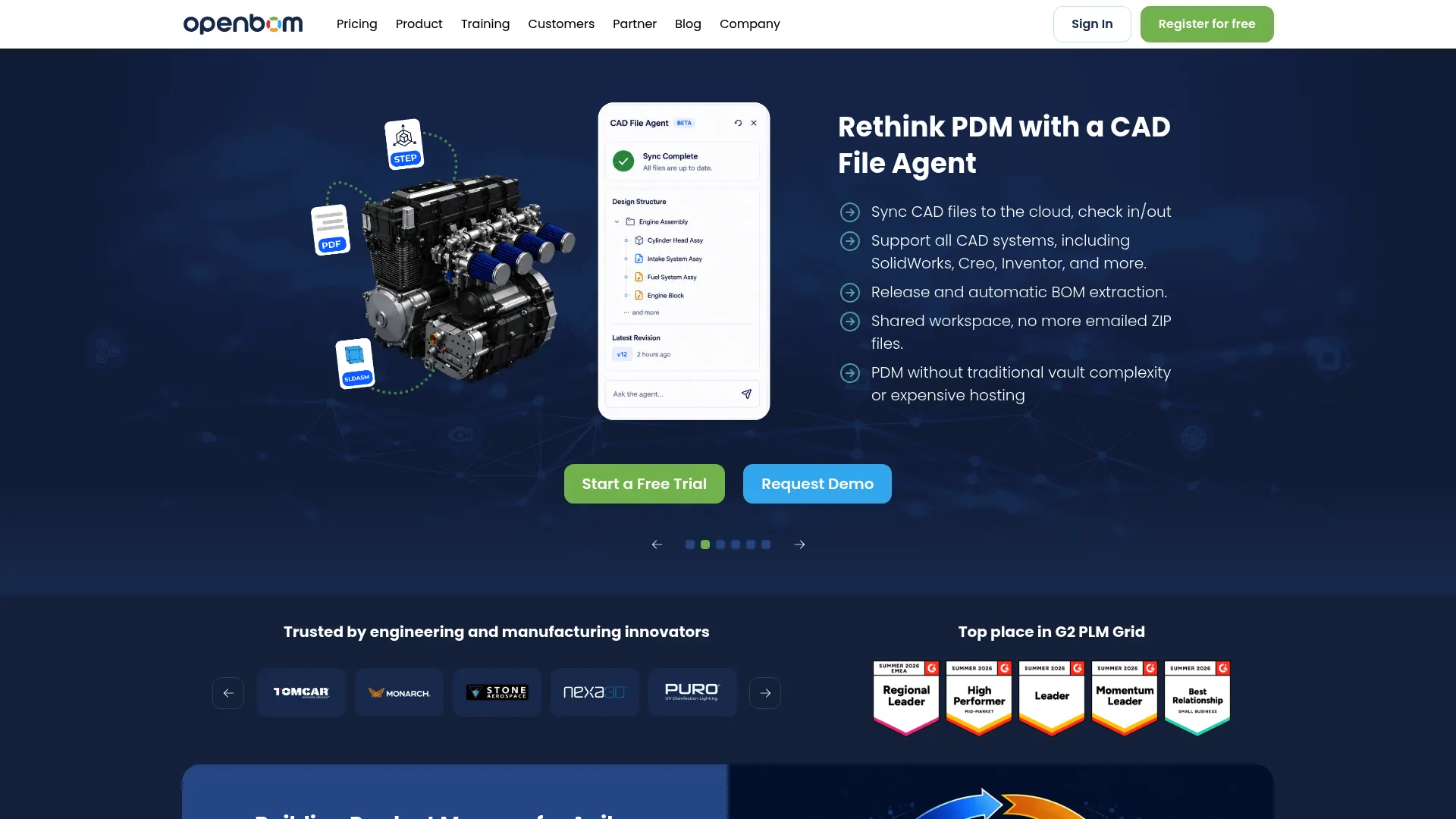
OpenBOM is a cloud-based platform combining BOM management, PDM, and PLM for engineering and manufacturing teams. It centers on a connected product data model, so a single part record links to every BOM, CAD file, and assembly that references it. That graph-based structure is what lets change propagate cleanly across multi-level BOMs instead of forcing manual updates in isolated files.
For engineering-led teams, the CAD integration is the differentiator. Mechanical and electrical design data stays linked to the manufacturing BOM, and revisions carry through with an auditable history. Real-time collaboration means engineering, purchasing, and production edit the same record rather than trading versions by email.
Best for: engineering-heavy teams managing complex product data across CAD, BOMs, and inventory.
Key strengths
- Connected product data model: one part record links to every BOM, file, and assembly for clean change propagation
- CAD file management and revision control: design data stays tied to the manufacturing BOM with full history
- Real-time collaboration: engineering, procurement, and production work from a single live record
Why choose OpenBOM: If your BOMs are driven by CAD and your product data is genuinely complex, OpenBOM handles the depth that lighter tools cannot. It suits teams that need multiple BOM views, from engineering to manufacturing to purchasing, without maintaining parallel spreadsheets.
OpenBOM pricing: OpenBOM uses user-role licenses plus data-record pricing. The Professional Team plan starts at $55 per seat per month and the Company plan at $165 per seat per month, both billed monthly. Enterprise is custom. CAD add-ins run $45 per seat per month per CAD system, and up to 2,000 data records are free, giving smaller teams a genuine free tier to start.
2. MRPeasy
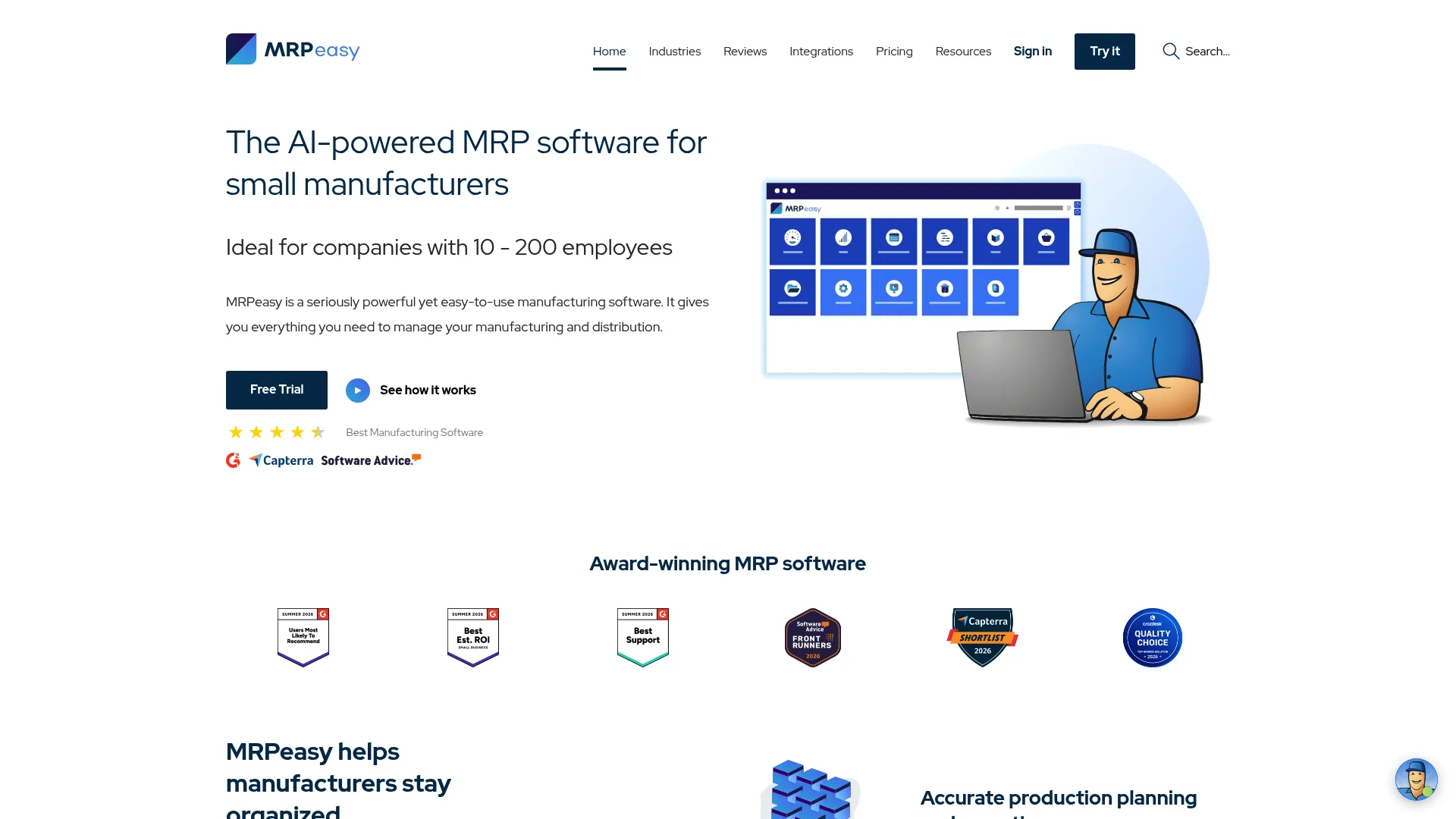
MRPeasy is cloud-based ERP and MRP software built for small manufacturers and distributors. Where a pure BOM tool stops at the part list, MRPeasy ties that list directly into production planning, scheduling, inventory, and costing. The result is a BOM that does real operational work: it drives what you buy, what you build, and what it costs.
Multi-level BOM support and variant handling let you manage subassemblies and configured products without leaving the system. Because BOMs connect to shop-floor control and warehouse management, a design change flows into purchasing and scheduling automatically, closing the gap where spreadsheet-driven teams lose money.
Best for: small-to-mid-sized manufacturers who want BOMs wired into production and inventory in one system.
Key strengths
- Production planning and scheduling: BOMs drive build orders, capacity, and timelines directly
- BOM management: multi-level and variant structures with costing tied to each level
- Inventory and warehouse management: stock levels update against BOM consumption in real time
Why choose MRPeasy: MRPeasy fits the team that has outgrown spreadsheets but does not want a heavyweight ERP rollout. It gives you manufacturing BOM software plus the operational layer around it, without a long implementation cycle.
MRPeasy pricing: Plans are per-user and billed monthly. Starter is $49 per user per month, Professional is $69, Enterprise is $99, and Unlimited is $149. A free trial is available, and bulk pricing applies after 10 users, which helps as your team scales.
3. Katana MRP
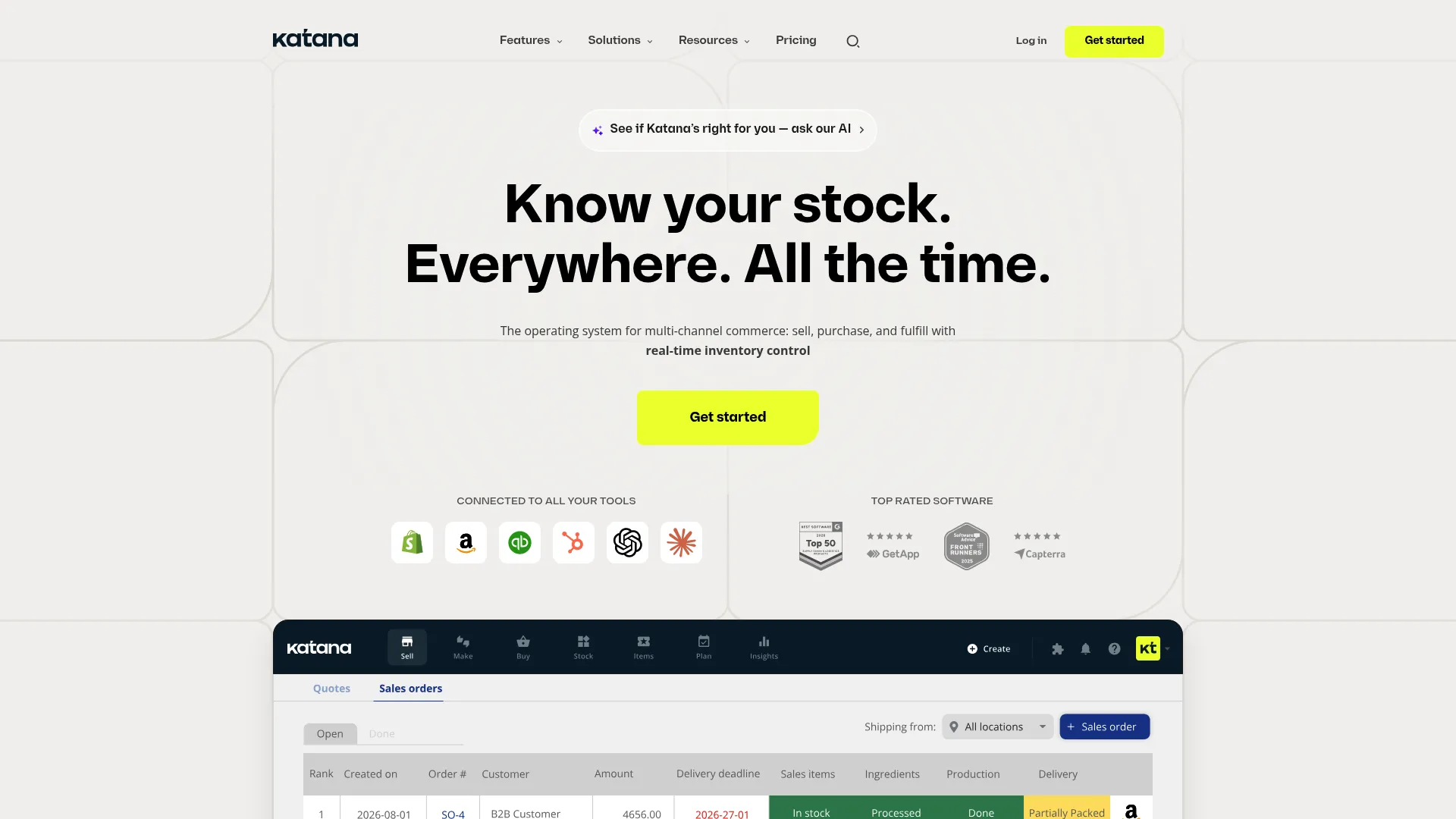
Katana MRP is cloud MRP and inventory software for manufacturers and product businesses. Its strength is inventory-first visibility: BOMs sit at the center of real-time stock tracking, purchasing, and production scheduling. When a build order runs, Katana shows exactly which materials are committed, available, or short.
For teams whose primary pain is knowing what they can build right now, this framing matters. Batch and serial traceability supports quality and recall requirements, and multi-location inventory keeps distributed operations aligned. The BOM becomes the anchor for material planning rather than a document that lives apart from stock.
Best for: inventory-first manufacturers and product businesses coordinating stock, purchasing, and production.
Key strengths
- Real-time inventory management: BOM consumption updates stock instantly across locations
- Purchasing and planning: purchase orders and forecasting flow from BOM-driven demand
- Batch and serial traceability: track components through production for quality and recalls
Why choose Katana MRP: Choose Katana when inventory accuracy is the bottleneck. It connects BOMs to live stock and purchasing so production planning reflects what is actually on the shelf, not what a spreadsheet assumed last month.
Katana MRP pricing: Katana offers a free plan, with the Core plan starting at $299 per month. A manufacturing management add-on runs $199 per month, and the Advantage tier uses custom annual contract pricing. The free tier lets smaller operations start without commitment.
4. Odoo
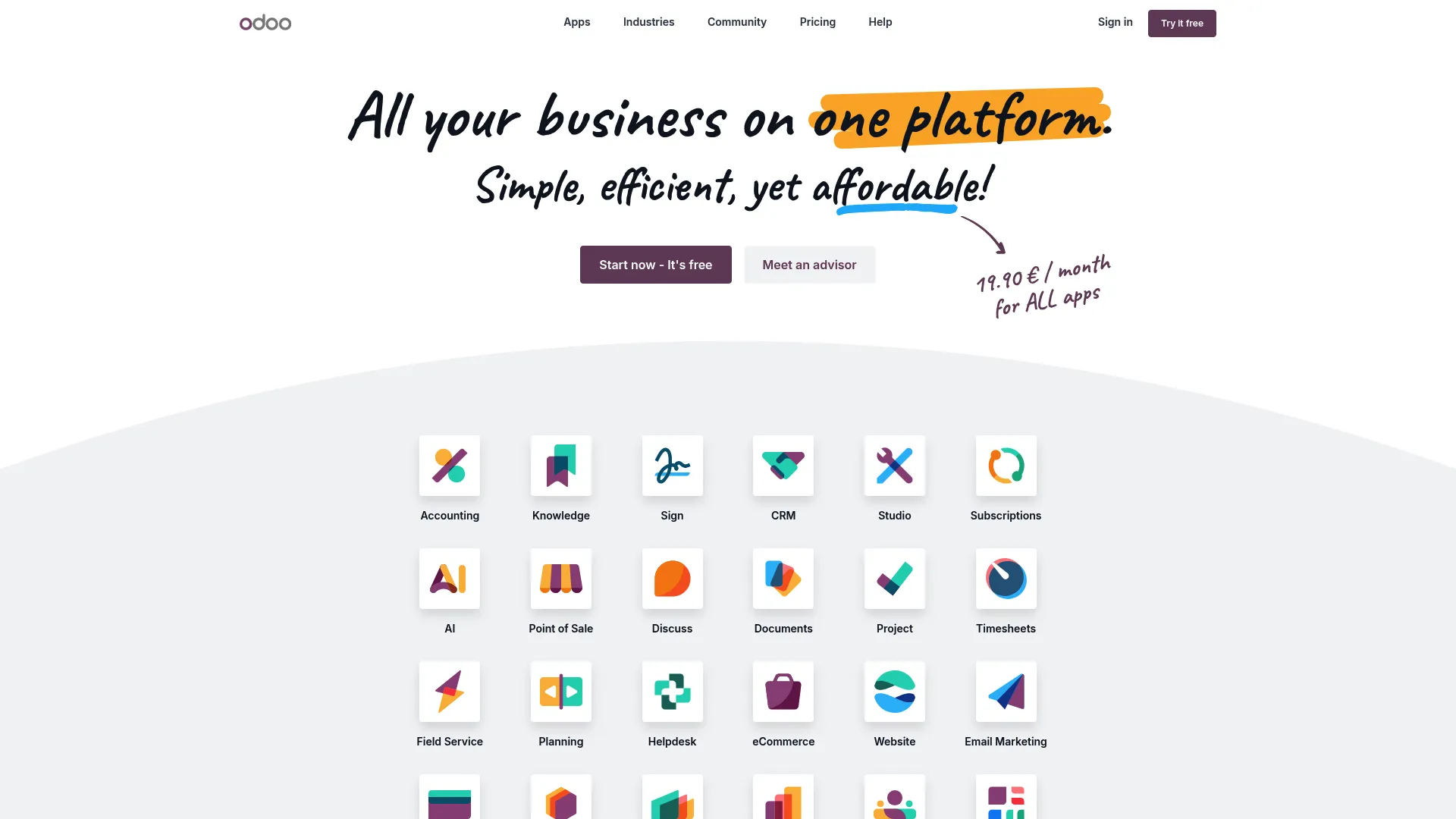
Odoo is an open-source suite of integrated business apps covering CRM, accounting, inventory, manufacturing, and more. BOM management lives inside its manufacturing module and connects natively to inventory and procurement. The appeal is breadth: your BOMs, stock, purchasing, and finance share one data model, which removes the ERP integration work entirely because it is all one platform.
For teams that want a single system rather than a stack of connected point tools, Odoo's modularity is the draw. You can start with manufacturing and inventory, then add sales, accounting, and more as you grow. Multi-level BOMs and product configurators are supported, and the Community edition is genuinely open source for teams that want to self-host.
Best for: businesses wanting a modular all-in-one ERP where BOMs connect natively to every other function.
Key strengths
- All apps in paid plans: BOMs share a data model with inventory, purchasing, and finance
- Modular adoption: start with manufacturing and add functions as needed
- Community and Enterprise editions: open-source self-hosting or fully managed options
Why choose Odoo: Odoo makes sense when the goal is consolidation. If you would rather run BOMs, inventory, and accounting on one platform than integrate three tools, the native connections save real maintenance overhead.
Odoo pricing: The One App Free plan supports unlimited users on a single app. The Standard plan is US$31.10 per user per month and the Custom plan is US$61.00 per user per month, both including all apps. Yearly pricing is also shown on the pricing page, and Custom adds capabilities like Odoo Studio and multi-company support.
5. 24SevenOffice
24SevenOffice is a cloud ERP and accounting platform with modules for finance, invoicing, payroll, project, and operations. BOM-related workflows fit inside its broader operations layer rather than as a standalone manufacturing product. For teams whose center of gravity is finance and administration, but who also need to track product structures, it keeps that data in the same system.
The platform leans toward businesses that want accounting and ERP consolidated, with operational modules added around them. Voucher processing with OCR, automation rules, and API access reflect that finance-forward design. If your BOM needs are moderate and your priority is a unified back office, it fits that context.
Best for: businesses wanting an all-in-one ERP and accounting platform with operational modules alongside finance.
Key strengths
- Voucher processing with OCR: automates document handling across finance workflows
- Usage-based transaction pricing: costs scale with actual activity
- API and integration access: connect partner and customer systems into the platform
Why choose 24SevenOffice: This suits teams that lead with accounting and ERP and want product and operational data in the same place. It fits a lighter operational stack where finance is the anchor and BOM tracking is one part of a broader picture.
24SevenOffice pricing: Pricing is shown in NOK and is usage-based. Voucher processing is included in the license at NOK 0. Support packages start at NOK 49 per month, with tiers rising through Complete Team, Complete Pro, Complete Business, and Complete Pluss, plus per-user and transaction fees where applicable.
6. OfficeBooks
OfficeBooks is cloud-based business management software for inventory, sales, purchasing, and manufacturing workflows. It aims at small distributors and manufacturers who want straightforward BOM support tied to orders and stock without a steep setup. The value is simplicity: build BOMs, manage purchase orders, and track inventory in one lightweight system.
This is not a deep PLM or a complex MRP. It is a practical operational tool for teams whose products are relatively simple and whose priority is getting off spreadsheets quickly. If you need engineering-grade revision control or heavy multi-level configuration, you will outgrow it. If you need clean inventory and order workflows with basic BOMs, it does the job.
Best for: small distributors and manufacturers needing lightweight inventory, order, and BOM management.
Key strengths
- Inventory control: track stock against sales and production activity
- Sales and quotes: manage the order pipeline alongside BOM data
- Purchase orders: drive procurement from BOM and inventory needs
Why choose OfficeBooks: OfficeBooks fits the team that wants to leave spreadsheets today without a long rollout. It is best when product complexity is low and the priority is simple, connected inventory and order workflows.
OfficeBooks pricing: A free plan includes all features but is limited to 5 users and 25 records, which is a real starting point for tiny teams. Paid plans are Purchasing at $9.99 per month, Distributor at $79 per month, and Full at $169 per month.
7. NolaPro

NolaPro is accounting and inventory software available in both cloud and self-hosted deployments. BOM management here sits inside a broader business system that leads with accounting, billing, payables, general ledger, payroll, and inventory. For teams that need manufacturing-adjacent workflows attached to solid financials, it covers that ground.
The tradeoff is clear: NolaPro is strongest as an accounting-plus-inventory system, and its BOM depth suits simpler product structures. Teams with heavy multi-level or configurable products will want a dedicated manufacturing tool. But for small-to-mid-size businesses that want finance and inventory unified, with self-hosting as an option, it delivers a flexible base.
Best for: small-to-mid-size businesses needing accounting plus inventory with cloud or self-hosted deployment.
Key strengths
- Multi-company support: manage several entities in one system
- Flexible deployment: run web-based cloud or self-host on your own infrastructure
- Full back-office coverage: billing, payables, general ledger, inventory, payroll, and time-tracking
Why choose NolaPro: NolaPro fits teams that want accounting at the center with inventory and BOM-adjacent workflows attached. The self-hosted option appeals to businesses with data-control or compliance requirements that rule out cloud-only tools.
NolaPro pricing: A single-user download is free, and a cloud Starter plan is also free. Enterprise and Non-Profit cloud plans are $12 per month, with cloud plans listing an additional $3 per employee per month. The ERP tier is contact-sales.
8. Statii
Statii is positioned for smaller manufacturers that want structured production management, including BOM and job workflows, in a system that is more organized than spreadsheets but lighter than full enterprise MRP. The emphasis is operational visibility: quotes, orders, jobs, and material lists tracked in one place so a small shop can see status at a glance.
For a small manufacturer moving off spreadsheets and manual scheduling, that structure is the value. It aims to give production teams control over the flow from enquiry to delivery without the overhead of a large implementation. Verify current pricing and feature scope directly with the vendor, since public pricing was not confirmed at publication.
Best for: smaller manufacturers wanting structured production and BOM workflows without heavy enterprise MRP.
Key strengths
- Structured job workflows: track enquiries, orders, and jobs through to delivery
- Operational visibility: see production status across the shop in one system
- Spreadsheet alternative: move off manual scheduling into a governed process
Why choose Statii: Statii fits the small shop that wants more structure than spreadsheets provide but is not ready for a large MRP deployment. It is a practical middle ground for teams prioritizing simplicity and visibility over deep configurability.
Statii pricing: Public pricing was not confirmed at publication. Contact the vendor directly to confirm current plans and BOM feature scope for your team size.
Considerations before you buy
A BOM tool is only as good as its fit with how your team already works. Run every shortlisted option through these criteria before committing.
Workflow and revision control depth
Map the tool to your real change process. If you run frequent engineering change orders, verify that ECO management and BOM revision control are first-class, not bolt-ons. Ask how a change to a shared subassembly propagates and who gets notified.
Multi-level and variant handling
If your products have subassemblies or customer-specific configurations, test the tool with a genuinely complex BOM during the trial. Multi-level BOM software and configurable BOM software vary widely in how gracefully they handle deep nesting and variants.
Integration with your existing stack
Confirm the ERP integration, CAD, inventory, and procurement connections you need actually exist and are supported at your tier. The point of leaving spreadsheets is to remove handoff errors, so the connections have to be real, not roadmap promises.
Scale and maintenance overhead
Consider where you will be in two years. Per-seat pricing that scales aggressively, or a tool that requires constant manual upkeep, can quietly become the new bottleneck. Weigh the maintenance cost the same way you would evaluate any system your team has to live in daily.
Conclusion
The right bill of materials software depends on your center of gravity. If engineering and CAD-linked product data drive your BOMs, OpenBOM offers the depth. If you are a small manufacturer wanting BOMs wired into production, MRPeasy fits cleanly. Inventory-first teams get real-time visibility with Katana MRP, and teams consolidating onto one platform find breadth in Odoo. For lighter operational needs, OfficeBooks, NolaPro, and 24SevenOffice each cover BOM workflows inside broader business systems, while Statii serves smaller shops wanting more structure than spreadsheets.
The practical next step: shortlist three tools that match your product complexity and existing stack, then run a real BOM through each trial. Do not test with a toy example. Load a genuinely complex, multi-level structure and watch how each handles a revision. The tool that keeps engineering, inventory, production planning, and procurement working from one record is the one that will pay for itself. As you evaluate operational systems more broadly, our guides to contract lifecycle management software and component content management systems apply the same governance-first lens.
FAQs
BOM software creates, versions, and shares structured lists of the parts, subassemblies, and materials needed to build a product. It replaces spreadsheets with governed records, so revisions are tracked, changes propagate to dependent assemblies, and engineering, production, and procurement work from one source. Most tools also connect BOM data to inventory, production planning, and ERP systems.
Yes, and that is the primary reason most teams adopt it. Excel breaks down when multiple people edit BOMs, revisions happen often, or a wrong part number reaches procurement. BOM management software solves the version confusion at the source: one live record, timestamped changes, and role-based access instead of emailed files named "final_v3."
Multi-level BOM software manages products built from subassemblies and nested component lists rather than a single flat parts list. The key capability is change propagation: editing a shared subassembly automatically updates every parent assembly that uses it. This is essential for configured or complex products where manual updates across many sheets would be error-prone.
BOM revision control tracks every change to a part or assembly as a timestamped, auditable record. When engineering makes a change, often through an engineering change order (ECO), the system logs who changed what, when, and why, then applies it across affected BOMs. This gives you a full history and prevents the drift that happens with manually versioned spreadsheets.
Often, yes. The tipping point is not company size but complexity and revision frequency. If more than one person edits BOMs, products have variants, or wrong parts have reached procurement, a governed system pays for itself. Several tools in this guide offer free tiers, so small manufacturers can start without a large commitment.
Dedicated BOM tools connect to ERP through native integrations or APIs, passing part data, revisions, and material requirements into procurement, inventory, and finance. Some platforms, like full ERPs, house BOMs natively so no integration is needed. The BOM-to-ERP handoff is what turns product structure into purchase orders and production schedules automatically.
Look for genuine variant handling, not just duplicated BOMs. Strong configurable BOM software uses rules or a product configurator to generate variant-specific structures from a shared base, so a change to common components updates every variant. Test it during a trial with a real configured product to confirm it handles your rules without manual workarounds.
BOM software centers on product structure: the parts, subassemblies, and revisions that define how something is built. Inventory software centers on stock: what you have, where it is, and what you need to reorder. The two overlap because BOM consumption drives inventory demand, and many tools combine them, but a pure BOM tool leads with the change process while inventory software leads with stock accuracy.