Manychat
Manychat is a chat marketing automation platform that helps brands and creators drive sales and engagement through messaging apps like Instagram, WhatsApp, Facebook Messenger, and Telegram.
Website
Industry
Leadgen
Share this article:

How to add video guide link on template in ManyChat

Here is how to add video guide link on template in manychat

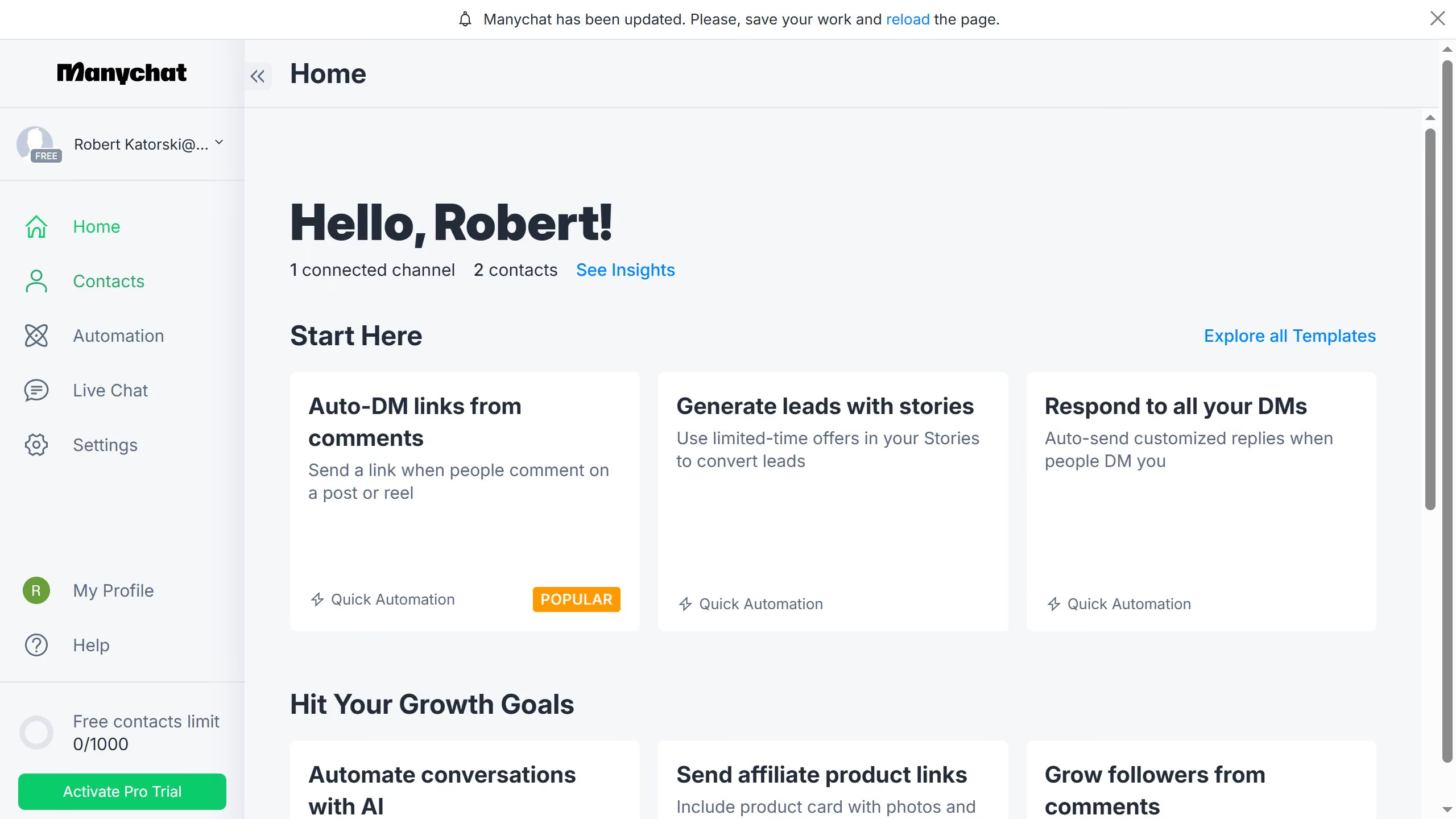
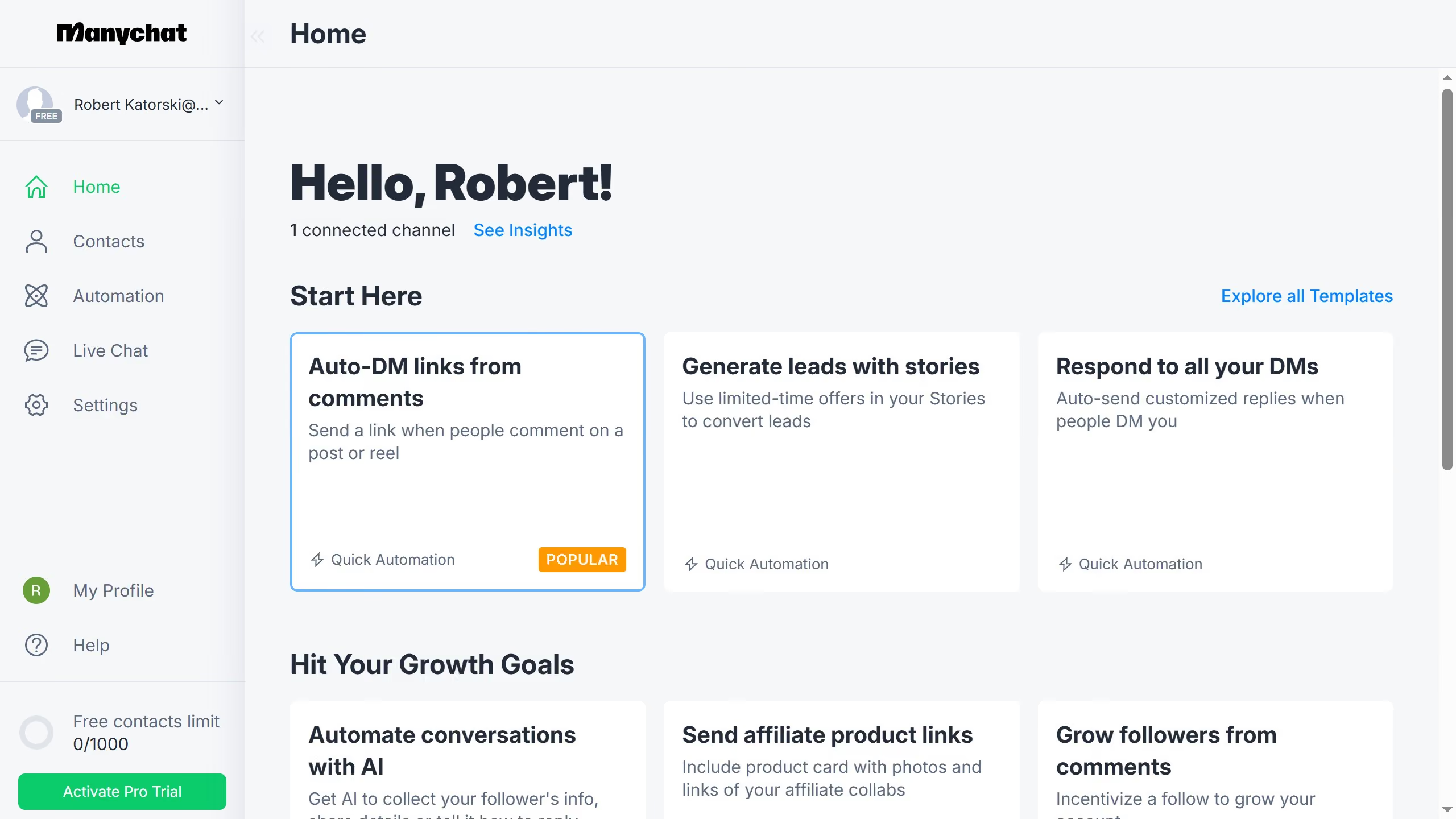
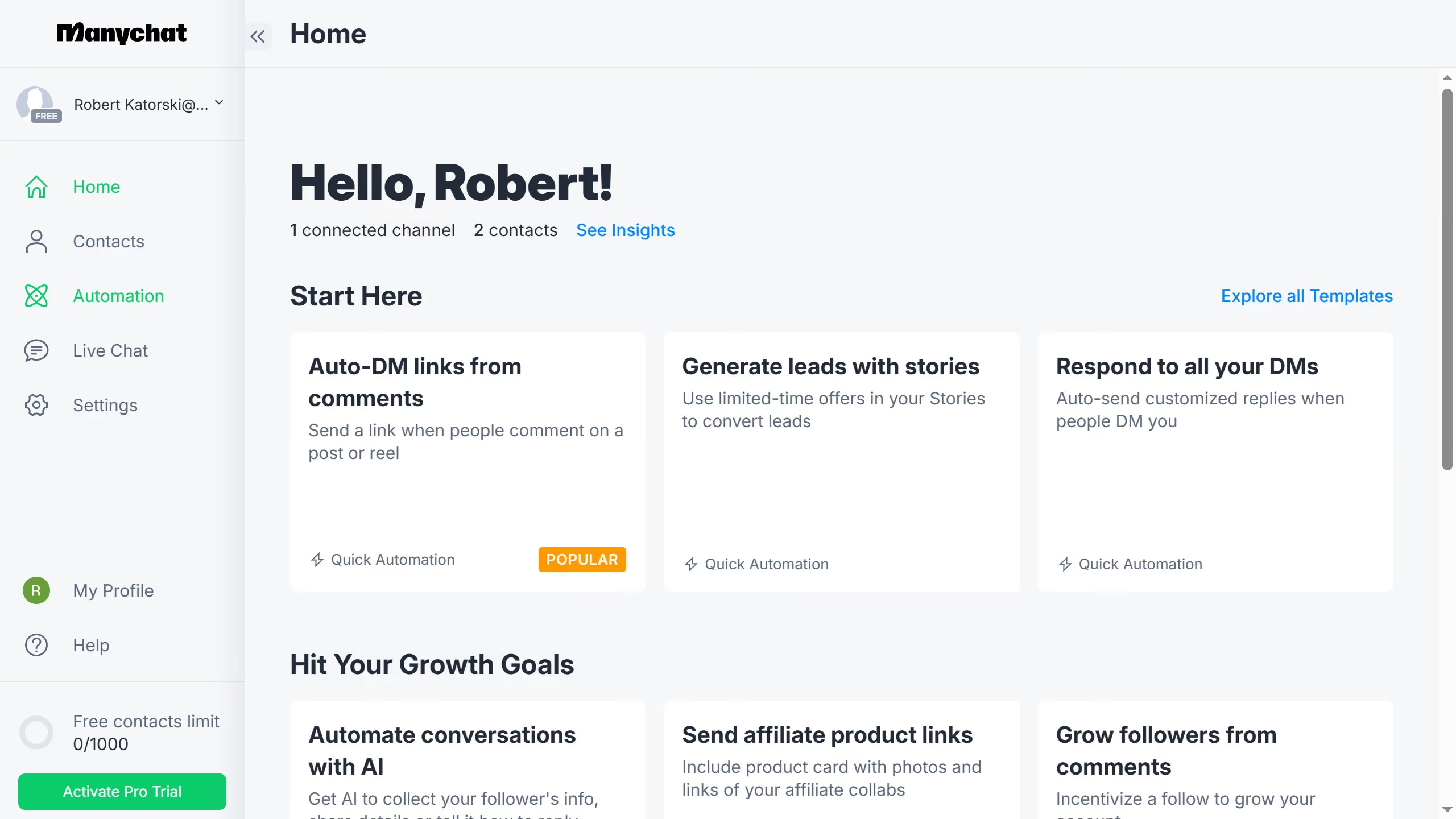
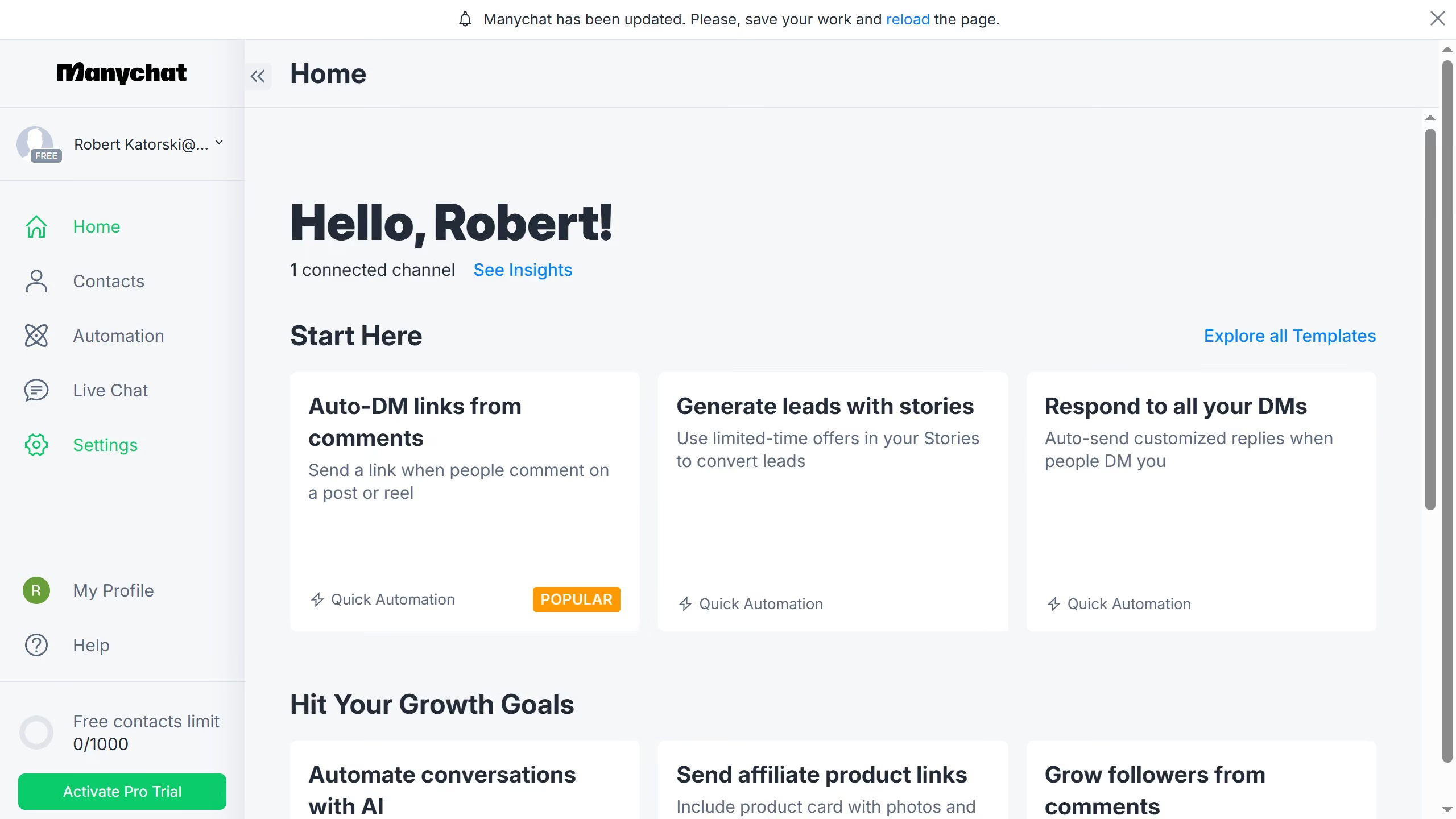
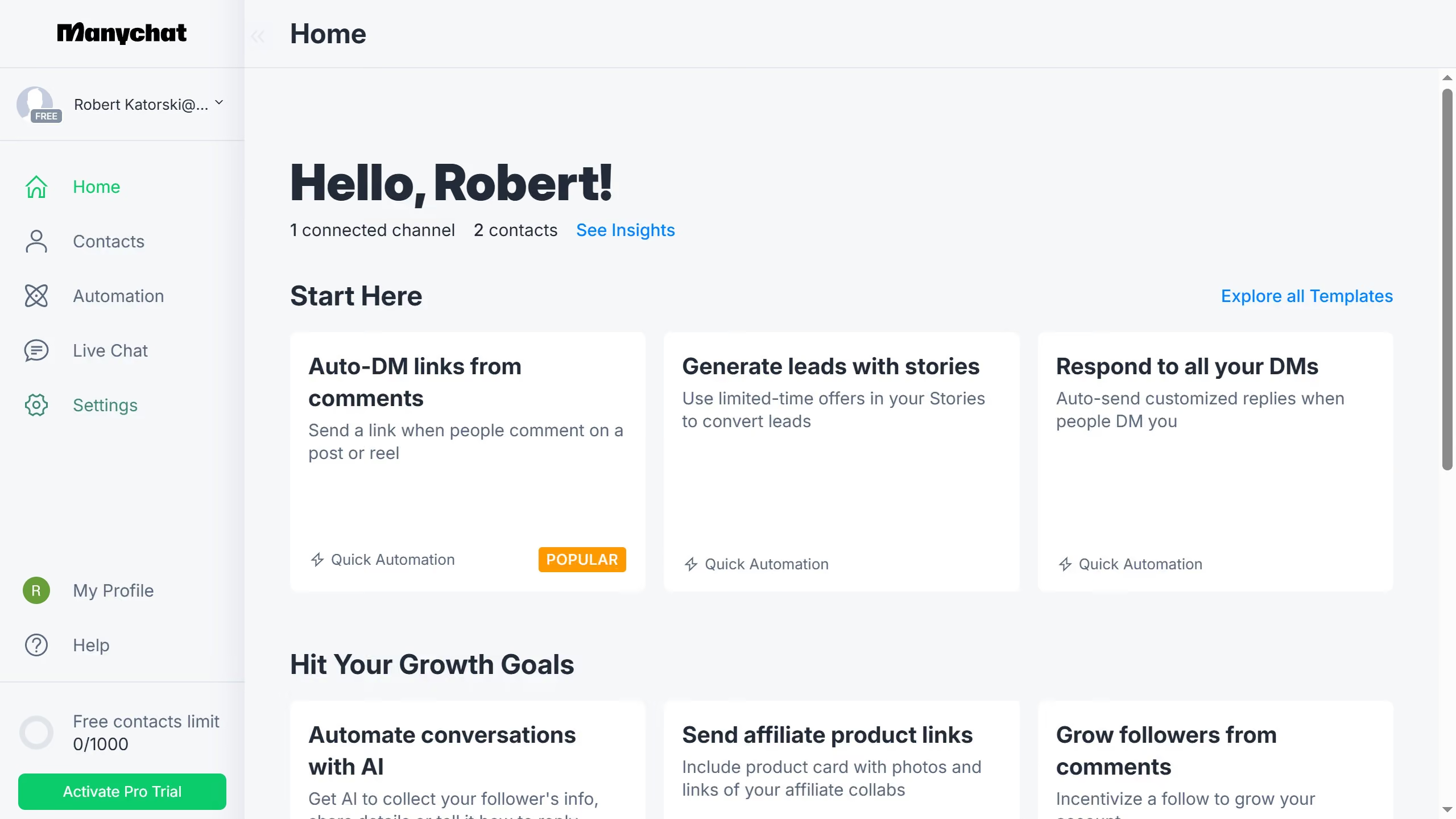
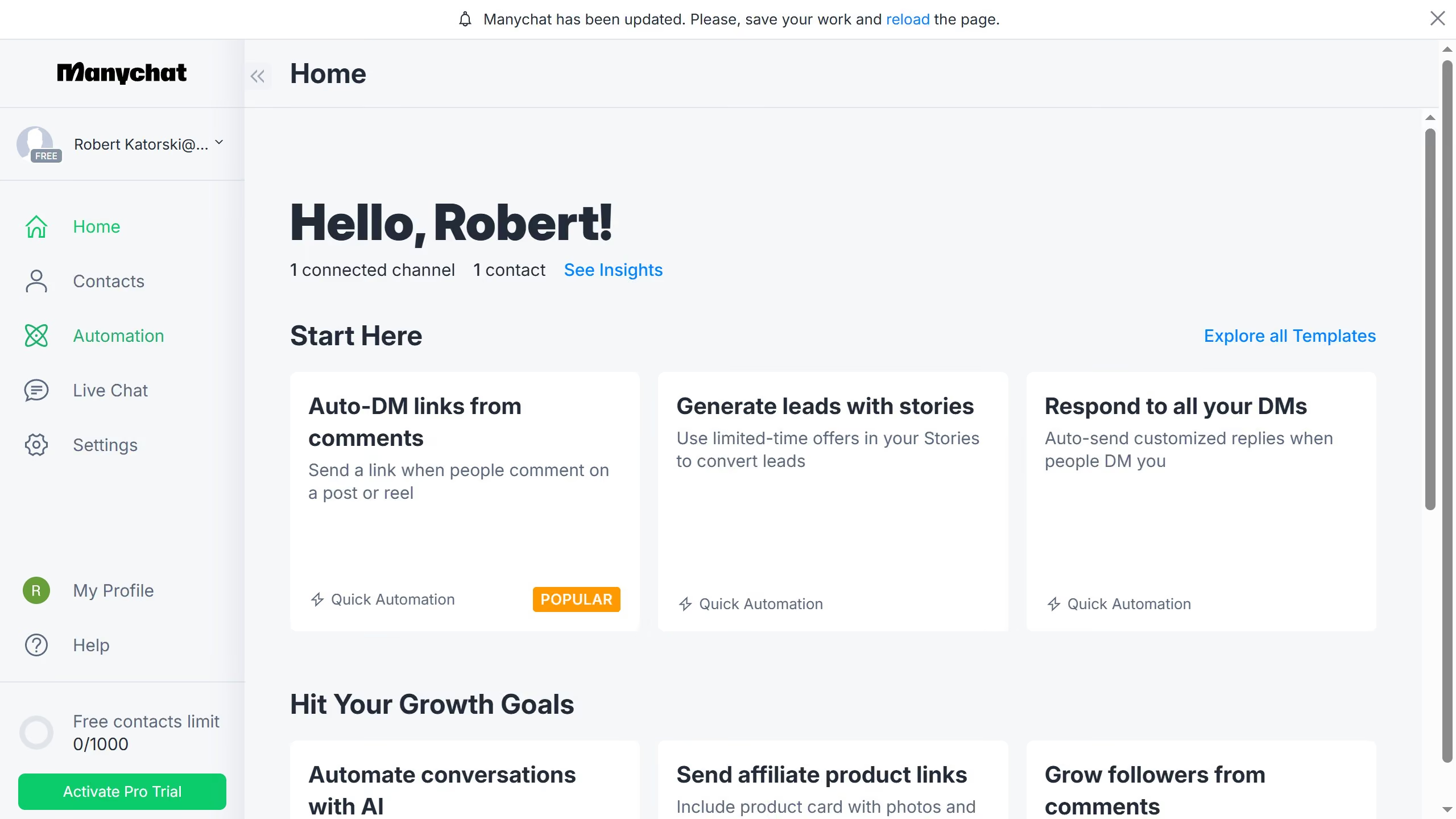
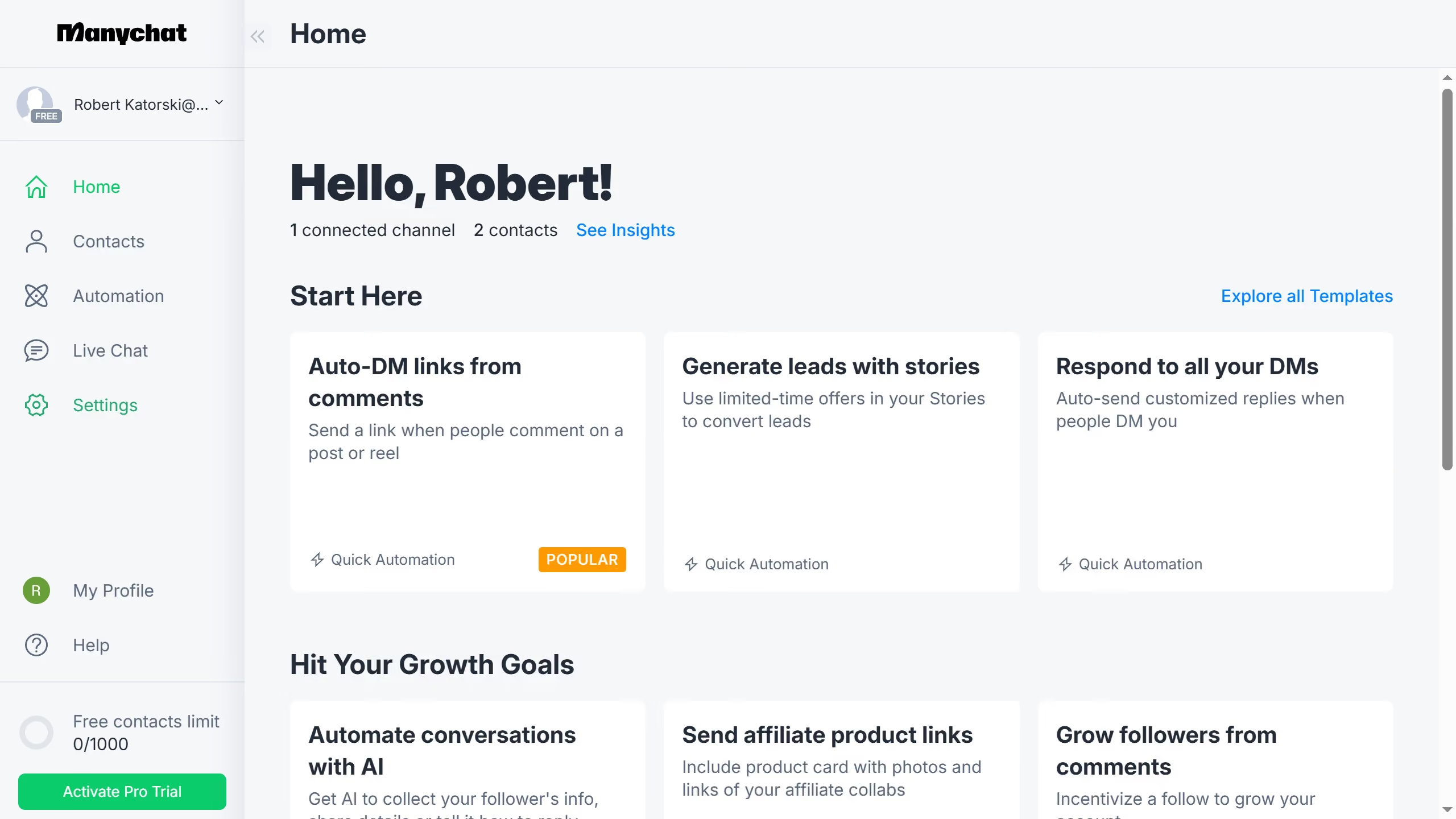
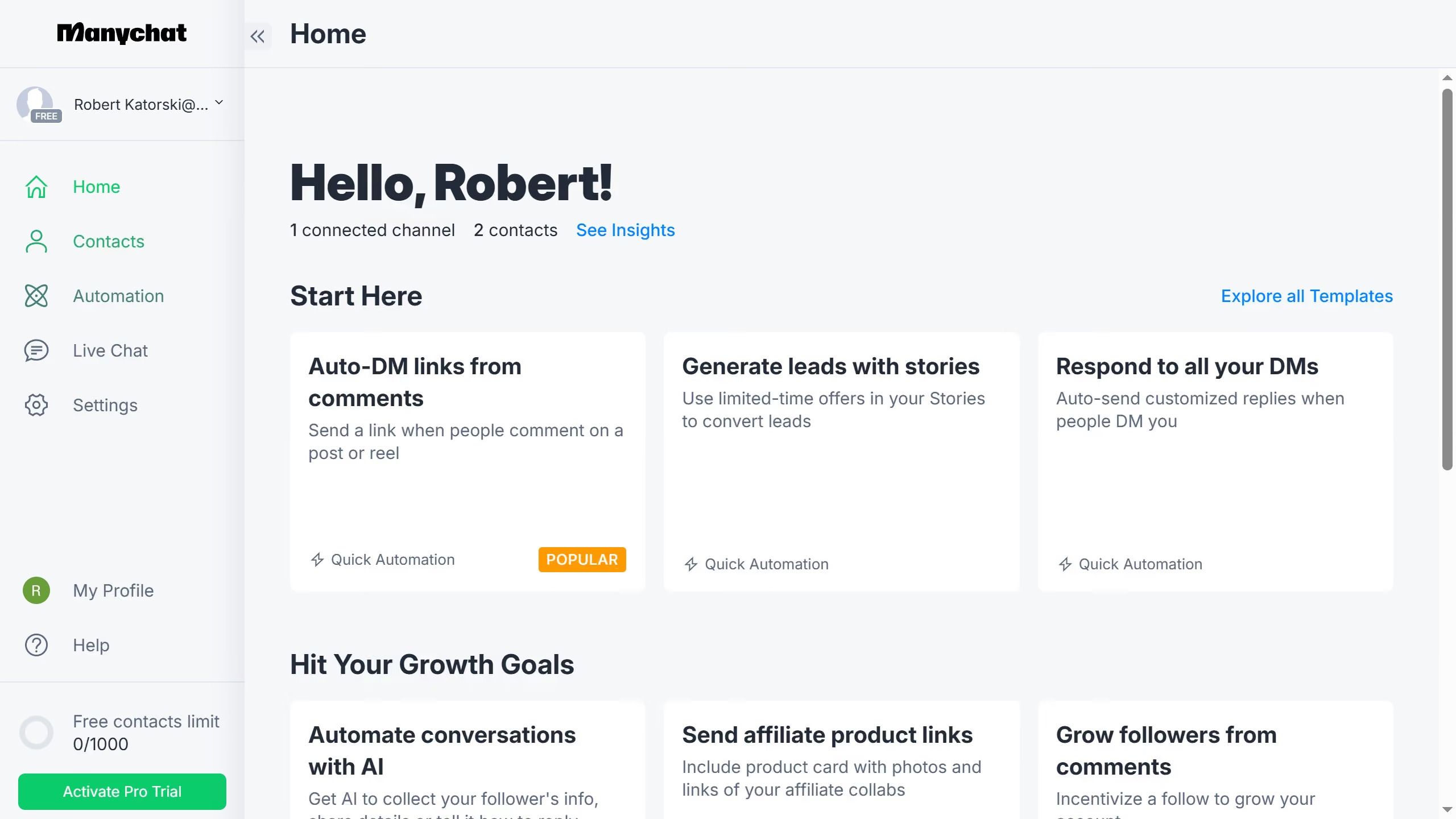
  1. First click on "My Profile" button in the left sidebar
  2. Then select "My Templates" option from the profile dropdown menu
  3. Click on a template you want to add video link in the templates list
  4. In the template editor, click on the video guide link input field and type in the video guide link you want to add
  5. Finally click the "Save" button in the bottom right corner of the template editor

Create your own interactive guide with Guideflow

Why should you add video guide link on template in ManyChat

ManyChat is a powerful tool designed to enhance customer engagement through automated messaging.

By adding a video guide link to a template in ManyChat, users can enrich their messaging experiences, providing clear visual instructions or demonstrations directly within the chat.

This feature ensures that information is conveyed effectively, supporting smoother communication and enhancing user engagement. Engaging visuals can help clarify complex ideas and increase user satisfaction by offering a more interactive experience.

Last update
July 14, 2026
Cursor MariaA cursor points to a button labeled "James."

Loo oma esimene demo vähem kui 30 sekundiga.